Contact Forms
Get in Touch – Client Contact Form for Agencies
What is the Get in Touch – Client Contact Form for Agencies?The Get in Touch – Client Contact Form for Agencies is a comprehensive Google Forms template …
What is the Get in Touch – Client Contact Form for Agencies?
The Get in Touch – Client Contact Form for Agencies is a comprehensive Google Forms template specifically designed to help marketing agencies, creative studios, and professional service providers capture essential client information and project inquiries. This free form template serves as the perfect first point of contact between your agency and potential clients, streamlining the initial consultation process while ensuring you collect all necessary details to provide accurate project estimates and timelines. The form is structured to gather both basic contact information and detailed project requirements, making it an invaluable tool for agencies looking to professionalize their client intake process.This Contact Forms template goes beyond simple contact collection by incorporating strategic questions that help agencies qualify leads and understand client needs from the very first interaction. By using this Google Forms template, agencies can automatically organize client inquiries, reduce back-and-forth emails, and ensure consistent information gathering across all potential projects. The form is designed to be client-friendly while providing agencies with the detailed information needed to deliver targeted proposals and establish clear project scope from the initial contact phase.Who Should Use This Form?
This form template is ideal for digital marketing agencies, advertising agencies, web design studios, branding consultancies, PR firms, and freelance creative professionals who need to streamline their client acquisition process. Marketing directors, business development managers, and agency owners will find this Google Forms template particularly valuable for capturing leads from their website, social media campaigns, or networking events. The form is also perfect for small to medium-sized agencies that want to appear more professional and organized when potential clients reach out for services, as well as established agencies looking to standardize their client intake process across multiple team members or departments.Form Questions & Fields
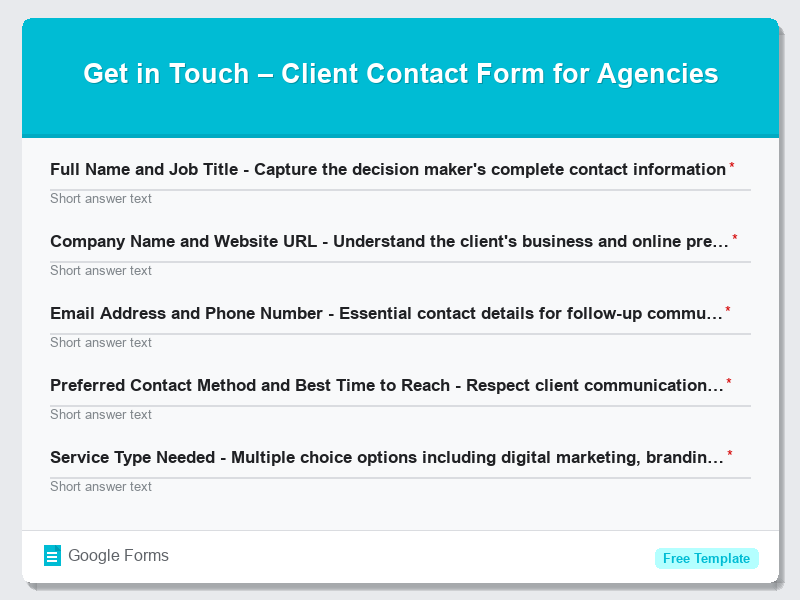
- Full Name and Job Title – Capture the decision maker’s complete contact information
- Company Name and Website URL – Understand the client’s business and online presence
- Email Address and Phone Number – Essential contact details for follow-up communications
- Preferred Contact Method and Best Time to Reach – Respect client communication preferences
- Service Type Needed – Multiple choice options including digital marketing, branding, web design, content creation
- Project Budget Range – Help agencies qualify leads and prepare appropriate proposals
- Project Timeline and Deadline Requirements – Critical for resource planning and scheduling
- Current Challenges or Pain Points – Understand what problems the client needs to solve
- Target Audience and Market Information – Essential for strategic planning and campaign development
- How Did You Hear About Us – Track marketing effectiveness and lead sources
How to Use This Google Form Template
- Access the free form template through Google Forms and click “Use Template” to create your own copy, then customize the agency name and branding elements to match your company’s visual identity and tone of voice.
- Customize the form questions based on your specific agency services and client needs, adding or removing fields that align with your typical project requirements and intake process, while ensuring the form remains concise and user-friendly.
- Set up automated response notifications in Google Forms settings to ensure immediate acknowledgment of client submissions, and configure email notifications to alert your business development team when new inquiries arrive.
- Embed the Contact Forms template on your agency website, share the direct link through social media campaigns, or include it in email signatures and marketing materials to maximize lead capture opportunities across all client touchpoints.
- Create a systematic follow-up process using the collected information to provide personalized responses within 24 hours, and integrate the form responses with your CRM system or project management tools to ensure seamless client onboarding.
Benefits of Using This Form
This Google Forms template offers numerous advantages for agencies looking to optimize their client acquisition process. First, it significantly reduces administrative overhead by automatically collecting and organizing client information in a standardized format, eliminating the need for manual data entry and reducing the risk of missing crucial project details. Second, the form helps agencies appear more professional and organized to potential clients, creating a positive first impression that can differentiate your agency from competitors who rely on basic contact methods. Third, by gathering detailed project information upfront, agencies can provide more accurate proposals and timelines, leading to better client satisfaction and higher project success rates. Finally, the automated nature of Google Forms allows for 24/7 lead capture, ensuring that potential clients can reach out at their convenience while providing your agency with immediate notification of new opportunities, ultimately improving response times and conversion rates.Similar Form Templates
More free Contact Forms templates you might find useful
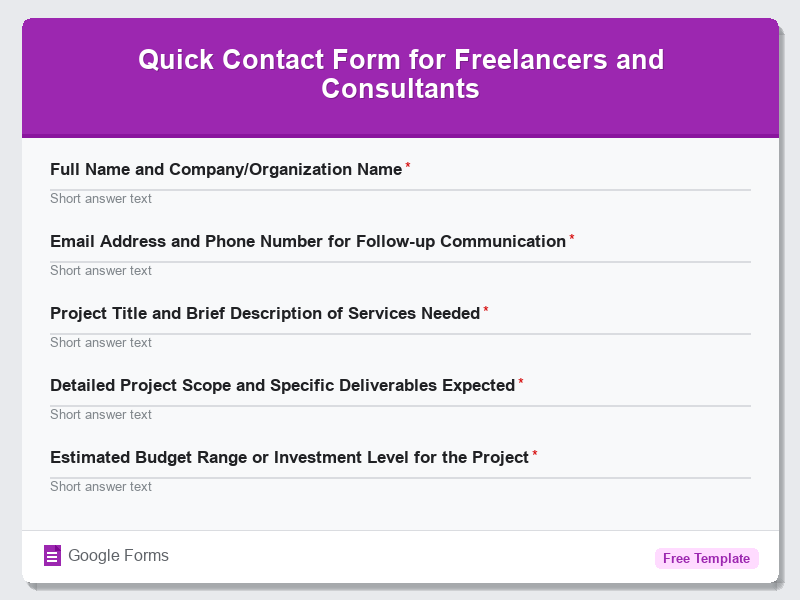
Quick Contact Form for Freelancers and Consultants
View Template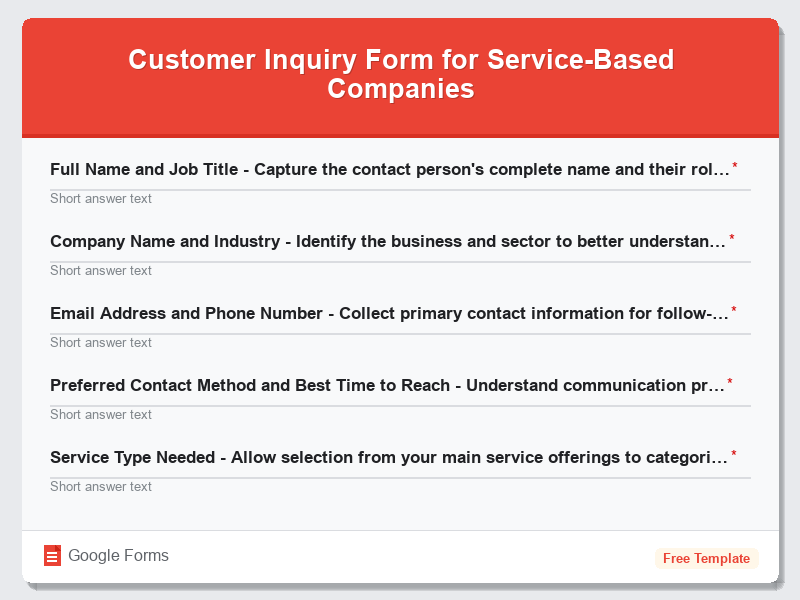
Customer Inquiry Form for Service-Based Companies
View Template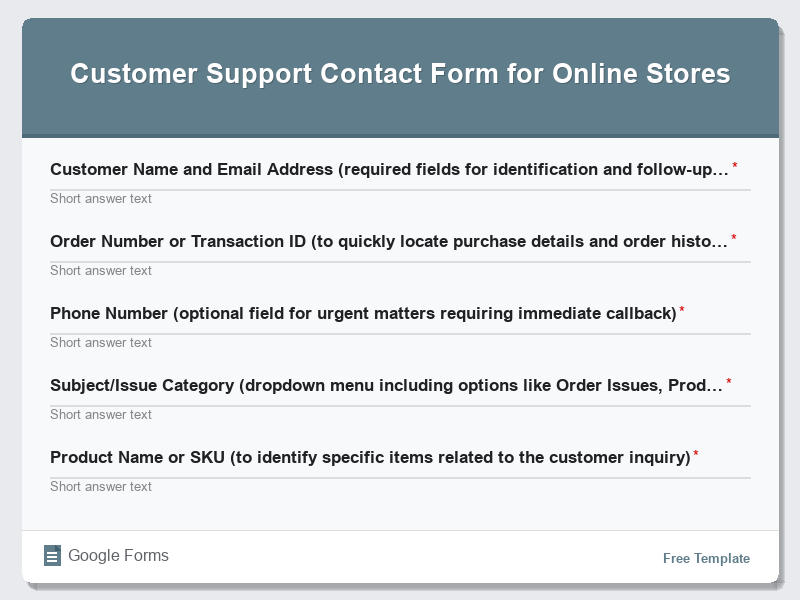
Customer Support Contact Form for Online Stores
View Template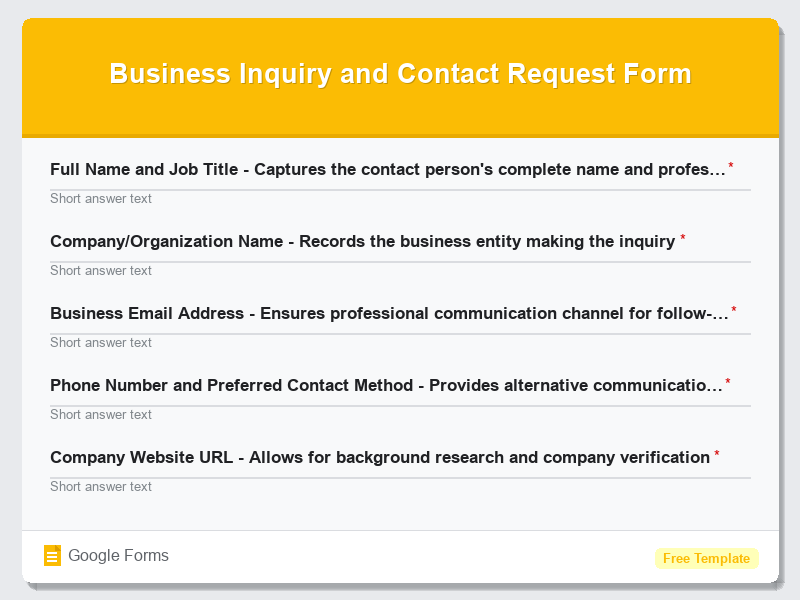
Business Inquiry and Contact Request Form
View Template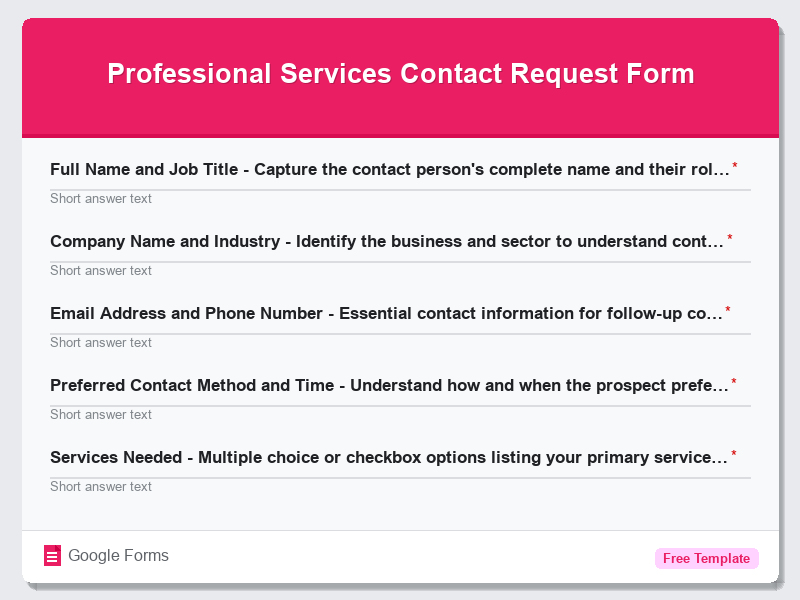
Professional Services Contact Request Form
View Template