
iPhone · iPad · Version 2.0
Describe the form you need. Get a real Google Form in your Drive.
Type a sentence or photograph a paper questionnaire. The app writes the questions, builds the form and gives you a link, a QR code, quizzes with automatic grading and live charts of the answers. iPhone and iPad.
Free to build and share. Google doesn’t publish a Google Forms app for iPhone, and this app is one way to fill that gap.
How it works
Three steps, about a minute

-
1
Connect your Google account
The app asks for permission to create files in your Drive. That permission is the whole architecture: your forms are created in your account from the first second, and they stay there.
-
2
Type it, pick it, paste it, or photograph it
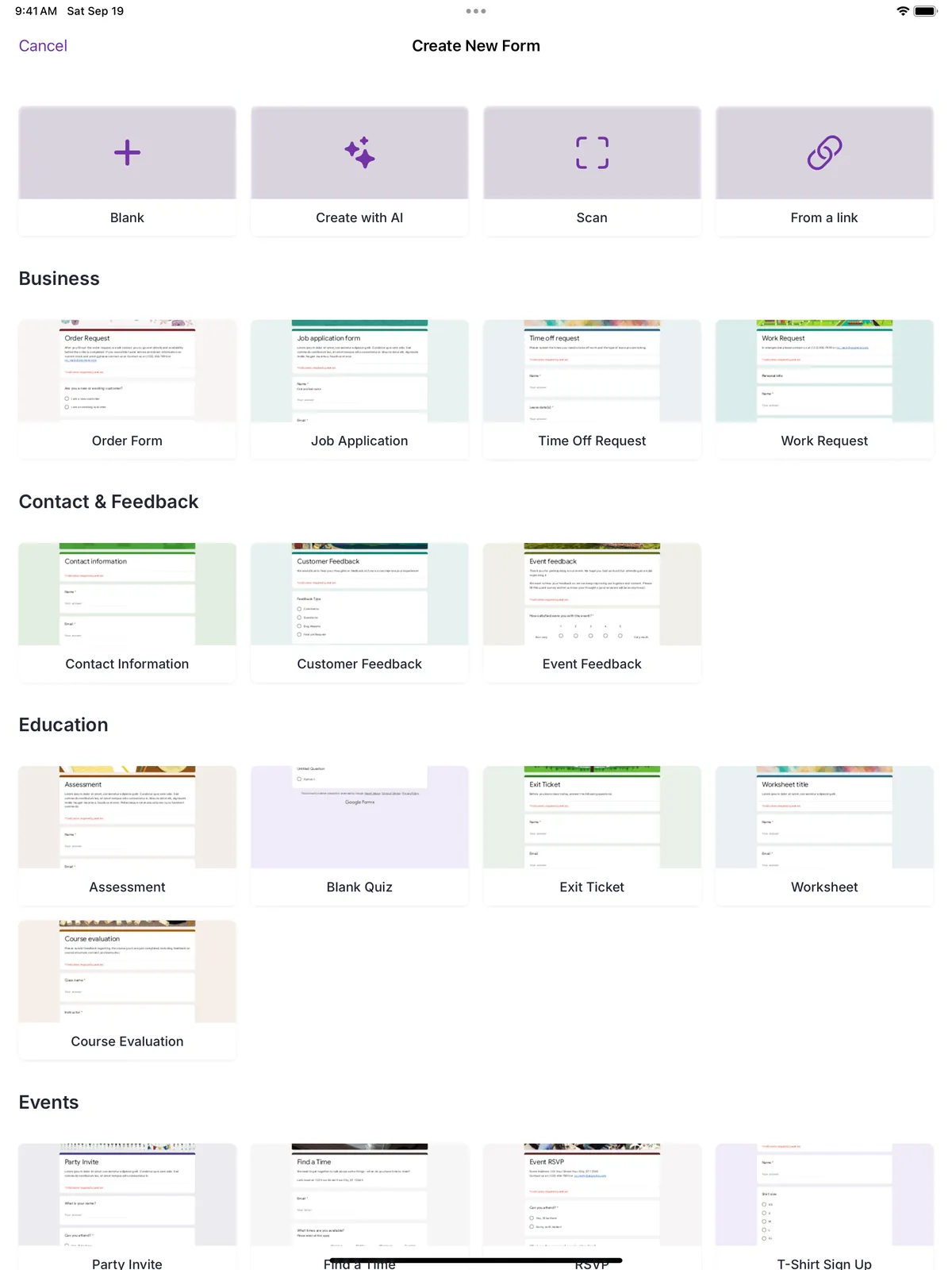
Type a description and the AI writes the questions; pick one of 17 templates; paste the link of a form you already have; or photograph a paper questionnaire. The text recognition runs on the device, so the page itself never leaves your hands.
-
3
Share it, then watch the answers arrive
Share by link, fullscreen QR code, social card or PDF. Because it is a genuine Google Form, the responses collect in your Google account, and the app shows them as charts while they come in.
One thing worth knowing before you download: this is an Apple-only app. There is no Android version and no version that runs in a browser.
Why people trust it
Your forms are yours
Every form is written to your Google Drive. Delete the app tomorrow and every form you made is still sitting in your account, untouched.
Scanning runs on your device
Photos of paper questionnaires never leave it. Your forms and responses stay in your Google account; the text you type for the AI goes to Google’s Gemini API to write the questions. Read the privacy policy.
Respondents need nothing
They open a normal Google Forms link in any browser, on any phone or computer. No app, no account, no sign-up.
Tools
Free tools for Google Forms
Free help for one problem at a time. Some tools run right in your browser, with nothing to install; others are step-by-step guides; the paper-form scanner is in the app. Each card says which.

Turn a Paper Form into a Google Form
Paper forms outlive the people who designed them. A sports club still hands out the membership sheet somebody laid out in Word in 2011. A physiotherapy practice photocopies the same intake questionnaire it has used for years, because it works and nobody wants to retype forty fields to find out whether the digital version works […]
In the appAI Quiz Generator for Google Forms
Writing a quiz is two jobs: the questions, and the answer key. The quiz generator in our app does the first one. You describe the topic, the AI writes the questions, and you review them before a single form is created in your Google account. The answer key stays your job: you switch the form […]
In the appAI Survey Generator for Google Forms
The hard part of a survey is not typing the questions. It is deciding what to ask, in what order, and on what scale, so that the answers tell you something you can act on. The survey generator in our app gives you a first draft of all three from a single sentence, as a […]
Runs in your browserQR Code Generator for Google Forms
A QR code is the shortest path between a printed thing and a form. A teacher puts one on the whiteboard and thirty phones open the same quiz in ten seconds, without anyone mistyping a URL that contains both a capital I and a lowercase l. A stand at a trade show puts one on […]
Runs in your browserGoogle Forms Header Image Size and Maker
Google does not publish a size for the header image on a form. There is no line in the documentation, no tooltip in the editor, and no warning when you upload something that will be cropped in half. What circulates instead is 800 × 200, and that figure is real: it is what the editor […]
Step-by-step guideExport Google Forms Responses to Excel
There are two ways out of Google Forms and into a spreadsheet, and picking the wrong one is why people end up redoing this every week. One gives you a file. The other gives you a spreadsheet that keeps filling itself in. The download is a snapshot. Whatever has arrived by the moment you click […]
Templates
Start from something that already works
Question sets written for a specific job — a satisfaction survey, a class quiz, an event sign-up — that you can open and adjust rather than start from an empty page. The app ships with 17 ready-made templates; the ones below are listed here in full, question by question.
Customer Satisfaction Survey
Many satisfaction surveys fail for the same reason: they ask people how satisfied they are, get an average of 4.1 out of 5, and change nothing. A useful survey asks what someone actually did and what they would change, because those two answers can be acted on and a score cannot. This one is built […]
Event Feedback Form
Feedback collected after everyone has gone home is feedback from the few who felt strongly enough to open an email on a Monday. Put the form on screen in the last five minutes, while people are still in their seats, and more of them answer; you hear from the room rather than from its extremes. […]
Event Registration Form
A registration form has one job: give you an accurate headcount and the handful of facts you need to run the day. Every question beyond that costs you sign-ups. This one keeps nine, and four of them exist purely because caterers, venues and accessibility require them. Why these questions Dietary requirements are a short text […]
Classroom Quiz
This is a ten-minute end-of-lesson recap, not an exam. Ten questions, mostly multiple choice so that Google Forms can mark them the moment they are submitted, and two written answers at the end where the marking has to be yours. Turning it into a graded quiz Google Forms will only mark answers if you turn […]
Guides
Google Forms on a phone, tested on a phone
Google never shipped a Forms app, so every step below was checked on an iPhone, in Safari and in the app, with screenshots of what you will actually see. Start with the overview, or jump to the task in front of you.
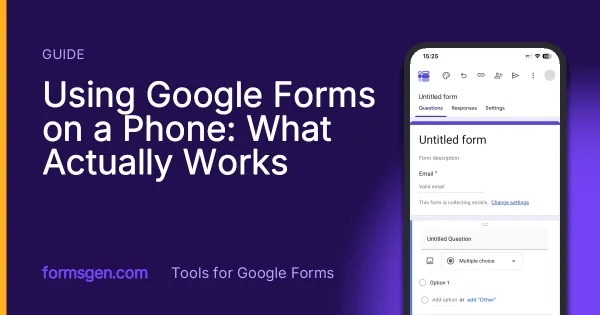
Using Google Forms on a Phone: What Actually Works
I built, published and read a Google Form from an iPhone in Safari, screen by screen. What the mobile editor does well, the two things it does badly, and where an app changes the arithmetic.
-
How to Create a Google Form on iPhone (Step by Step)
Seven steps in Safari, each with a screenshot from an iPhone: open a blank form, add questions, set the theme, publish, copy the link, test it, read the responses.
-
Sharing a Google Form on a Phone: Link, QR Code, WhatsApp
Where the link hides in the mobile publish dialog, how to make the QR code Google Forms does not offer, and the two settings to check before the link leaves your phone.
-
How to See Google Forms Responses on Your Phone
Three ways to read the answers on a phone, tested in Safari, in the Sheets app and in a third-party app, with which one to use for a glance, for the file and for a real analysis.
Your next form is one sentence away
Works on iPhone, iPad, Macs with Apple silicon and Apple Vision Pro. Generates forms in many languages.