
8 min
How to Grade a Google Forms Quiz on Your Phone
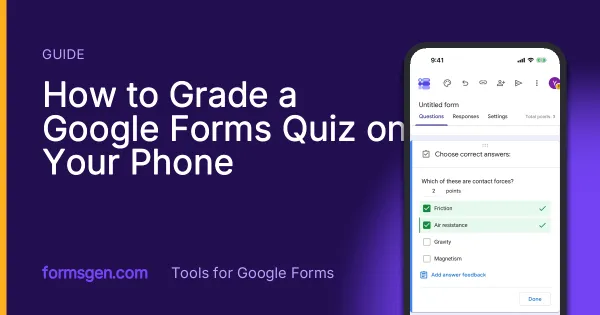
Grade a Google Forms quiz on an iPhone: what is marked for you, the short-answer trap, marking written answers in the Question view, and releasing scores. Tested on 21 October 2026.
Straight answers about Google Forms, written by people who build tools for it. Including the answers that are no.
8 min
Grade a Google Forms quiz on an iPhone: what is marked for you, the short-answer trap, marking written answers in the Question view, and releasing scores. Tested on 21 October 2026.
11 min
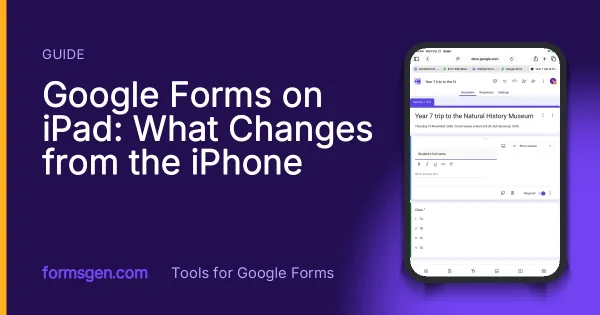
Safari on an iPad opens the full Google Forms editor, except on an iPad mini held upright. What works with a finger, Forms and Sheets side by side, and how to run a sign-up stand on one iPad. Tested on 21 October 2026.
7 min
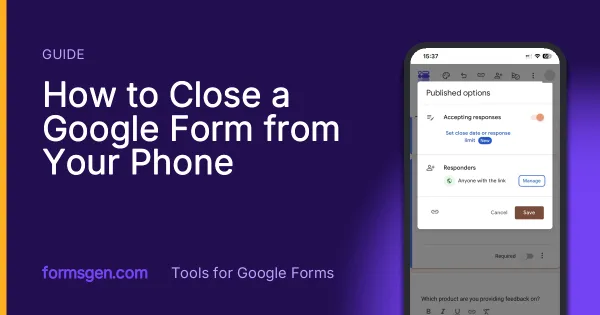
Close a Google Form from an iPhone in Safari, schedule it by date or number of responses, and why the app's automatic closing only acts when you open the app. Tested on 20 October 2026.
6 min
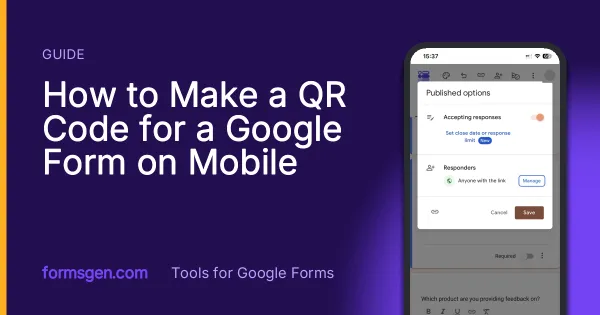
Google Forms does not make QR codes. Where the link hides on a phone, and three ways to turn it into a code without a laptop, with the one that encodes the wrong address.
6 min
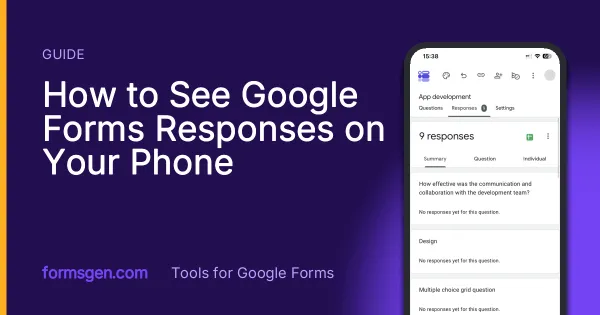
Three ways to read the answers on a phone, tested in Safari, in the Sheets app and in a third-party app, with which one to use for a glance, for the file and for a real analysis.
7 min
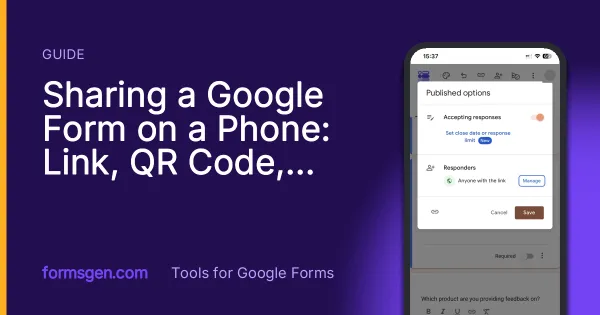
Where the link hides in the mobile publish dialog, how to make the QR code Google Forms does not offer, and the two settings to check before the link leaves your phone.
4 min
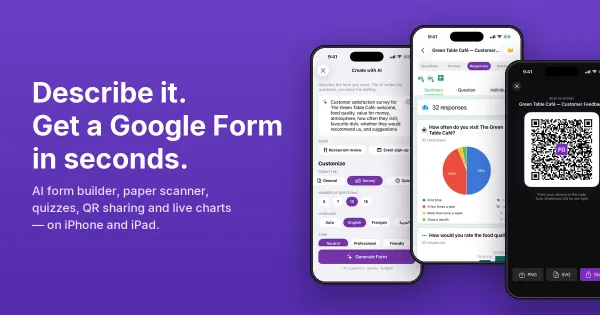
Version 2.0 of the FormsGen iOS app: describe a form and the AI writes it, scan a paper questionnaire, grade quizzes, share by QR code and see answers as charts.
5 min
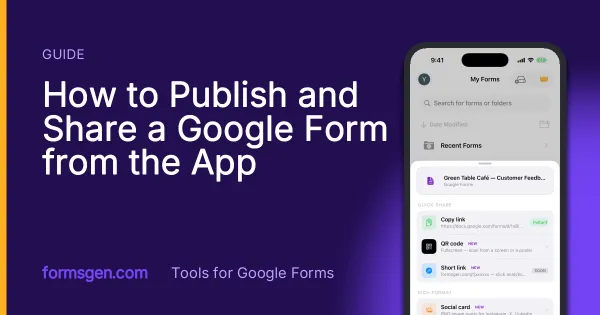
The share sheet of the app, screen by screen: the settings to check first, the link, the fullscreen QR code, the social card and the printable PDF, and which one for which situation.
7 min
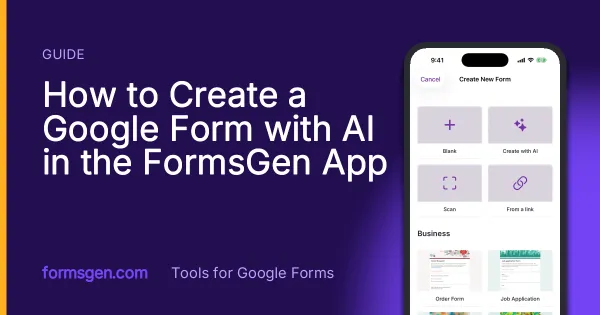
Every screen from "I need a form" to a Google Form in your Drive: the New Form screen, the AI composer and its four settings, the preview, the editor, the answer key, and Save.
5 min
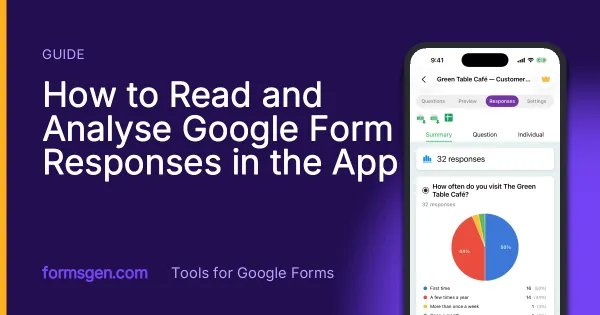
The Responses tab screen by screen: summary charts, one question or one person at a time, CSV, Excel and Google Sheets export, and the setting that closes a form on its own.