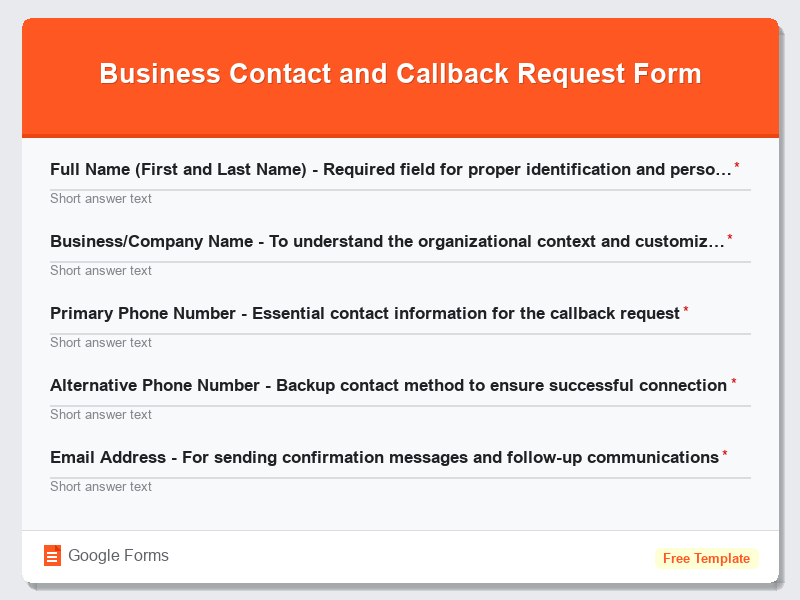
Business Contact and Callback Request Form
What is the Business Contact and Callback Request Form?The Business Contact and Callback Request Form is a comprehensive Google Forms template designed t…
What is the Business Contact and Callback Request Form?
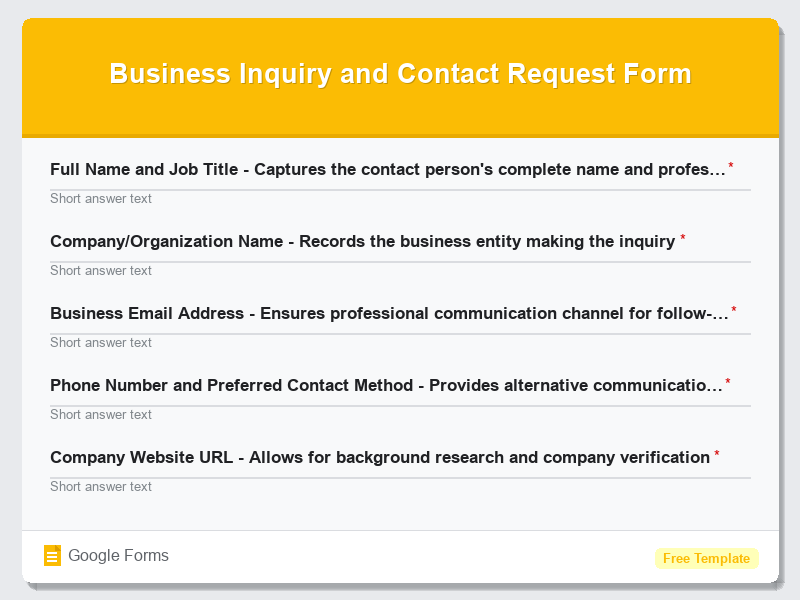
The Business Contact and Callback Request Form is a comprehensive Google Forms template designed to help businesses capture essential contact information from potential clients, customers, and partners who require personalized assistance or consultation. This free form template streamlines the initial contact process by collecting all necessary details upfront, enabling businesses to understand visitor inquiries thoroughly before initiating contact. By implementing this Contact Forms solution, organizations can ensure they’re fully prepared for each callback, leading to more productive conversations and improved customer satisfaction rates.
This professional form template serves as a bridge between your online presence and direct customer engagement, transforming website visitors into qualified leads through structured data collection. The Business Contact and Callback Request Form eliminates the inefficiencies of traditional contact methods by gathering specific information about customer needs, preferred contact times, and inquiry urgency levels. When integrated into your website or shared through various digital channels, this Google Forms template becomes a powerful lead generation tool that helps sales teams prioritize their outreach efforts and deliver personalized service experiences that convert prospects into loyal customers.
Who Should Use This Form?
This versatile form template is ideal for sales professionals, customer service representatives, business development managers, and marketing teams across various industries including real estate agencies, financial services, healthcare providers, legal firms, consulting businesses, and B2B service companies. Small business owners, entrepreneurs, and freelancers who need to qualify leads before investing time in phone consultations will find this Google Forms template particularly valuable. Additionally, companies with high-volume inquiry processes, call centers managing callback queues, and businesses offering personalized services or consultations can leverage this Contact Forms solution to organize their customer outreach systematically and improve their response efficiency while maintaining professional communication standards.
Form Questions & Fields
- Full Name (First and Last Name) – Required field for proper identification and personalization
- Business/Company Name – To understand the organizational context and customize the approach
- Primary Phone Number – Essential contact information for the callback request
- Alternative Phone Number – Backup contact method to ensure successful connection
- Email Address – For sending confirmation messages and follow-up communications
- Job Title/Position – Helps determine decision-making authority and conversation direction
- Industry/Business Type – Enables tailored discussions relevant to their sector
- Inquiry Type/Reason for Contact – Multiple choice options for categorizing and prioritizing requests
- Preferred Callback Date and Time – Calendar integration for scheduling convenience
- Urgency Level – Priority indicator to help organize callback queue effectively
- Detailed Message/Additional Information – Text area for specific questions or requirements
How to Use This Google Form Template
- Access the Business Contact and Callback Request Form template through Google Forms and click “Use Template” to create your personalized copy, then customize the form title, description, and branding elements to match your company’s visual identity and communication style.
- Review and modify the pre-built form fields according to your specific business requirements, adding industry-specific questions, removing unnecessary fields, or adjusting the response options to better align with your services and customer inquiry patterns.
- Configure the form settings by enabling email notifications for new submissions, setting up response validation rules, and connecting the form to a Google Sheets spreadsheet for automatic data organization and easy access by your sales or customer service teams.
- Integrate the form into your website by embedding the provided HTML code, sharing the direct form link through social media channels, email campaigns, or QR codes, and ensure the form is easily accessible from multiple touchpoints in your customer journey.
- Establish a systematic callback process by assigning team members to monitor form submissions, creating response templates for different inquiry types, setting up follow-up schedules based on urgency levels, and implementing tracking mechanisms to measure conversion rates and response times for continuous improvement.
Benefits of Using This Form
This Google Forms template offers significant advantages for businesses seeking to optimize their customer contact processes and improve lead conversion rates. The structured data collection ensures your team has complete context before making callback attempts, resulting in more meaningful conversations and higher success rates. The automated organization capabilities of Google Forms streamline workflow management, allowing teams to prioritize urgent requests and track response performance metrics effectively. Additionally, this free form template reduces administrative overhead by eliminating manual data entry, provides professional presentation that enhances brand credibility, and offers seamless integration with existing CRM systems and marketing tools, ultimately creating a more efficient and professional customer acquisition process that drives business growth.
Similar Form Templates
More free Contact Forms templates you might find useful
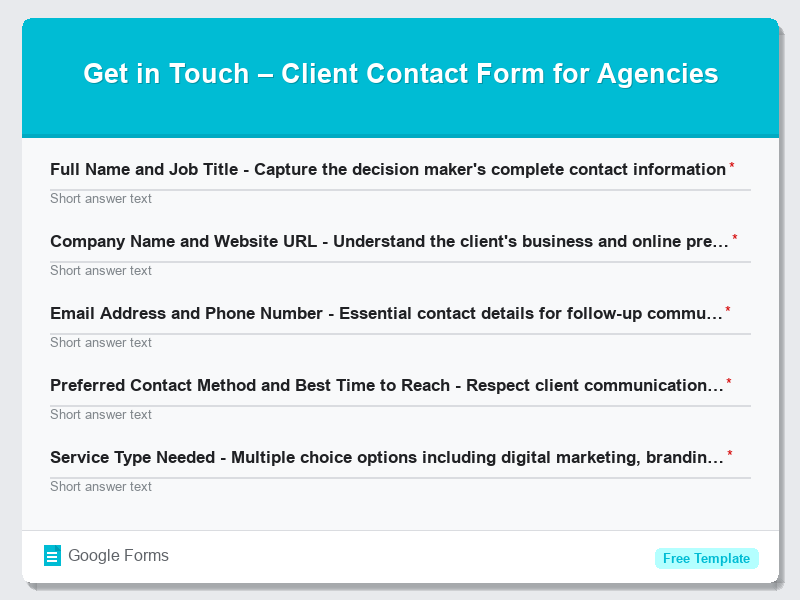
Get in Touch – Client Contact Form for Agencies
View Template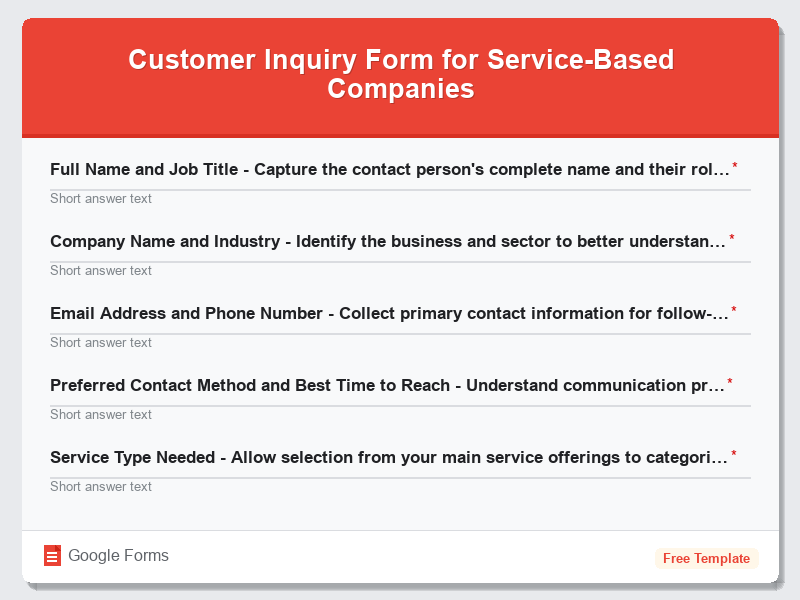
Customer Inquiry Form for Service-Based Companies
View Template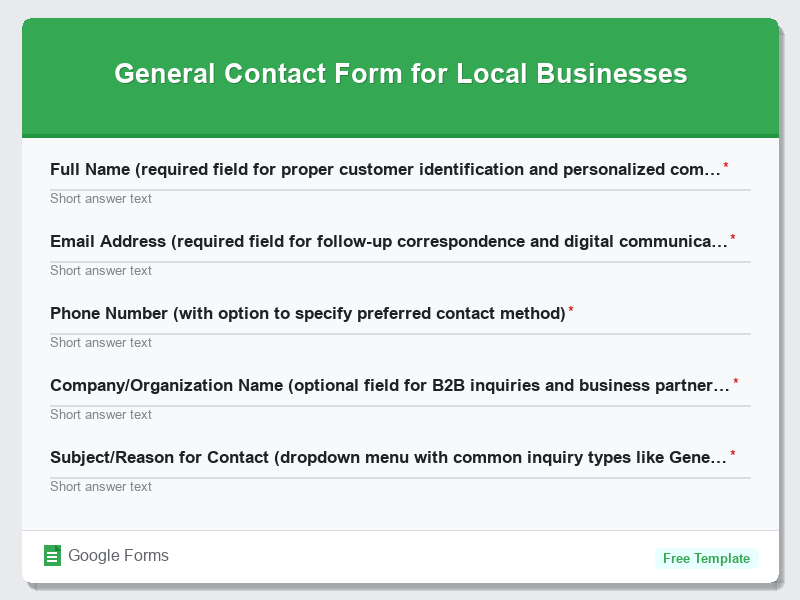
General Contact Form for Local Businesses
View Template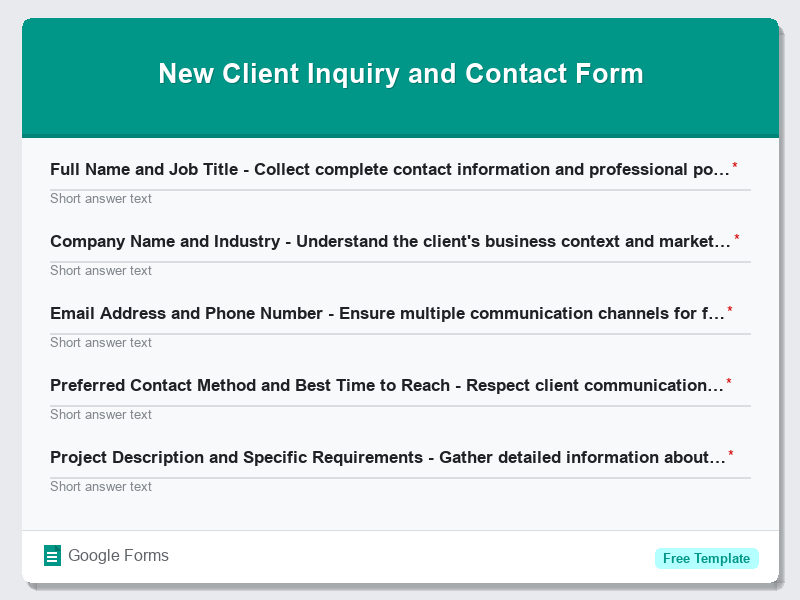
New Client Inquiry and Contact Form
View Template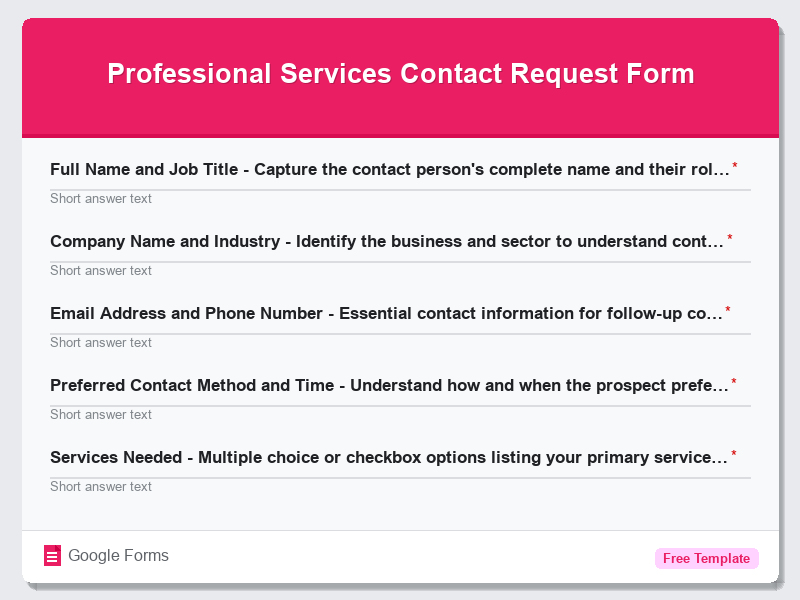
Professional Services Contact Request Form
View Template