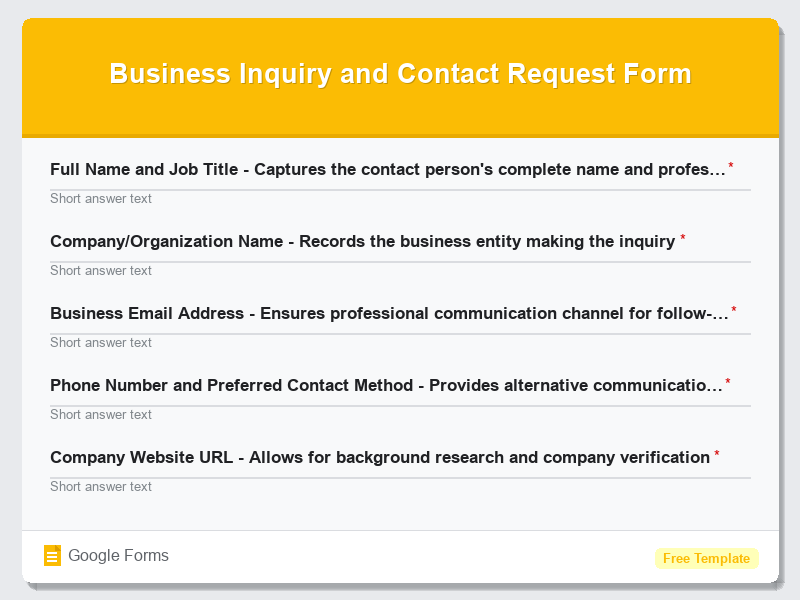
New Client Inquiry and Contact Form
What is the New Client Inquiry and Contact Form?The New Client Inquiry and Contact Form is a comprehensive Google Forms template designed to streamline t…
What is the New Client Inquiry and Contact Form?
The New Client Inquiry and Contact Form is a comprehensive Google Forms template designed to streamline the initial client onboarding process for businesses across all industries. This professionally crafted form template serves as the perfect first touchpoint between your business and potential clients, capturing essential information while creating a positive first impression. Whether you’re a freelancer, consultant, agency, or established company, this free form template helps you gather crucial details about prospective clients’ needs, project requirements, budget expectations, and contact preferences in an organized, professional manner.
Built specifically for Google Forms, this contact form template eliminates the guesswork from client intake by providing a structured approach to information gathering. The form is designed to qualify leads effectively while demonstrating your professionalism and attention to detail. By implementing this New Client Inquiry and Contact Form template, businesses can automate their lead qualification process, reduce back-and-forth communications, and ensure no critical information is missed during initial client interactions. The template’s user-friendly interface encourages completion while collecting data that enables you to provide more accurate proposals and better understand client expectations from the very first contact.
Who Should Use This Form?
This Google Forms template is ideal for service-based professionals, consultants, marketing agencies, web developers, graphic designers, legal professionals, real estate agents, accountants, and any business owner who regularly engages with new clients. Freelancers looking to professionalize their client intake process will find this contact form particularly valuable, as it helps establish credibility and systematic approaches to project management. Small to medium-sized businesses seeking to standardize their lead generation and client onboarding procedures can implement this form template to ensure consistent information collection across all potential client interactions. Additionally, sales teams, business development professionals, and customer service departments can utilize this form to create a seamless transition from initial inquiry to active client relationship, making it an essential tool for businesses focused on growth and client satisfaction.
Form Questions & Fields
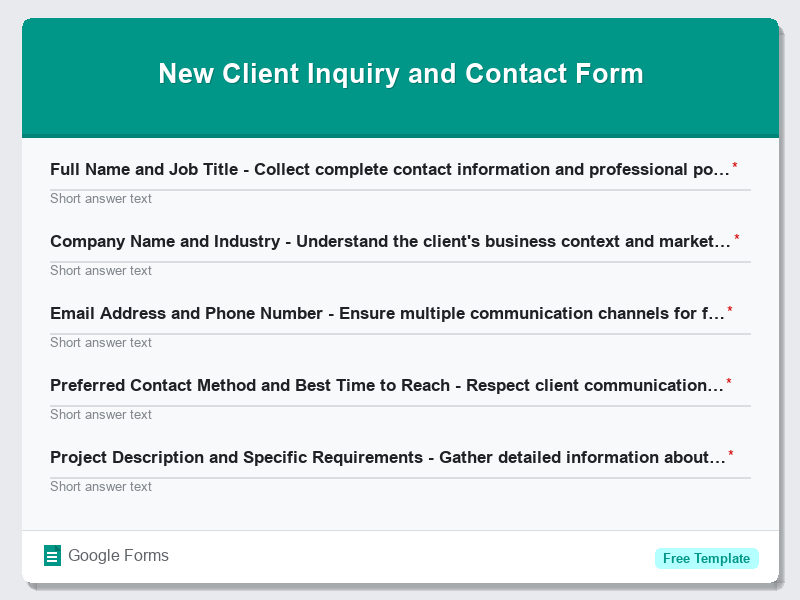
- Full Name and Job Title – Collect complete contact information and professional position
- Company Name and Industry – Understand the client’s business context and market sector
- Email Address and Phone Number – Ensure multiple communication channels for follow-up
- Preferred Contact Method and Best Time to Reach – Respect client communication preferences
- Project Description and Specific Requirements – Gather detailed information about the client’s needs
- Timeline and Deadline Expectations – Understand urgency and project scheduling requirements
- Budget Range and Investment Level – Qualify financial expectations and project scope
- How Did You Hear About Us – Track marketing effectiveness and referral sources
- Previous Experience with Similar Services – Assess client knowledge and expectations
- Additional Questions or Special Considerations – Capture unique requirements or concerns
How to Use This Google Form Template
- Access the New Client Inquiry and Contact Form template through Google Forms and click “Use Template” to create your copy. Sign in to your Google account if prompted, and the form template will automatically be added to your Google Drive for immediate customization and deployment.
- Customize the form fields to match your specific business needs by editing question text, adding your company branding, and modifying field types as necessary. Include your business logo, adjust color schemes to match your brand identity, and personalize the introduction text to reflect your company’s voice and services.
- Configure response settings by enabling email notifications, setting up automatic response confirmations, and connecting the form to a Google Sheets spreadsheet for organized data management. This ensures you receive immediate notifications when new inquiries are submitted and maintains a comprehensive database of potential clients.
- Test the complete form functionality by submitting a test response, checking email notifications, verifying data appears correctly in your connected spreadsheet, and ensuring all required fields work properly. Review the user experience from a client’s perspective to identify any areas for improvement.
- Deploy your customized contact form by sharing the generated link on your website, social media profiles, email signatures, and marketing materials. Monitor response rates and regularly review submitted inquiries to optimize your client intake process and improve conversion rates from inquiry to active client.
Benefits of Using This Form
This Google Forms template offers significant advantages for businesses seeking to professionalize their client intake process while saving valuable time and resources. The structured approach ensures consistent information collection from every potential client, reducing the need for multiple follow-up communications and enabling more accurate project proposals and timeline estimates. Google Forms’ automatic data organization and integration capabilities streamline lead management, allowing businesses to focus on client service rather than administrative tasks. Additionally, the professional presentation created by this free form template enhances your business credibility, demonstrates attention to detail, and creates positive first impressions that can significantly influence a prospect’s decision to choose your services over competitors.
Similar Form Templates
More free Contact Forms templates you might find useful
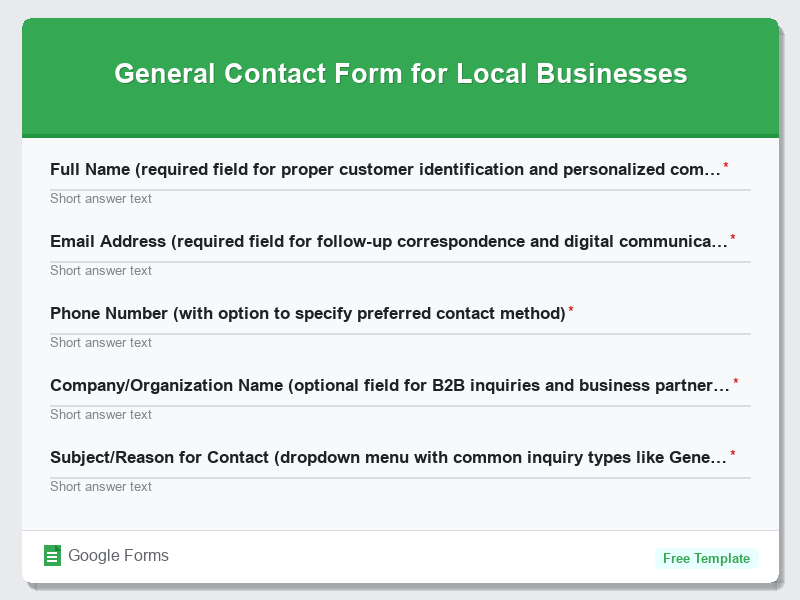
General Contact Form for Local Businesses
View Template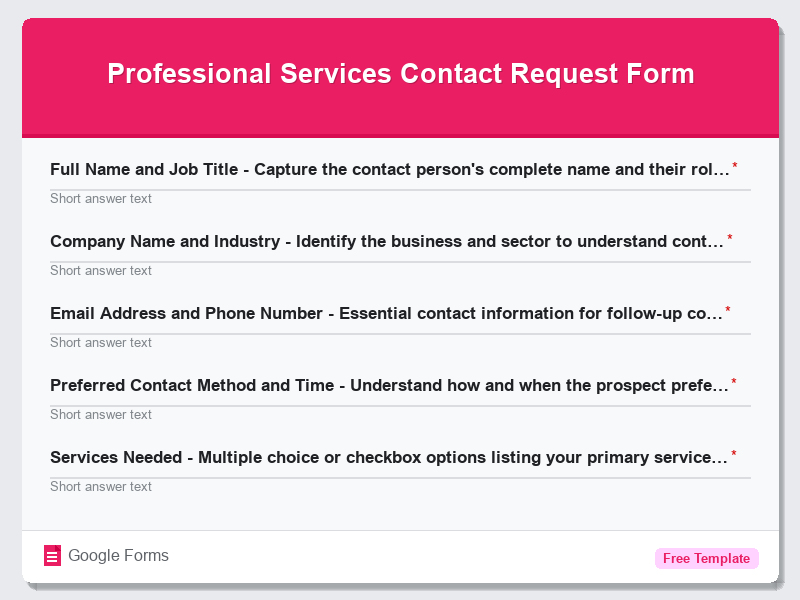
Professional Services Contact Request Form
View Template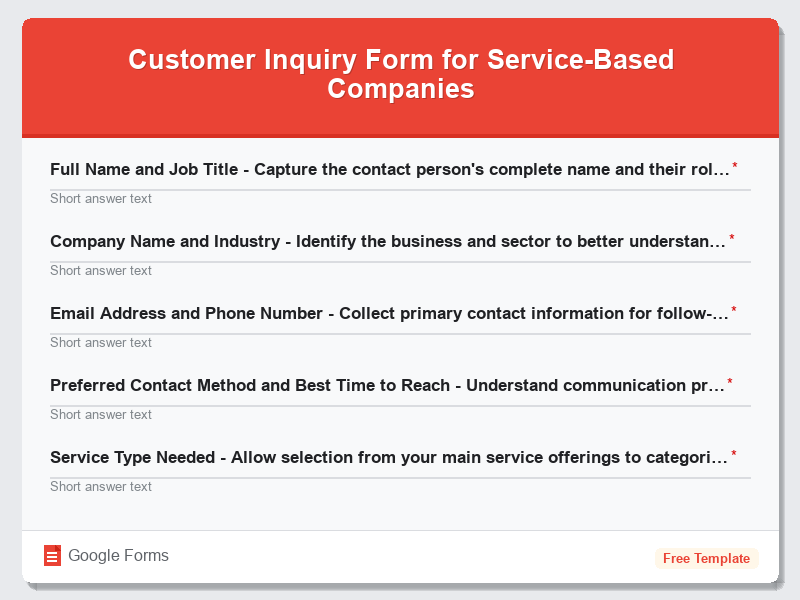
Customer Inquiry Form for Service-Based Companies
View Template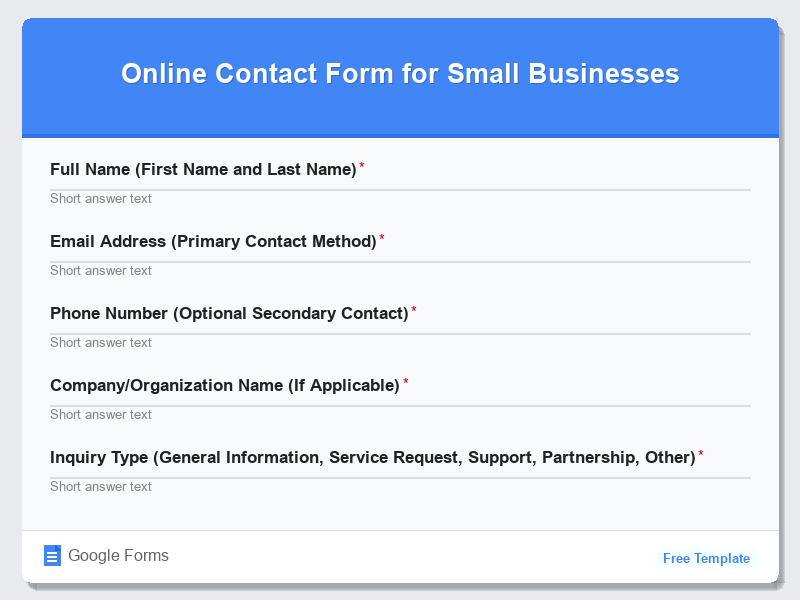
Online Contact Form for Small Businesses
View Template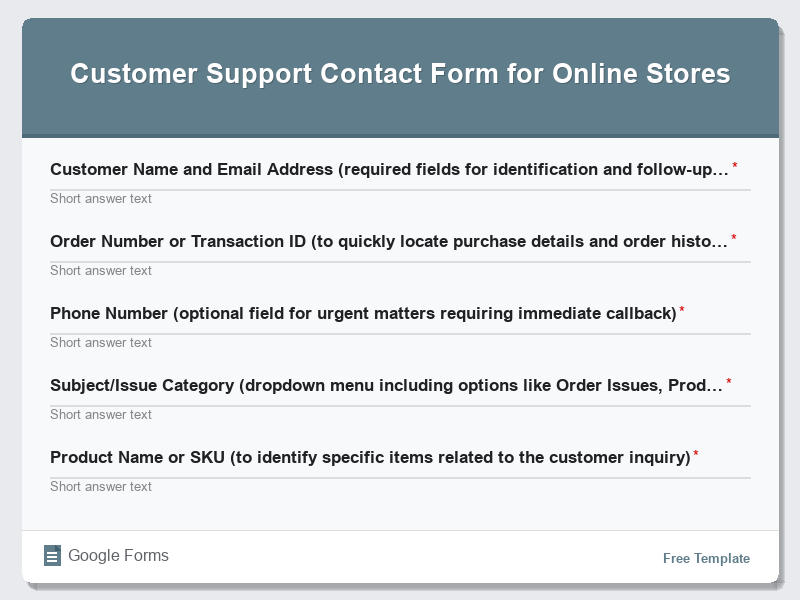
Customer Support Contact Form for Online Stores
View Template