
Job Application Form
A café owner hiring three seasonal staff for the summer
Eleven questions that put every candidate in one spreadsheet, with a CV link instead of a file upload, so nobody has to sign in to apply.
11 questions: 4 short answers, 3 multiple choice questions, 2 checkbox questions, 1 date field, 1 paragraph.
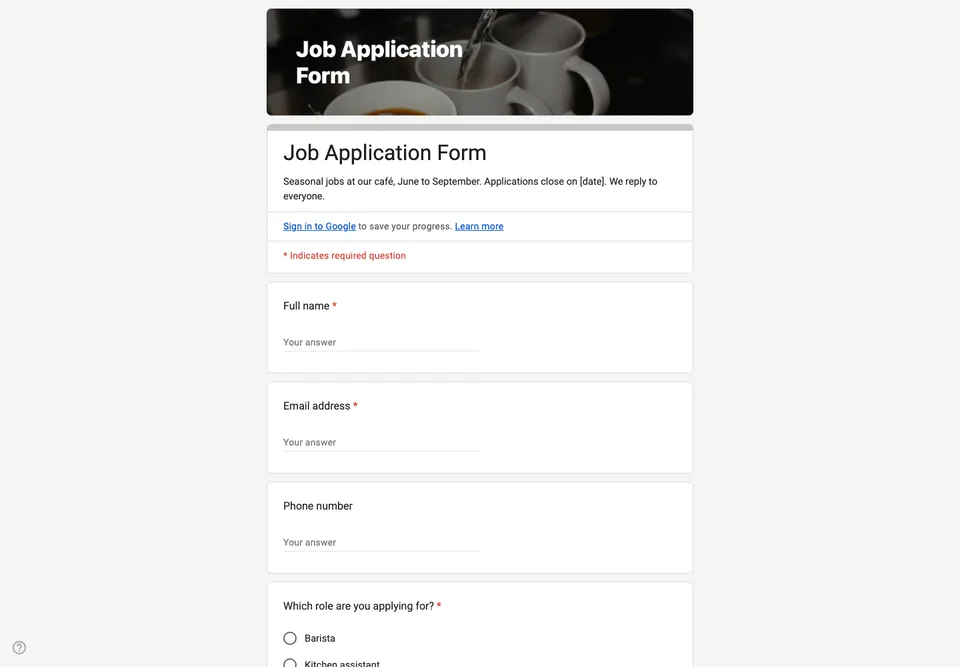
A seasonal job advert gets forty replies in three days, half of them by direct message, a few on paper left at the counter, and one from someone’s mother. A form puts every candidate in the same spreadsheet, asked the same questions, so you are comparing people rather than the way they happened to get in touch.
No file upload for the CV
The obvious question for a job form is “Upload your CV”. Leave it out. As soon as a Google Form contains a file upload question, every candidate has to sign in to a Google account before they even see the form, and the files land in your Drive. When we tested it, the link went straight to Google’s sign-in page. Plenty of good candidates for a summer job do not have a Google account, or will not use it for this. A question asking for a link to the CV, in Google Drive, Dropbox or on LinkedIn, gets you the same document without the wall.
What this form deliberately does not ask
No date of birth, no age, no photo, no marital status, no nationality. In many countries, equality law treats those questions on an application as evidence of discrimination, and none of them tells you whether someone can steam milk at eight in the morning. The one legal question that does matter is whether they are allowed to work where you are, and it is asked as exactly that.
The availability question is checkboxes, one per day, because “weekends mostly” in a text box means something different to everyone who writes it. The customer-service question is the only long answer, and it is the one you will actually read.
Settings to check before you share it
Do not switch on “Limit to 1 response”: it also forces candidates to sign in. Collect email addresses by asking for them, as the second question does. Close the form the day the jobs are filled, and say so in the description, with the closing date, so nobody spends twenty minutes on an application that will never be read. The closing guide shows how, from a phone.
The last question asks candidates to agree that their details are kept for six months for this recruitment. Keep that promise: delete the rows of people you did not hire when the six months are up.
Reading the applications
Link the form to a Google Sheet and filter by the role column. Sort by start date if you are in a hurry. Reply to everyone, including the people you are not hiring; a two-line email costs you nothing and is the main thing candidates remember about a small employer.
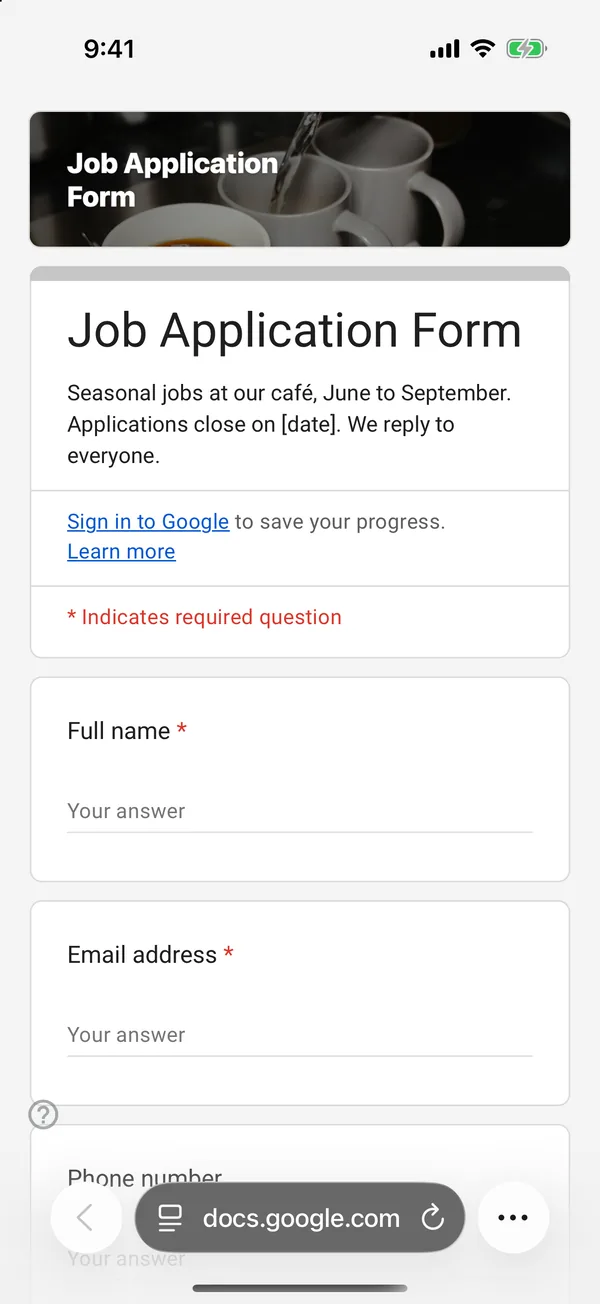
The copy goes into your own Google Drive, ready to edit. You need to be signed in to Google.
Describe it in the app and these questions are created in your own Google Drive. Change anything you like before you send it.
Other templates
Customer Satisfaction Survey
Nine questions built around what someone did and what they would change, rather than a score you cannot act on.
Event Feedback Form
Eight questions, short enough to be answered in the last five minutes of an event rather than ignored in an email on Monday.
Event Registration Form
Nine questions covering a headcount, dietary and access requirements, and nothing that would cost you a sign-up.
Classroom Quiz
Ten questions for an end-of-lesson recap, with the steps to make Google Forms mark eight of them for you.
Order Form
Nine questions that turn twenty direct messages into twenty spreadsheet rows, with a quantity field per product.
RSVP Form
Seven questions that answer the only three things you need to know: who is coming, how many, and what they cannot eat.