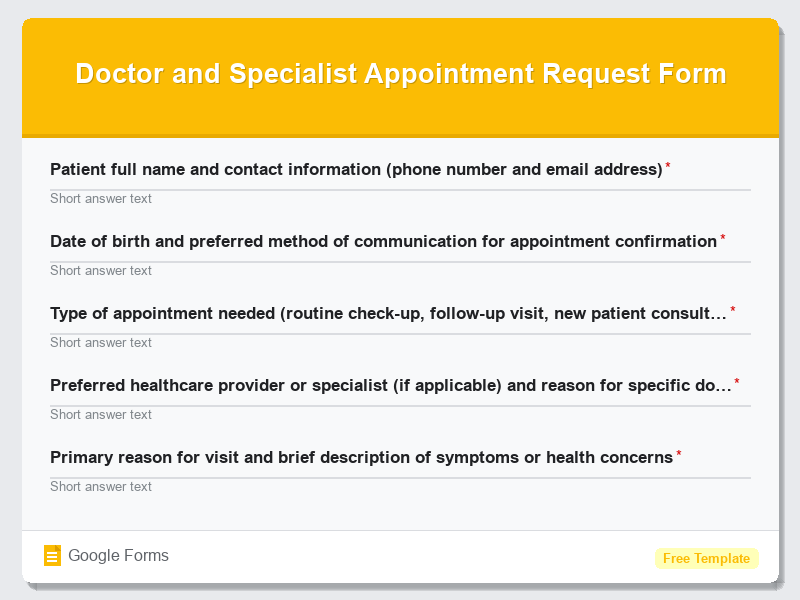
GP and Medical Practice Patient Registration Form
What is the GP and Medical Practice Patient Registration Form?The GP and Medical Practice Patient Registration Form is a comprehensive digital template d…
What is the GP and Medical Practice Patient Registration Form?
The GP and Medical Practice Patient Registration Form is a comprehensive digital template designed to streamline the patient enrollment process for general practitioners, medical clinics, and healthcare facilities. This Google Forms template serves as an essential tool for collecting vital patient information, medical history, emergency contacts, and insurance details in an organized, secure manner. Healthcare providers worldwide rely on this standardized form template to ensure they gather all necessary patient data while maintaining compliance with medical record-keeping requirements and privacy regulations.
This free form template eliminates the need for paper-based registration systems, reducing administrative burden while improving data accuracy and accessibility. The digital format allows patients to complete their registration remotely before their first appointment, saving valuable time during clinic visits and enabling healthcare staff to prepare for consultations more effectively. Medical practices can customize this Health Forms template to align with their specific requirements, local regulations, and specialty needs while maintaining a professional, user-friendly patient experience.
Who Should Use This Form?
This patient registration form template is ideal for general practitioners establishing new practices, existing medical clinics transitioning to digital systems, walk-in medical centers, specialist physicians, telehealth providers, and healthcare administrators seeking to modernize their patient intake processes. Family medicine doctors, internal medicine practitioners, pediatricians, urgent care facilities, and multi-physician group practices will find this Google Forms template particularly valuable for managing patient onboarding efficiently. Healthcare startups, medical practice managers, and clinic receptionists can utilize this form to create a seamless registration experience that reduces wait times, minimizes paperwork errors, and ensures comprehensive patient data collection from the first point of contact.
Form Questions & Fields
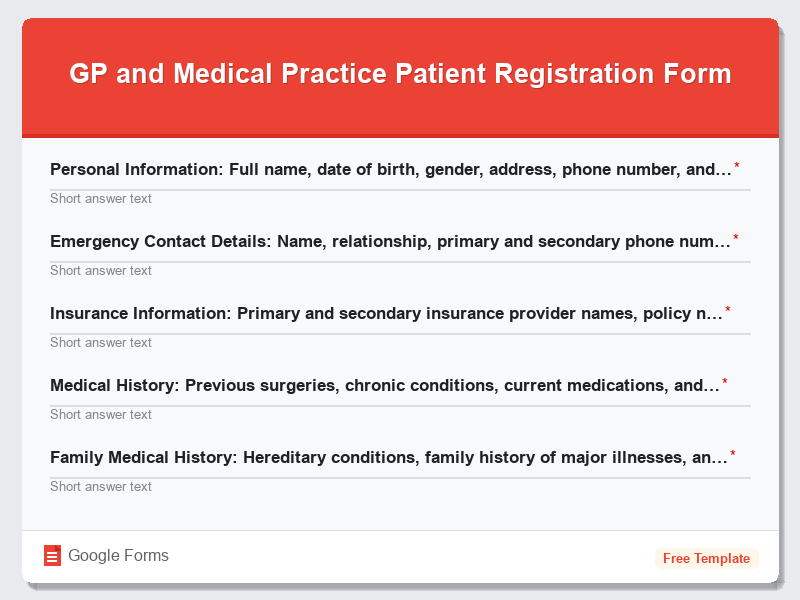
- Personal Information: Full name, date of birth, gender, address, phone number, and email address
- Emergency Contact Details: Name, relationship, primary and secondary phone numbers, and address
- Insurance Information: Primary and secondary insurance provider names, policy numbers, and group numbers
- Medical History: Previous surgeries, chronic conditions, current medications, and known allergies
- Family Medical History: Hereditary conditions, family history of major illnesses, and genetic predispositions
- Current Symptoms and Chief Complaint: Reason for visit, symptom duration, and severity assessment
- Lifestyle Information: Smoking status, alcohol consumption, exercise habits, and occupational details
- Previous Healthcare Providers: Former doctor names, clinic information, and medical records transfer requests
- Consent and Authorization: HIPAA compliance acknowledgment, treatment consent, and communication preferences
- Pharmacy Information: Preferred pharmacy name, location, and contact details for prescription management
How to Use This Google Form Template
- Access the GP and Medical Practice Patient Registration Form template through Google Forms and click “Use Template” to create your customized version. Sign in to your Google account and rename the form to match your medical practice’s branding and specific requirements.
- Customize the form fields by reviewing each section and modifying questions to align with your practice’s intake procedures, local healthcare regulations, and specialty-specific requirements. Add your medical practice logo, adjust color schemes, and include any additional fields necessary for your patient population.
- Configure form settings by enabling email notifications for new submissions, setting up response limits if needed, and ensuring proper privacy settings are activated to protect patient health information. Enable the option to collect email addresses and consider requiring sign-in for enhanced security.
- Test the form thoroughly by completing it as a test patient to ensure all fields function correctly, required validations work properly, and the submission process flows smoothly. Share the test version with staff members to gather feedback and identify any necessary improvements before launch.
- Deploy the form by sharing the direct link with patients via email, embedding it on your practice website, or generating a QR code for easy mobile access. Train your administrative staff on managing responses and integrating the collected data into your existing electronic health record system.
Benefits of Using This Form
Implementing this Google Forms patient registration template offers numerous advantages for modern medical practices seeking operational efficiency and improved patient care. The digital format significantly reduces administrative overhead by eliminating manual data entry, minimizing paper storage requirements, and enabling instant access to patient information from any device with internet connectivity. Google Forms automatically organizes responses in spreadsheet format, making it simple to export data, generate reports, and integrate with existing practice management systems. Additionally, this free form template ensures consistent data collection across all patients, reduces registration errors through built-in validation features, and provides patients with the convenience of completing their registration at their preferred time and location, ultimately leading to shorter wait times, improved patient satisfaction, and more efficient clinic operations.
Similar Form Templates
More free Health Forms templates you might find useful
Repeat Prescription and Medication Request Form
View Template
Dental Appointment Booking and Patient Intake Form
View Template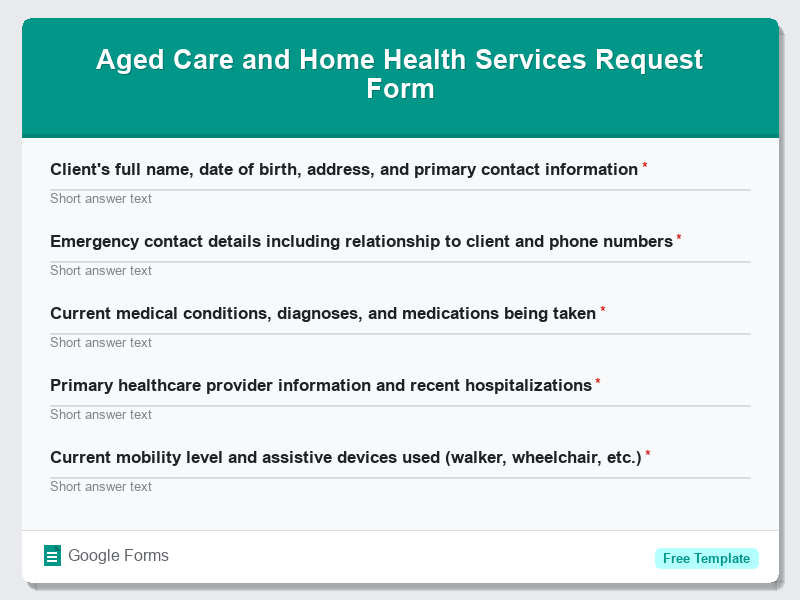
Aged Care and Home Health Services Request Form
View Template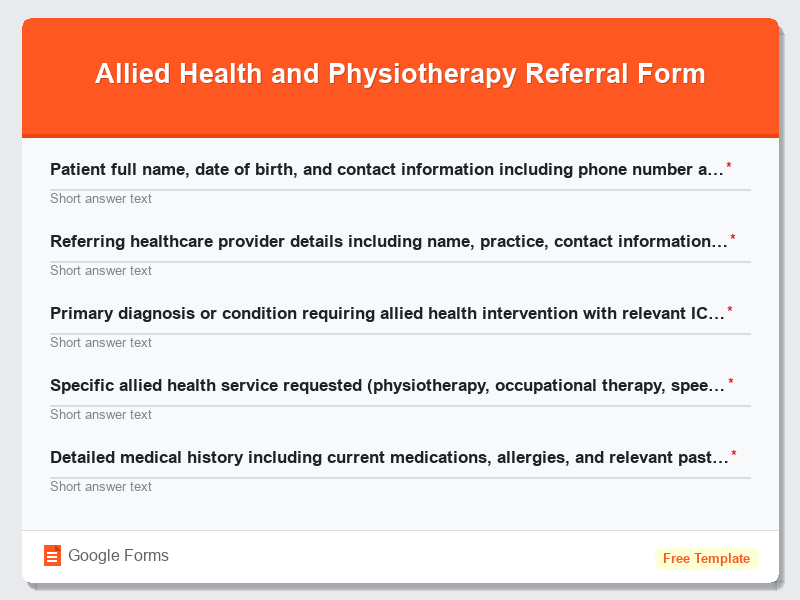
Allied Health and Physiotherapy Referral Form
View Template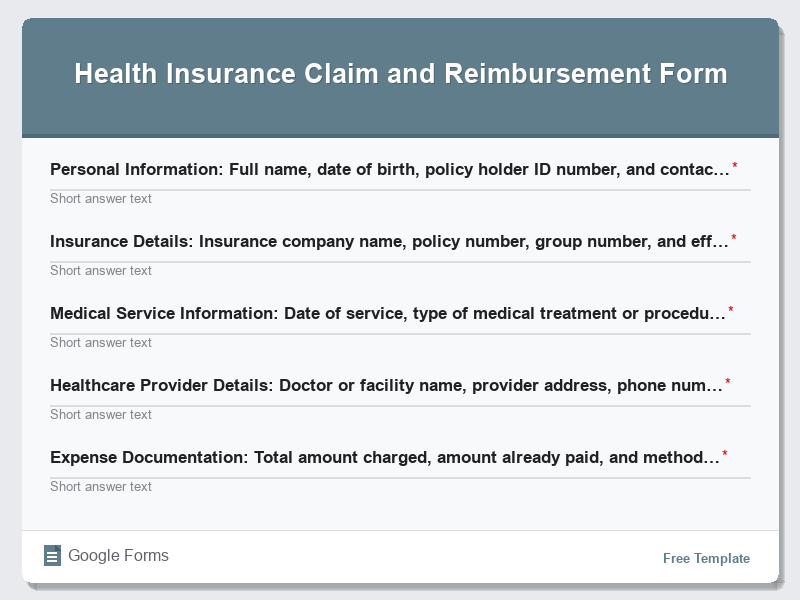
Health Insurance Claim and Reimbursement Form
View Template