Trade Show Exhibitor Registration and Booth Request
What is the Trade Show Exhibitor Registration and Booth Request?The Trade Show Exhibitor Registration and Booth Request is a comprehensive Google Forms t…
What is the Trade Show Exhibitor Registration and Booth Request?
The Trade Show Exhibitor Registration and Booth Request is a comprehensive Google Forms template specifically designed to streamline the exhibitor registration process for trade shows, conventions, expos, and industry events. This free form template serves as a digital gateway for businesses and organizations to submit their participation requests, specify booth requirements, and provide essential information needed for event planning and logistics. By utilizing this structured approach, event organizers can efficiently collect, organize, and manage exhibitor data while ensuring all necessary details are captured for successful trade show execution.
This professionally crafted form template eliminates the complexities of manual registration processes by providing a standardized format that captures critical information such as company details, booth preferences, technical requirements, and special accommodations. The form integrates seamlessly with Google’s ecosystem, allowing for real-time data collection, automatic response confirmations, and easy integration with spreadsheets for enhanced data management. Event planners can customize this template to match their specific trade show requirements while maintaining a professional appearance that reflects the caliber of their event.
Who Should Use This Form?
This Google Forms template is ideal for event management companies, trade association coordinators, convention center managers, corporate event planners, and marketing professionals organizing B2B exhibitions, industry conferences, product showcases, and networking events. Small to medium-sized event organizers will particularly benefit from this free form template as it provides enterprise-level functionality without the associated costs. Additionally, chamber of commerce representatives, industry association managers, and nonprofit organizations hosting fundraising expos can leverage this form to professionalize their exhibitor registration process while reducing administrative overhead and improving participant experience.
Form Questions & Fields
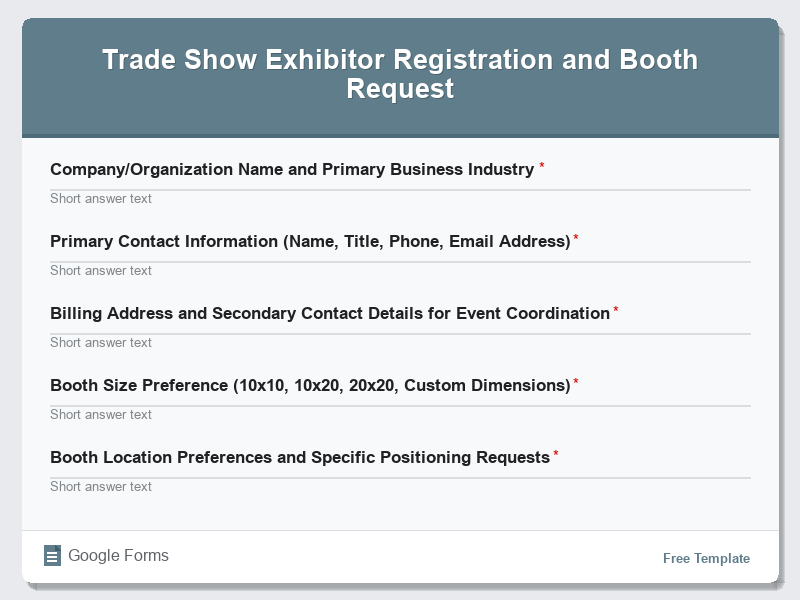
- Company/Organization Name and Primary Business Industry
- Primary Contact Information (Name, Title, Phone, Email Address)
- Billing Address and Secondary Contact Details for Event Coordination
- Booth Size Preference (10×10, 10×20, 20×20, Custom Dimensions)
- Booth Location Preferences and Specific Positioning Requests
- Electrical Requirements (Standard 110V, 220V, Special Power Needs)
- Internet Connectivity Needs (WiFi, Ethernet, Bandwidth Requirements)
- Display Equipment and Furniture Requirements (Tables, Chairs, Display Cases)
- Product Categories and Services Being Exhibited
- Special Accommodations, Accessibility Needs, and Additional Services Requested
How to Use This Google Form Template
- Access the Trade Show Exhibitor Registration and Booth Request form template through Google Forms and make a copy to your Google Drive account. Customize the form title, description, and branding elements to match your specific trade show event, including logos, color schemes, and event-specific terminology that aligns with your organization’s visual identity.
- Review and modify the existing form questions to align with your trade show’s specific requirements, booth configurations, pricing structures, and available services. Add conditional logic for complex booth selections, integrate payment processing if required, and include any industry-specific fields relevant to your exhibitor base and event format.
- Configure response settings to enable email notifications for new submissions, set up automatic confirmation emails for registrants, and establish proper sharing permissions for your event planning team. Connect the form to a Google Sheets spreadsheet for enhanced data analysis, reporting, and integration with other event management tools.
- Test the complete form functionality by submitting sample registrations, verifying all conditional fields work correctly, confirming email notifications are delivered promptly, and ensuring the user experience is smooth across desktop and mobile devices. Check that all required fields are properly validated and optional fields function as intended.
- Distribute the form link through your event marketing channels including official websites, email campaigns, social media platforms, industry publications, and partner organizations. Monitor submissions regularly, respond to inquiries promptly, and use the collected data to optimize booth layouts, plan logistics, and enhance the overall exhibitor experience.
Benefits of Using This Form
This Google Forms template offers significant advantages for trade show organizers including streamlined data collection that eliminates manual paperwork and reduces processing time by up to 75%. The automated response system ensures immediate confirmation delivery to exhibitors while providing organizers with real-time registration insights and analytics. The form’s integration with Google Sheets enables sophisticated data analysis, automated booth assignment processes, and seamless communication workflows that enhance overall event efficiency. Additionally, the professional presentation of this free form template elevates the exhibitor experience, demonstrates organizational competency, and provides a scalable solution that grows with your event’s success.
Similar Form Templates
More free Registrations & Events templates you might find useful
Conference Registration Form for Business Professionals
View Template
Community Event Sign-Up and Attendance Form
View Template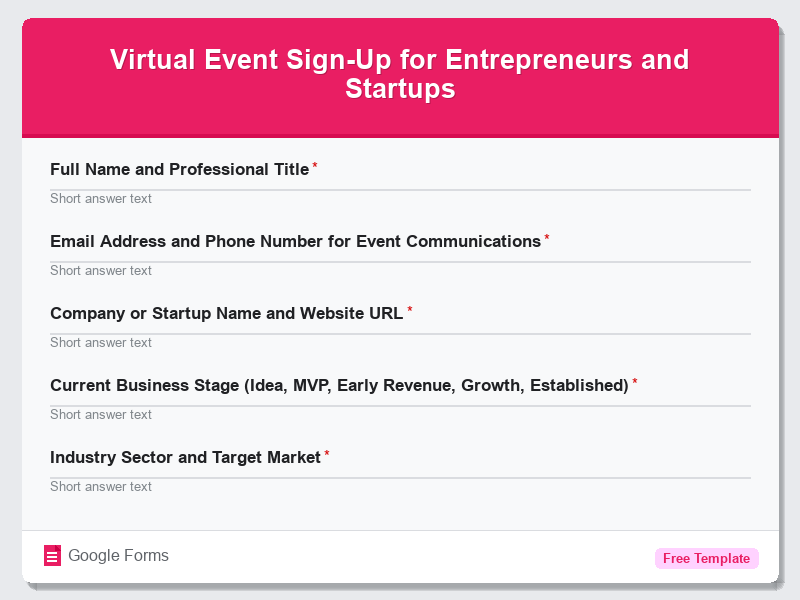
Virtual Event Sign-Up for Entrepreneurs and Startups
View Template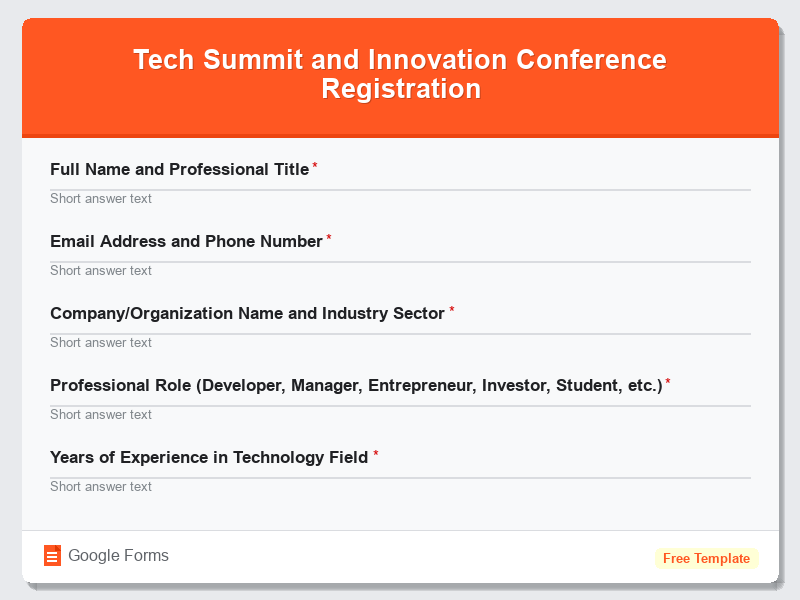
Tech Summit and Innovation Conference Registration
View Template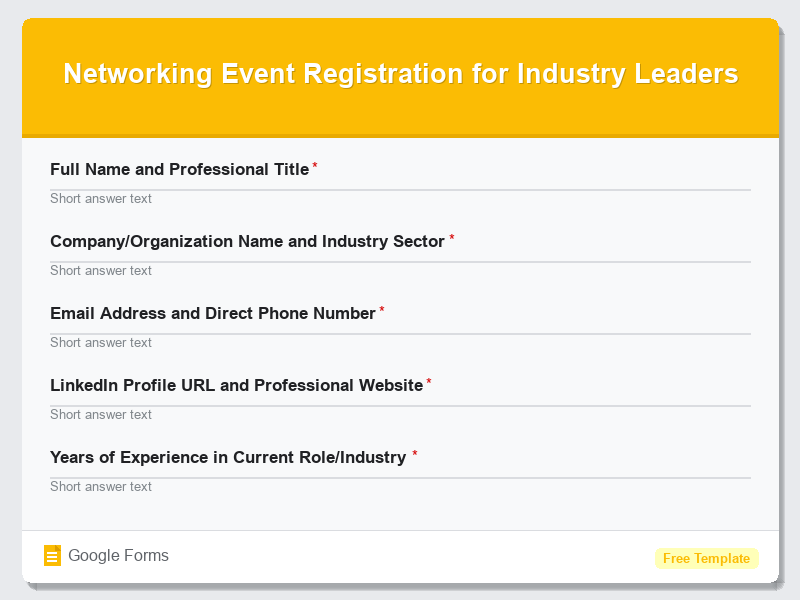
Networking Event Registration for Industry Leaders
View Template