Workshop Sign-Up Form for Professional Development
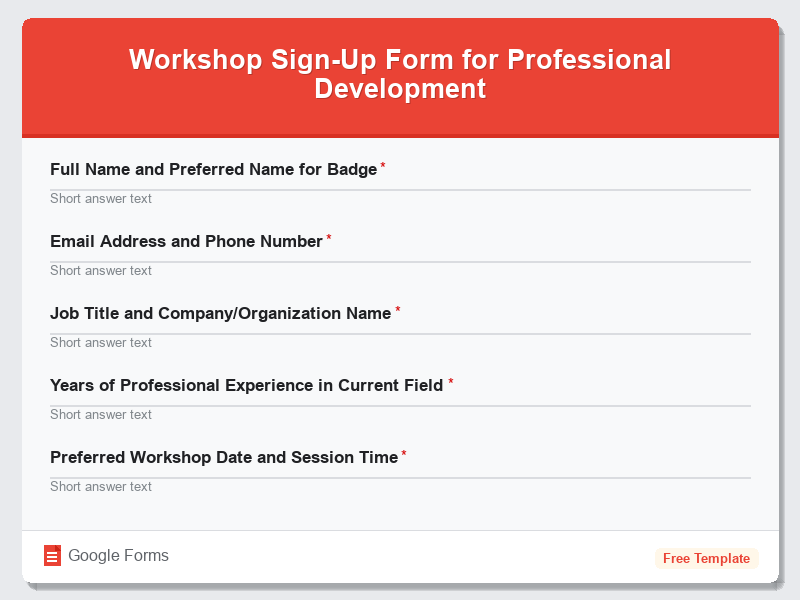
What is the Workshop Sign-Up Form for Professional Development?The Workshop Sign-Up Form for Professional Development is a comprehensive Google Forms tem…
What is the Workshop Sign-Up Form for Professional Development?
The Workshop Sign-Up Form for Professional Development is a comprehensive Google Forms template designed to streamline the registration process for professional training sessions, skill-building workshops, and career development programs. This free form template enables organizations, training institutes, HR departments, and professional coaches to efficiently collect participant information, assess training needs, and manage workshop logistics in one centralized platform. The form captures essential participant details while gathering insights about learning objectives and professional backgrounds to ensure workshops are tailored to attendee needs.
This professionally crafted form template eliminates the administrative burden of manual registration processes and reduces the risk of miscommunication or incomplete registrations. By utilizing Google Forms’ powerful features, organizers can automatically collect responses, generate real-time analytics, and export participant data for further processing. The template is particularly valuable for corporate training departments, educational institutions, professional associations, and independent consultants who regularly conduct skill development workshops, leadership training sessions, certification programs, or industry-specific professional development events.
Who Should Use This Form?
This form template is ideal for HR managers organizing internal training programs, professional development coordinators planning skill-building workshops, corporate trainers conducting leadership seminars, and educational institutions offering continuing education courses. Training consultants, business coaches, industry associations hosting member development events, and conference organizers managing breakout sessions will find this template invaluable for streamlining their registration processes. Additionally, non-profit organizations conducting professional development workshops, government agencies organizing employee training, and professional certification bodies managing workshop enrollments can effectively utilize this Google Forms template to enhance their event management capabilities and improve participant experience.
Form Questions & Fields
- Full Name and Preferred Name for Badge
- Email Address and Phone Number
- Job Title and Company/Organization Name
- Years of Professional Experience in Current Field
- Preferred Workshop Date and Session Time
- Primary Learning Objectives and Skill Goals
- Current Professional Development Challenges
- Dietary Restrictions and Accessibility Accommodations
- How Did You Hear About This Workshop?
- Additional Comments or Specific Questions for Instructor
How to Use This Google Form Template
- Access the Workshop Sign-Up Form template through Google Forms and click “Use Template” to create your personalized copy. Sign in to your Google account to save the form to your Google Drive and enable response collection features.
- Customize the form fields by adding your organization’s branding, workshop-specific details, dates, times, and location information. Modify question types, add conditional logic for complex registration scenarios, and include any additional fields relevant to your specific workshop requirements.
- Configure form settings by enabling email notifications for new responses, setting up automatic confirmation emails for registrants, and adjusting privacy settings to ensure participant data protection and compliance with organizational policies.
- Share the registration form through multiple channels including direct email invitations, website embedding, social media posts, or QR codes for in-person distribution. Utilize Google Forms’ sharing options to control access levels and track registration sources effectively.
- Monitor responses in real-time through the Google Forms dashboard, export data to Google Sheets for advanced analysis, and use the collected information to prepare workshop materials, arrange seating, coordinate catering, and send pre-workshop communications to participants.
Benefits of Using This Form
This Google Forms template offers significant advantages including automated data collection that eliminates manual entry errors and saves administrative time, while providing real-time registration tracking and instant email confirmations for participants. The form’s professional appearance enhances your organization’s credibility and creates a positive first impression for workshop attendees. Integration with Google Workspace allows seamless data management, automatic spreadsheet creation, and easy collaboration among team members managing the registration process. Additionally, the mobile-responsive design ensures participants can register conveniently from any device, increasing registration completion rates and improving overall user experience while maintaining data security and privacy standards inherent in Google Forms’ infrastructure.
Similar Form Templates
More free Registrations & Events templates you might find useful
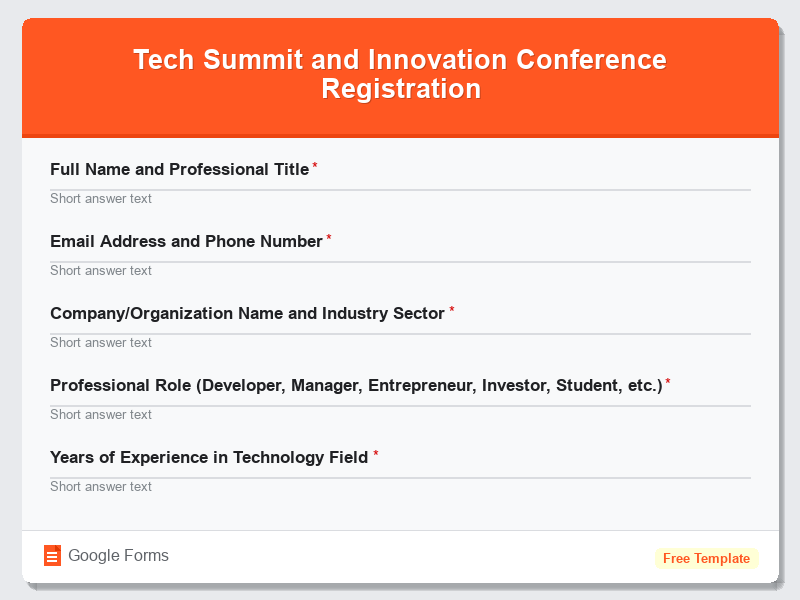
Tech Summit and Innovation Conference Registration
View Template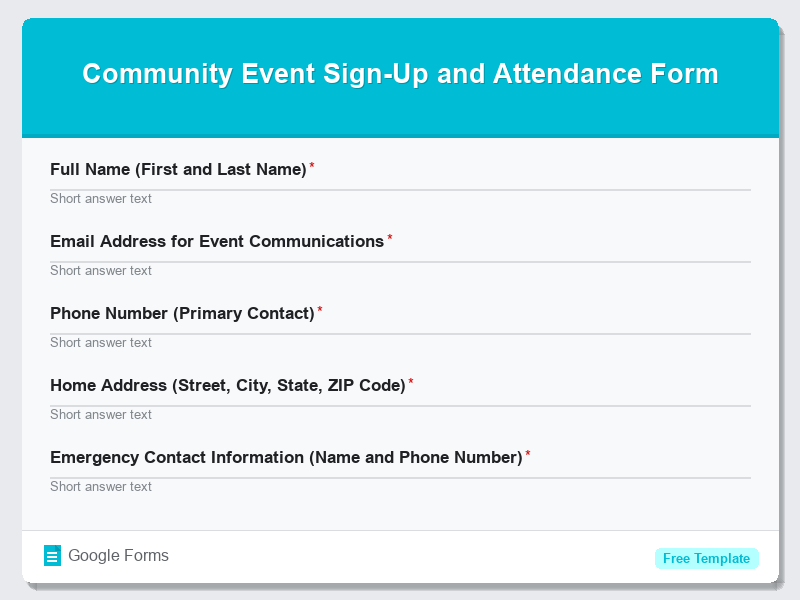
Community Event Sign-Up and Attendance Form
View Template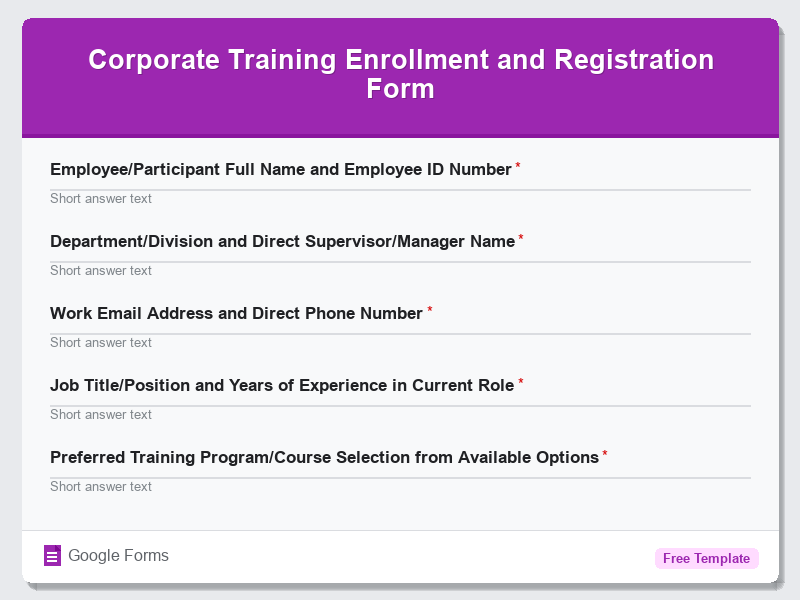
Corporate Training Enrollment and Registration Form
View Template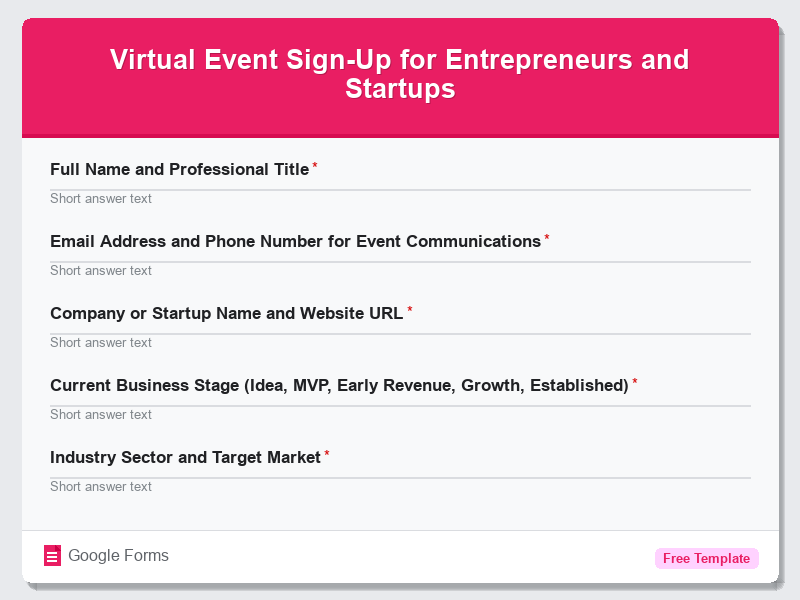
Virtual Event Sign-Up for Entrepreneurs and Startups
View Template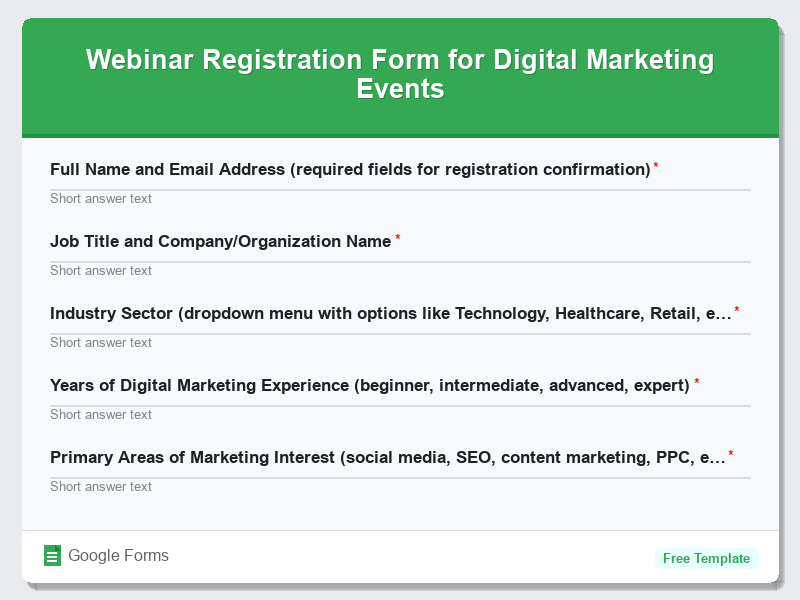
Webinar Registration Form for Digital Marketing Events
View Template