School Enrollment and New Student Intake Form
What is the School Enrollment and New Student Intake Form?The School Enrollment and New Student Intake Form is a comprehensive digital form template desi…
What is the School Enrollment and New Student Intake Form?
The School Enrollment and New Student Intake Form is a comprehensive digital form template designed to streamline the student registration process for educational institutions worldwide. This Google Forms template serves as a centralized system for collecting essential information from parents, guardians, and students during the enrollment process, eliminating the need for multiple paper forms and reducing administrative workload. The form captures crucial details including student demographics, academic history, health information, emergency contacts, and specific educational requirements that schools need to provide appropriate services and support.
This Education Forms template is specifically structured to meet the diverse needs of elementary schools, middle schools, high schools, and private educational institutions. By utilizing this free form template, schools can ensure consistent data collection, improve accuracy of student records, and create a more efficient enrollment experience for families. The digital format allows for easy data management, automatic organization of responses, and seamless integration with existing school management systems, making it an invaluable tool for modern educational administration.
Who Should Use This Form?
This Google Forms template is ideal for school administrators, registrars, enrollment coordinators, and educational institutions of all sizes looking to modernize their student intake process. Public schools, private schools, charter schools, homeschool cooperatives, daycare centers, and after-school programs can all benefit from this comprehensive form template. Additionally, international schools, language institutes, and specialty education programs will find this form particularly useful for managing diverse student populations with varying documentation requirements. The form is also valuable for school districts implementing digital transformation initiatives, as it provides a standardized approach to student enrollment across multiple campuses while maintaining flexibility for institution-specific needs.
Form Questions & Fields
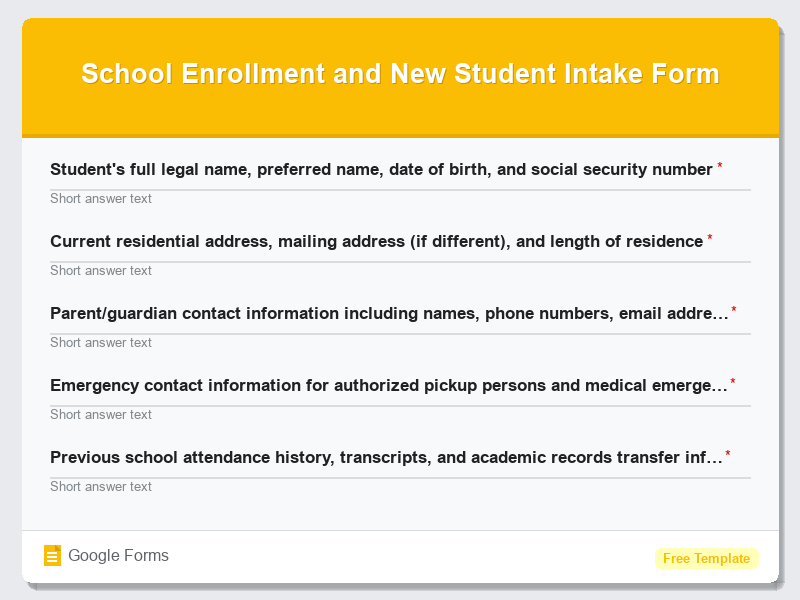
- Student’s full legal name, preferred name, date of birth, and social security number
- Current residential address, mailing address (if different), and length of residence
- Parent/guardian contact information including names, phone numbers, email addresses, and work details
- Emergency contact information for authorized pickup persons and medical emergencies
- Previous school attendance history, transcripts, and academic records transfer information
- Grade level requesting enrollment, preferred start date, and program/track preferences
- Medical information including allergies, medications, special dietary needs, and healthcare provider details
- Special education services, 504 accommodations, or individualized education program (IEP) requirements
- Transportation needs including bus route requests and after-school care arrangements
- Language spoken at home, ethnicity information, and any additional support services needed
How to Use This Google Form Template
- Access the School Enrollment and New Student Intake Form template through Google Forms and click “Use Template” to create your customized version. Sign in to your Google account to save and edit the form according to your institution’s specific requirements and local regulations.
- Customize the form fields by adding, removing, or modifying questions to align with your school’s enrollment policies and state education requirements. Include any additional fields specific to your programs, such as athletic participation, technology agreements, or uniform sizing information.
- Configure form settings including response collection preferences, confirmation messages, and notification settings to ensure proper data management. Set up automatic email confirmations for families and internal notifications for enrollment staff to maintain efficient communication throughout the process.
- Test the form thoroughly by completing a sample submission to verify all fields function correctly, required validations work properly, and the user experience is smooth. Share the test form with colleagues to gather feedback and make necessary adjustments before official launch.
- Distribute the form link through your school’s website, email communications, social media channels, and printed materials. Provide clear instructions for completion and establish a deadline for submission while offering technical support for families who may need assistance with the digital format.
Benefits of Using This Form
Implementing this Google Forms template provides numerous advantages for educational institutions seeking to improve their enrollment processes. The digital format significantly reduces paper waste and storage requirements while enabling real-time data collection and instant access to student information from anywhere with internet connectivity. Schools benefit from automated data organization, reduced manual data entry errors, and the ability to easily export information to spreadsheets or integrate with student information systems. The form template also enhances parent satisfaction by offering 24/7 accessibility for form completion, eliminating the need for physical visits during busy work hours, and providing immediate confirmation of successful submission, ultimately creating a more professional and efficient first impression of the educational institution.
Similar Form Templates
More free Education Forms templates you might find useful
Professional Certification Enrollment Form
View Template
Training Program Registration for Corporate Teams
View Template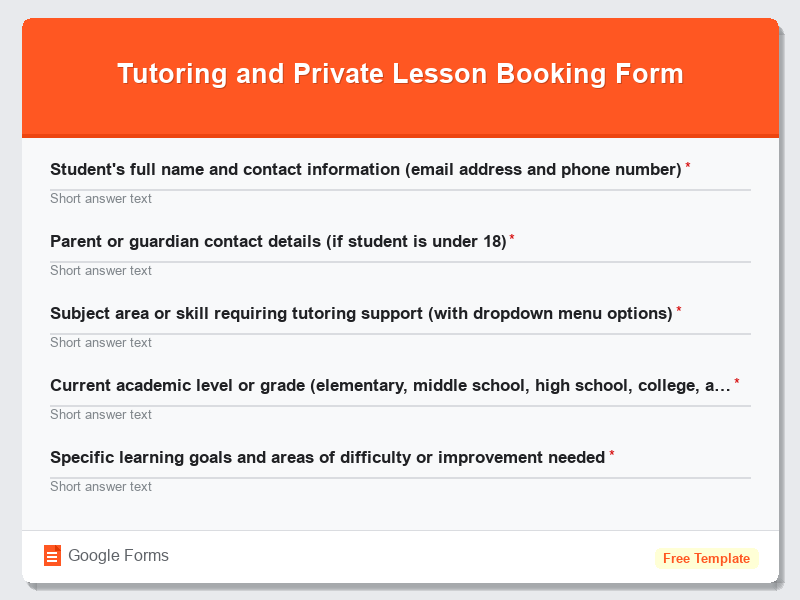
Tutoring and Private Lesson Booking Form
View Template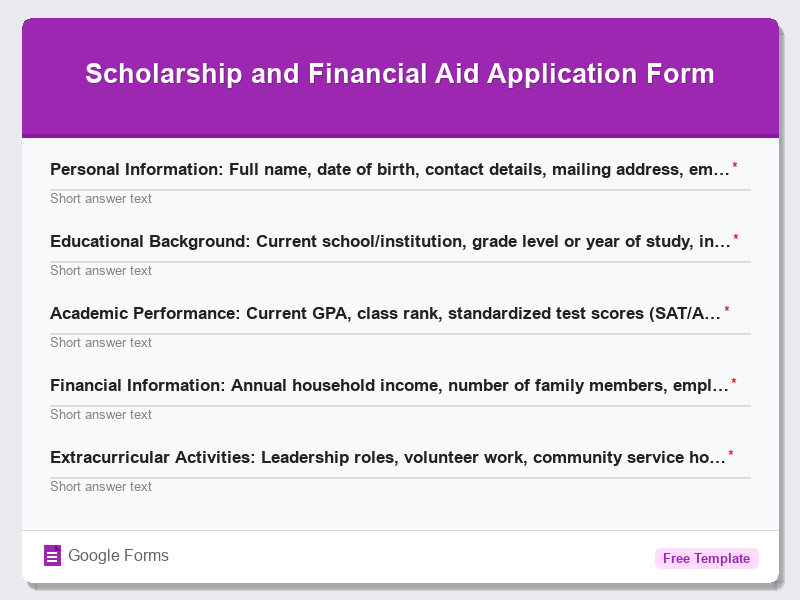
Scholarship and Financial Aid Application Form
View Template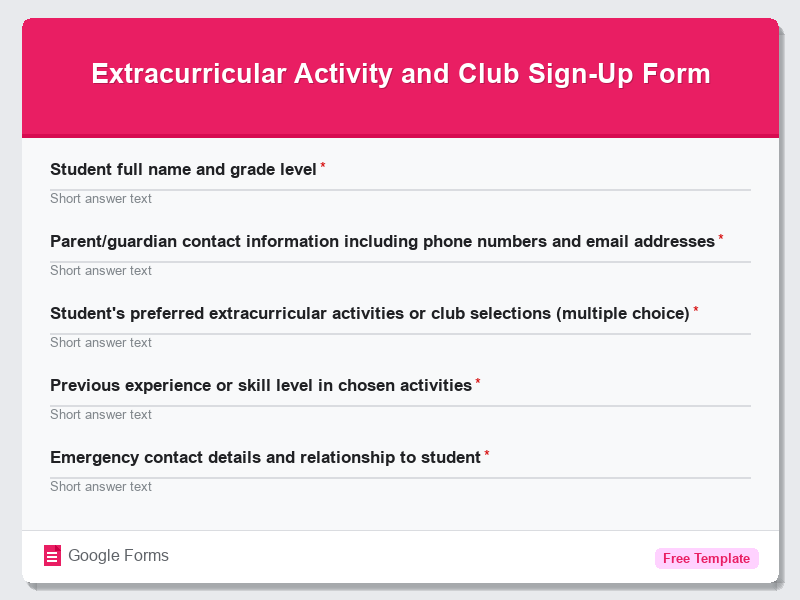
Extracurricular Activity and Club Sign-Up Form
View Template