Extracurricular Activity and Club Sign-Up Form
What is the Extracurricular Activity and Club Sign-Up Form?The Extracurricular Activity and Club Sign-Up Form is a comprehensive Google Forms template de…
What is the Extracurricular Activity and Club Sign-Up Form?
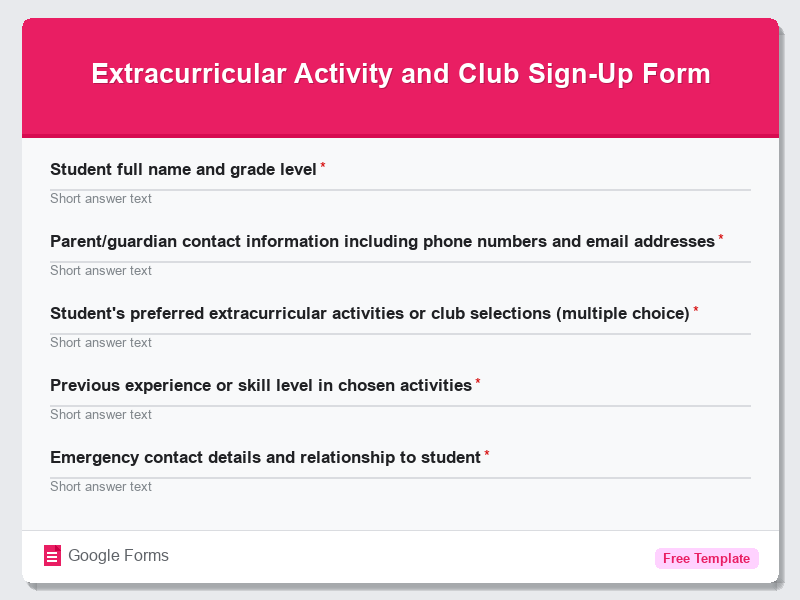
The Extracurricular Activity and Club Sign-Up Form is a comprehensive Google Forms template designed to streamline the student enrollment process for after-school activities, clubs, and extracurricular programs. This free form template serves as a digital gateway for educational institutions to collect essential student information, activity preferences, and parental consent all in one organized platform. Schools, colleges, and youth organizations worldwide can utilize this Education Forms template to efficiently manage student registrations while maintaining detailed records of participation and contact information.
This versatile form template eliminates the traditional paperwork hassle by providing a user-friendly digital alternative that can be accessed from any device. The Extracurricular Activity and Club Sign-Up Form captures crucial data including student demographics, emergency contacts, medical information, activity choices, and scheduling preferences. By implementing this Google Forms solution, educational administrators can reduce processing time, minimize errors, and ensure compliance with safety requirements while providing students and parents with a convenient sign-up experience that’s available 24/7.
Who Should Use This Form?
This Education Forms template is ideal for school administrators, activity coordinators, club advisors, and youth program directors who need to manage student enrollments efficiently. Elementary, middle, and high schools can use this form template for sports teams, academic clubs, arts programs, and volunteer organizations. College student affairs departments, community centers, after-school programs, summer camps, and recreational facilities will find this Google Forms template invaluable for organizing activities ranging from debate clubs and drama societies to robotics teams and environmental groups. Non-profit youth organizations, religious institutions with youth programs, and homeschool cooperatives can also benefit from this free form to coordinate group activities and maintain organized participant records.
Form Questions & Fields
- Student full name and grade level
- Parent/guardian contact information including phone numbers and email addresses
- Student’s preferred extracurricular activities or club selections (multiple choice)
- Previous experience or skill level in chosen activities
- Emergency contact details and relationship to student
- Medical conditions, allergies, or dietary restrictions
- Transportation arrangements and pickup authorization
- Availability for practice sessions, meetings, or events (time preferences)
- Parent/guardian consent and liability waiver acknowledgment
- Additional comments or special accommodations needed
How to Use This Google Form Template
- Access the Extracurricular Activity and Club Sign-Up Form template through Google Forms and click “Use Template” to create your copy of this free form, then customize the title and description to match your institution’s specific programs and branding requirements.
- Modify the activity options and club selections to reflect your organization’s current offerings, add specific requirements for each program, and adjust the form questions to capture information relevant to your particular extracurricular activities and safety protocols.
- Configure the form settings to enable email notifications for new submissions, set up automatic response confirmations for participants, and establish appropriate sharing permissions to ensure only authorized staff can access the collected student data.
- Distribute the Google Forms link through your school’s website, email newsletters, student portals, or social media channels, and provide clear instructions about registration deadlines and any required documentation that needs to be submitted separately.
- Monitor form responses regularly through the Google Forms dashboard, export data to Google Sheets for advanced analysis and record-keeping, and follow up with incomplete submissions or students requiring additional information to complete their enrollment process.
Benefits of Using This Form
This Google Forms template offers numerous advantages including streamlined data collection that eliminates manual paperwork and reduces administrative workload by up to 75%. The automated organization features allow instant sorting and filtering of student applications, making it easier to manage capacity limits and create balanced groups. Real-time accessibility means parents and students can complete registrations at their convenience while administrators receive immediate notifications of new submissions. Additionally, the digital format ensures data accuracy, provides secure cloud storage of sensitive information, and enables seamless integration with other Google Workspace tools for comprehensive student management and communication workflows.
Similar Form Templates
More free Education Forms templates you might find useful
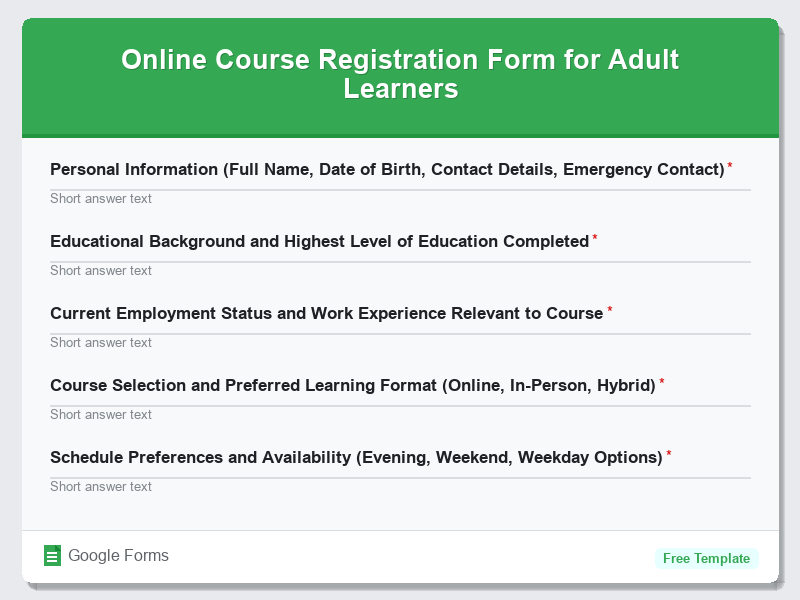
Online Course Registration Form for Adult Learners
View Template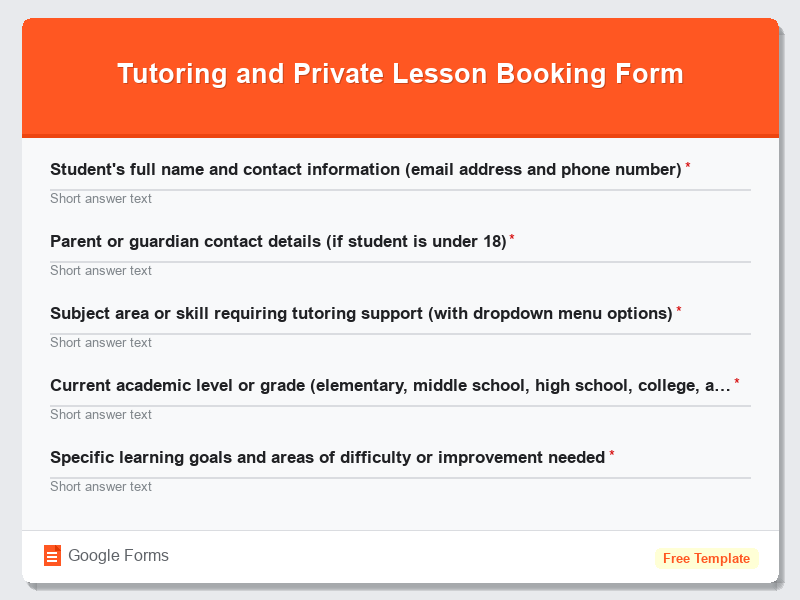
Tutoring and Private Lesson Booking Form
View Template
University and College Application Form
View Template
School Enrollment and New Student Intake Form
View Template
Student Enrollment Form for Private Schools
View Template