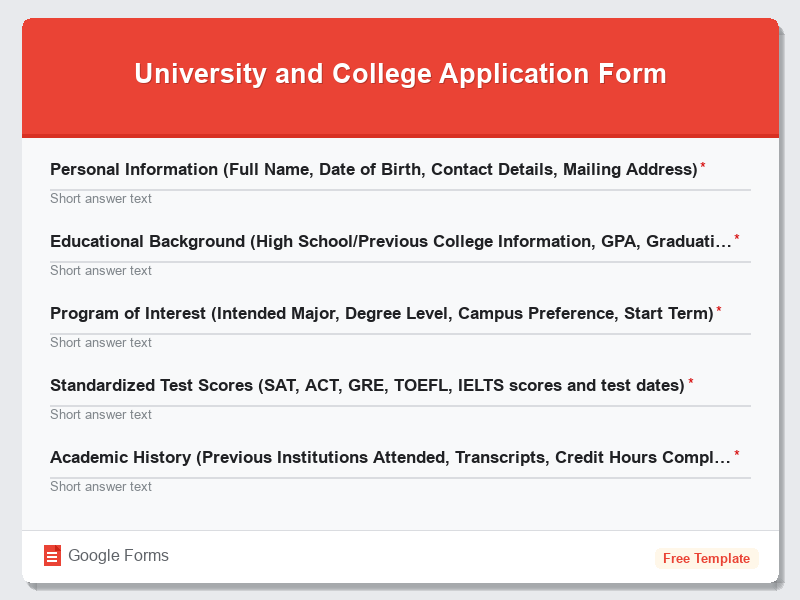
Student Enrollment Form for Private Schools
What is the Student Enrollment Form for Private Schools?The Student Enrollment Form for Private Schools is a comprehensive Google Forms template designed…
What is the Student Enrollment Form for Private Schools?
The Student Enrollment Form for Private Schools is a comprehensive Google Forms template designed specifically to streamline the admission process for private educational institutions. This free form template serves as a digital gateway for collecting essential student information, academic history, and family details required for enrollment consideration. Private schools across the globe utilize this standardized form to ensure they gather all necessary data while maintaining consistency in their admissions process. The form template eliminates the need for paper-based applications and provides a professional, user-friendly experience for prospective families.
This Education Forms template is meticulously crafted to address the unique requirements of private school enrollment procedures, including sections for academic transcripts, extracurricular activities, emergency contacts, and tuition payment preferences. By implementing this Google Forms template, private schools can significantly reduce administrative overhead while improving data accuracy and accessibility. The form automatically organizes responses in a structured format, making it easier for admissions committees to review applications and make informed decisions about student acceptance.
Who Should Use This Form?
This Student Enrollment Form template is ideal for private school administrators, admissions directors, registrars, and educational consultants who manage student intake processes. Elementary schools, middle schools, high schools, and specialized private academies can all benefit from this comprehensive form template. Parents and guardians seeking enrollment for their children will find this Google Forms template intuitive and thorough, while school staff appreciate the organized data collection that facilitates efficient processing of applications. Independent schools, charter schools with selective admissions, religious institutions, and international schools looking to modernize their enrollment procedures will find this free form particularly valuable for maintaining professional standards while embracing digital transformation.
Form Questions & Fields
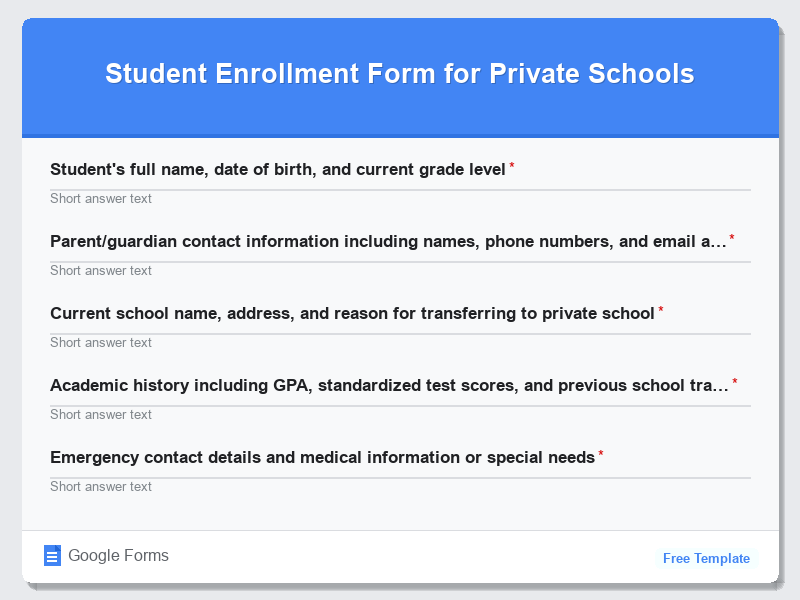
- Student’s full name, date of birth, and current grade level
- Parent/guardian contact information including names, phone numbers, and email addresses
- Current school name, address, and reason for transferring to private school
- Academic history including GPA, standardized test scores, and previous school transcripts
- Emergency contact details and medical information or special needs
- Extracurricular activities, hobbies, and areas of interest
- Family background information and household composition
- Financial aid requirements and tuition payment preferences
- Student’s personal statement or essay about educational goals
- References from current teachers or educational professionals
How to Use This Google Form Template
- Access the Student Enrollment Form template through Google Forms and click “Use Template” to create your customized version. Ensure you’re logged into your Google account to save and modify the form according to your private school’s specific requirements and branding guidelines.
- Customize the form fields by adding your school’s logo, adjusting question types, and modifying sections to align with your institution’s enrollment criteria. Add conditional logic where appropriate, such as showing financial aid sections only when selected, and set up required fields for essential information.
- Configure form settings including response collection preferences, email notifications for new submissions, and access permissions for staff members who will review applications. Set up automatic confirmation emails for families who submit the form to acknowledge receipt of their enrollment application.
- Test the form thoroughly by completing it as a prospective parent would, checking for any technical issues, unclear instructions, or missing fields. Share the test version with colleagues to gather feedback and ensure the form captures all necessary information for your admissions process.
- Distribute the finalized Google Forms link through your school’s website, email campaigns, social media channels, and during information sessions. Monitor responses regularly and establish a systematic review process for processing enrollment applications efficiently while maintaining communication with prospective families.
Benefits of Using This Form
Implementing this Student Enrollment Form template offers numerous advantages for private schools seeking to modernize their admissions process. The Google Forms platform provides automatic data organization and real-time response tracking, eliminating manual data entry and reducing human errors common in traditional paper applications. Schools benefit from improved efficiency as the digital format allows for instant submission, automatic backup, and easy sharing among admissions committee members for collaborative review. The professional appearance of this form template enhances the school’s digital presence while providing families with a convenient, accessible enrollment process that can be completed from any device. Additionally, the environmental impact is significantly reduced by eliminating paper waste, and the cost savings from digital processing allow schools to allocate resources toward educational programs rather than administrative overhead.
Similar Form Templates
More free Education Forms templates you might find useful
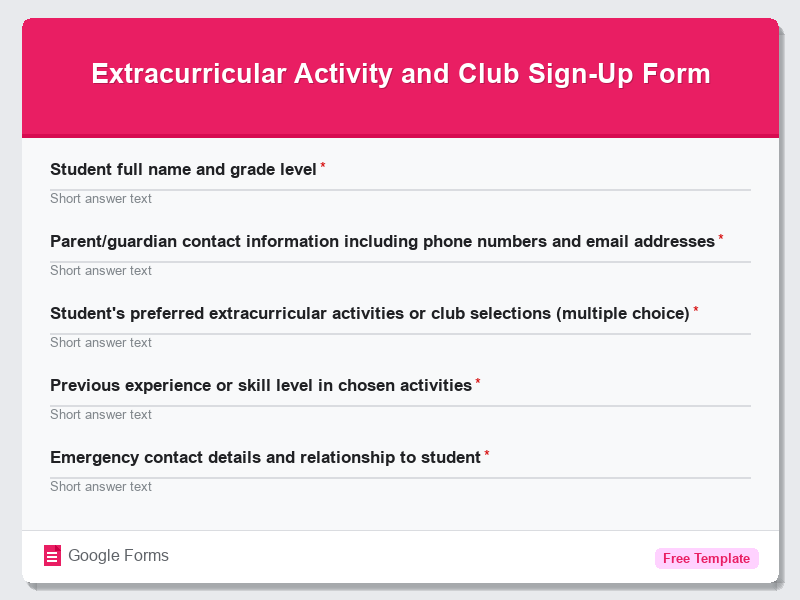
Extracurricular Activity and Club Sign-Up Form
View Template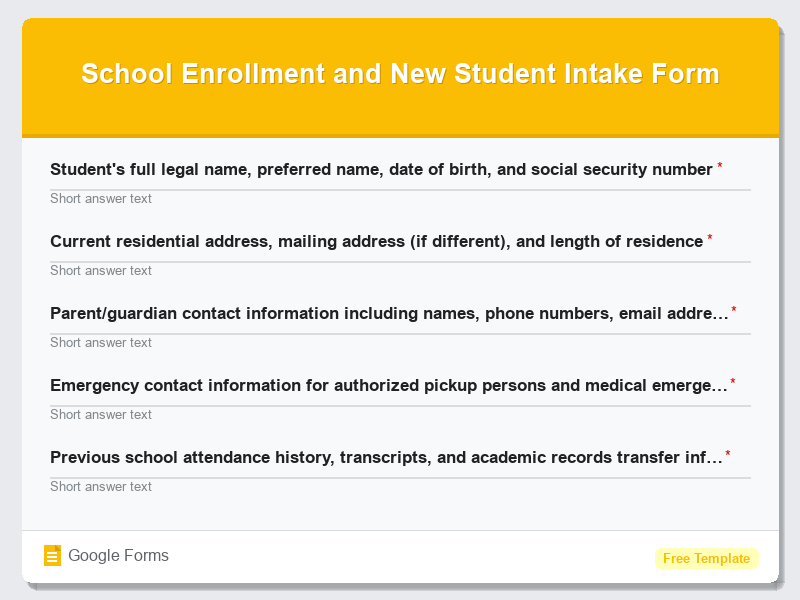
School Enrollment and New Student Intake Form
View Template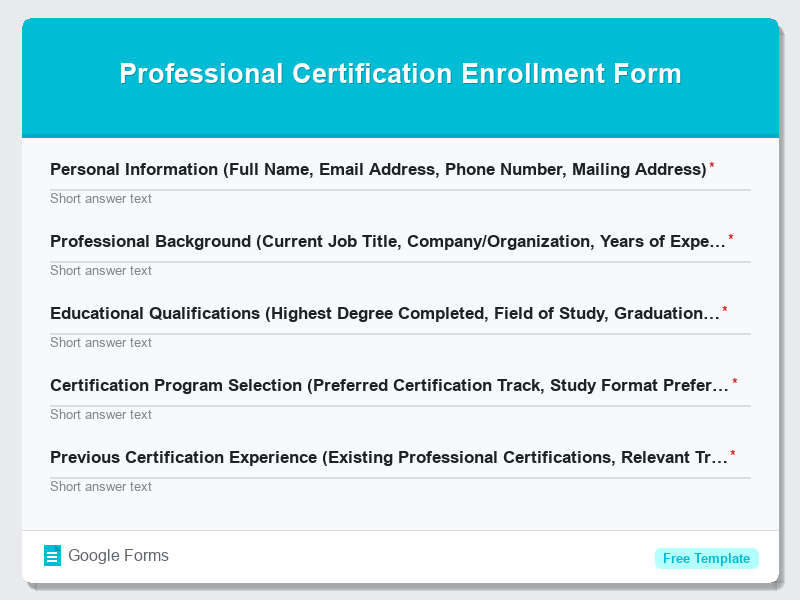
Professional Certification Enrollment Form
View Template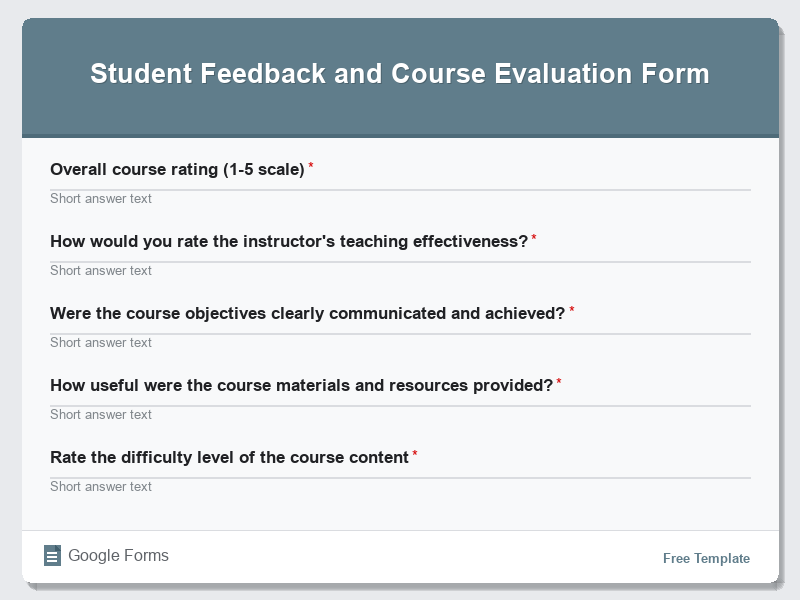
Student Feedback and Course Evaluation Form
View Template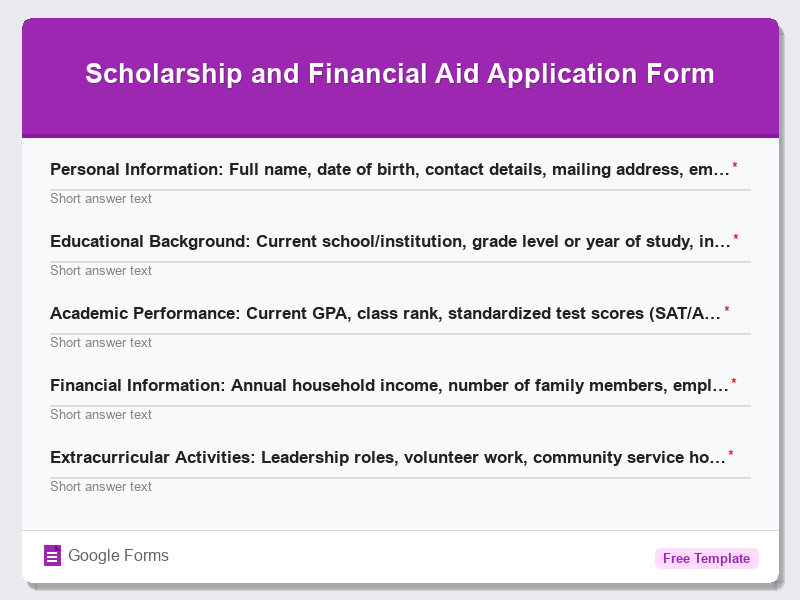
Scholarship and Financial Aid Application Form
View Template