Tutoring and Private Lesson Booking Form
What is the Tutoring and Private Lesson Booking Form?The Tutoring and Private Lesson Booking Form is a comprehensive Google Forms template designed to st…
What is the Tutoring and Private Lesson Booking Form?
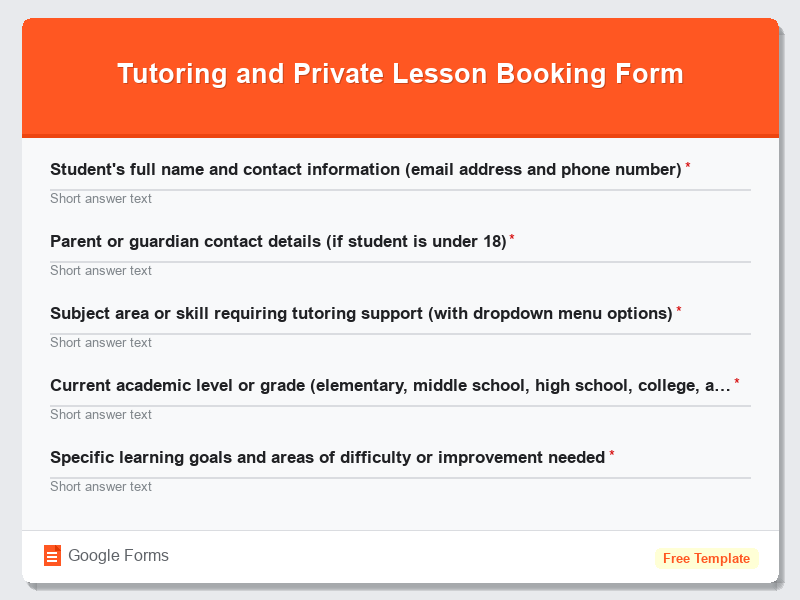
The Tutoring and Private Lesson Booking Form is a comprehensive Google Forms template designed to streamline the process of scheduling and organizing private educational sessions. This free form template serves as a digital booking system that allows students, parents, and educational institutions to efficiently request and manage tutoring appointments across various subjects and skill levels. Whether you’re offering mathematics tutoring, language lessons, music instruction, or specialized academic support, this Education Forms template provides a structured approach to collecting essential student information, scheduling preferences, and learning objectives.
Built specifically for Google Forms, this template eliminates the need for time-consuming phone calls and email exchanges typically associated with lesson booking. The form automatically organizes responses into a spreadsheet format, making it easy for tutors and educational service providers to track appointments, student progress, and payment information. By implementing this standardized booking system, educators can focus more on teaching and less on administrative tasks, while students and parents enjoy a convenient, user-friendly way to access quality educational support whenever they need it.
Who Should Use This Form?
This Google Forms template is perfect for independent tutors looking to professionalize their booking process, private music teachers managing multiple students across different instruments, language instructors offering conversational or academic language support, and test preparation specialists helping students prepare for standardized exams like SAT, ACT, or GRE. Educational centers, learning academies, and homeschool cooperatives can also benefit from this form template to coordinate group or individual lessons. Additionally, college students offering peer tutoring services, retired teachers providing supplemental education, and subject matter experts transitioning into private instruction will find this free form invaluable for establishing a professional booking system that builds trust with potential clients and streamlines their growing tutoring business.
Form Questions & Fields
- Student’s full name and contact information (email address and phone number)
- Parent or guardian contact details (if student is under 18)
- Subject area or skill requiring tutoring support (with dropdown menu options)
- Current academic level or grade (elementary, middle school, high school, college, adult learner)
- Specific learning goals and areas of difficulty or improvement needed
- Preferred lesson format (in-person, online via video call, or hybrid)
- Availability and scheduling preferences (days of week, time slots, frequency)
- Previous tutoring experience and current academic performance in the subject
- Budget range and preferred payment method for tutoring sessions
- Any learning disabilities, special accommodations, or additional notes for the tutor
How to Use This Google Form Template
- Access the Tutoring and Private Lesson Booking Form template through Google Forms and click “Use Template” to create your own customizable copy of this Education Forms template in your Google Drive account.
- Customize the form fields to match your specific tutoring services by editing subject options, adding your pricing information, and modifying availability time slots to reflect your actual teaching schedule and specializations.
- Configure the form settings to automatically send confirmation emails to respondents and set up response notifications to your email address so you can promptly follow up with new tutoring requests and maintain excellent customer service.
- Share your completed form by copying the public link and embedding it on your tutoring website, social media profiles, or educational platform listings to make it easily accessible to potential students and parents seeking tutoring services.
- Monitor incoming responses through the linked Google Sheets spreadsheet, organize appointment schedules, and follow up with applicants to confirm lesson details, discuss learning objectives, and establish ongoing tutoring relationships that support student success.
Benefits of Using This Form
This Google Forms template offers numerous advantages for education professionals seeking to streamline their booking process and enhance student experience. First, it provides 24/7 accessibility, allowing students and parents to submit tutoring requests at their convenience without being restricted by business hours or phone availability. Second, the automated data collection and organization features eliminate manual paperwork and reduce scheduling errors, while the integrated Google Sheets functionality enables easy tracking of student information, lesson history, and payment records. Third, the professional presentation of this form template builds credibility and trust with potential clients, demonstrating your commitment to organized, reliable educational services. Finally, the free nature of Google Forms makes this an extremely cost-effective solution for independent tutors and small educational businesses looking to compete with larger institutions while maintaining personalized service quality.
Similar Form Templates
More free Education Forms templates you might find useful
Scholarship and Financial Aid Application Form
View Template
Extracurricular Activity and Club Sign-Up Form
View Template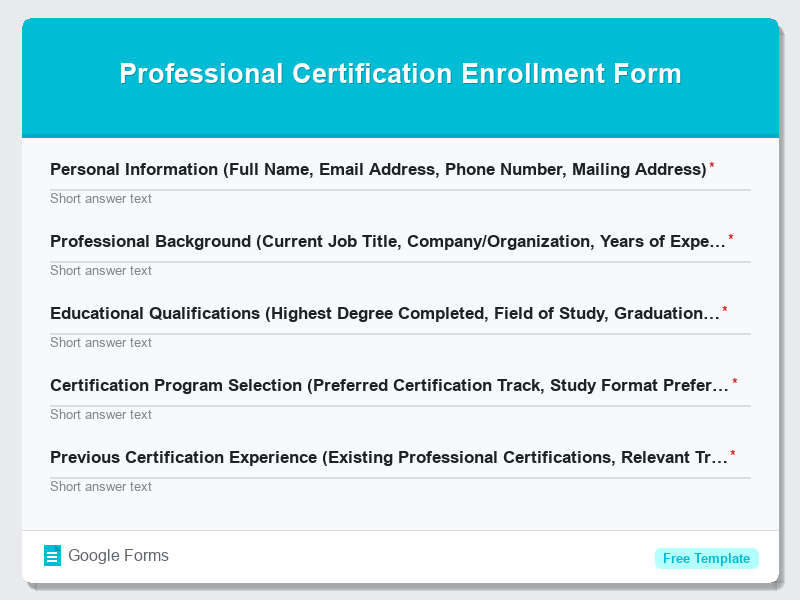
Professional Certification Enrollment Form
View Template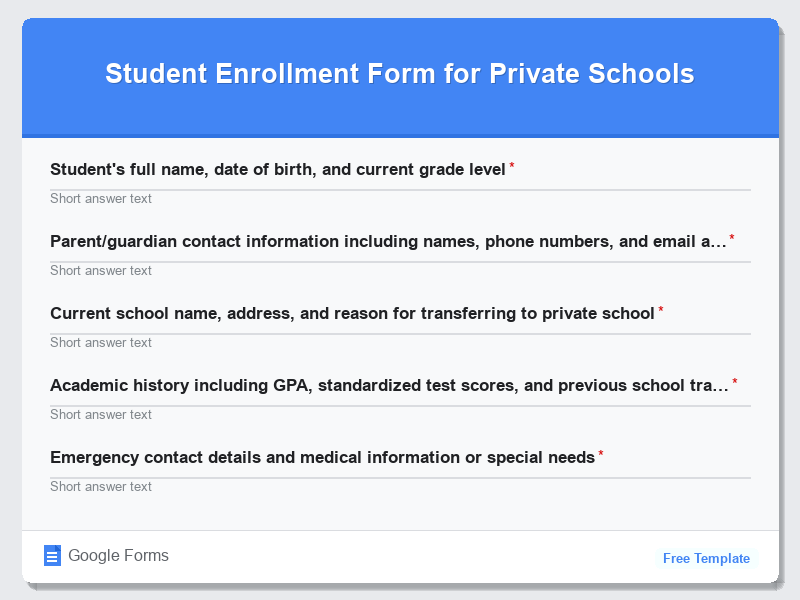
Student Enrollment Form for Private Schools
View Template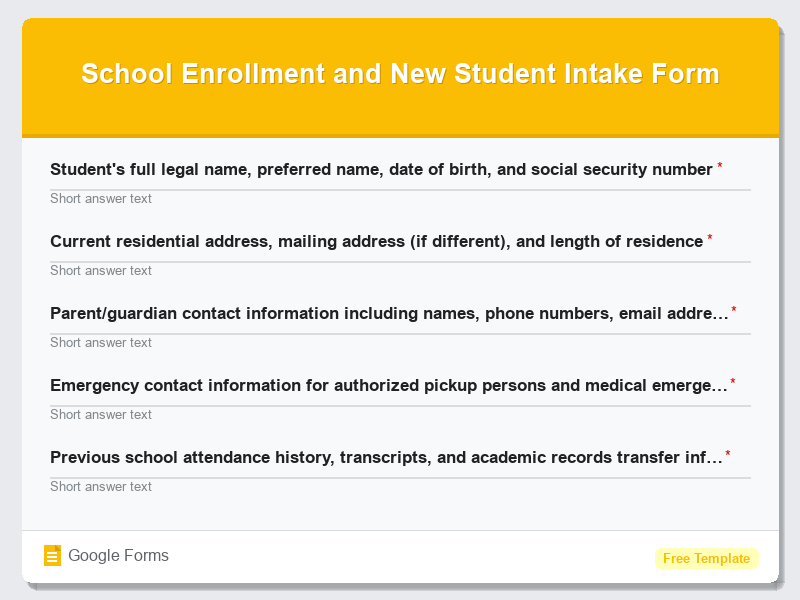
School Enrollment and New Student Intake Form
View Template