
Classroom Quiz
A secondary teacher setting a ten-minute recap in the last part of a lesson
Ten questions for an end-of-lesson recap, with the steps to make Google Forms mark eight of them for you.
10 questions: 3 multiple choice questions, 2 short answers, 1 dropdown, 1 checkbox question, 1 grid, 1 paragraph, 1 linear scale.
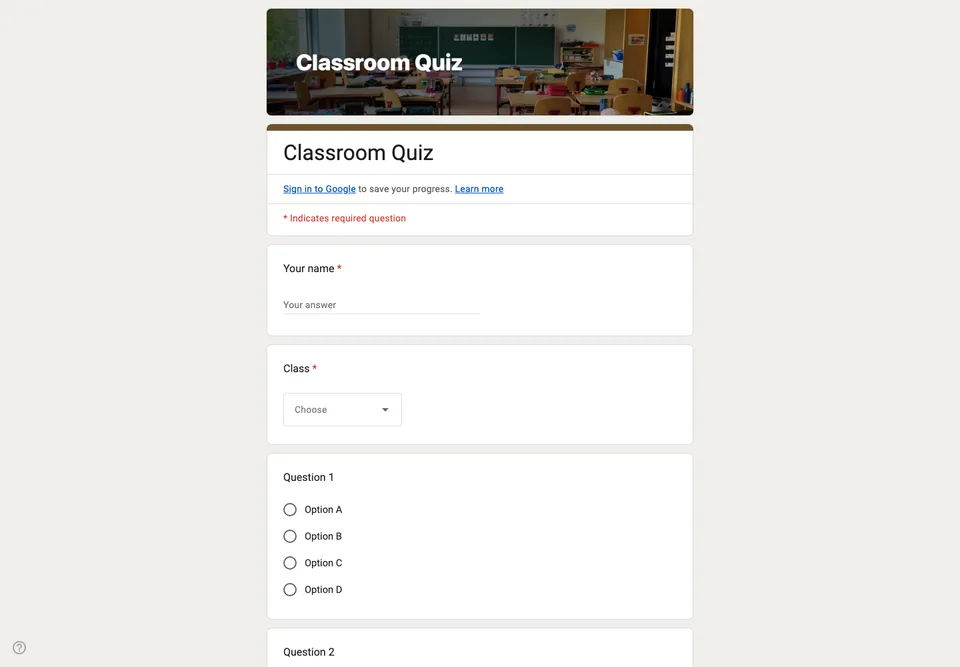
This is a ten-minute end-of-lesson recap, not an exam. Ten questions, mostly multiple choice so that Google Forms can mark them the moment they are submitted, and two written answers at the end where the marking has to be yours.
Turning it into a graded quiz
Google Forms will only mark answers if you turn the form into a quiz first. Open the form, go to Settings, switch on Make this a quiz, then set the correct answer and point value on each question. Skip that step and you have collected ten sets of answers you now have to read yourself.
Set “Release grade” to immediately after each submission if you want pupils to see where they went wrong while the lesson is still in their heads. Leave it on manual review if you want to look at the spread before anyone sees a score.
Why the first two questions are not questions
Name and class come first because a quiz without them produces a spreadsheet you cannot use. If your school account collects emails automatically you can delete both, and you should, because two fewer fields on a phone matters more than it sounds.
What this cannot do
There is no timer in Google Forms and no way to stop someone opening another tab. If the result carries any weight, the form is a recap tool, not an invigilated assessment.
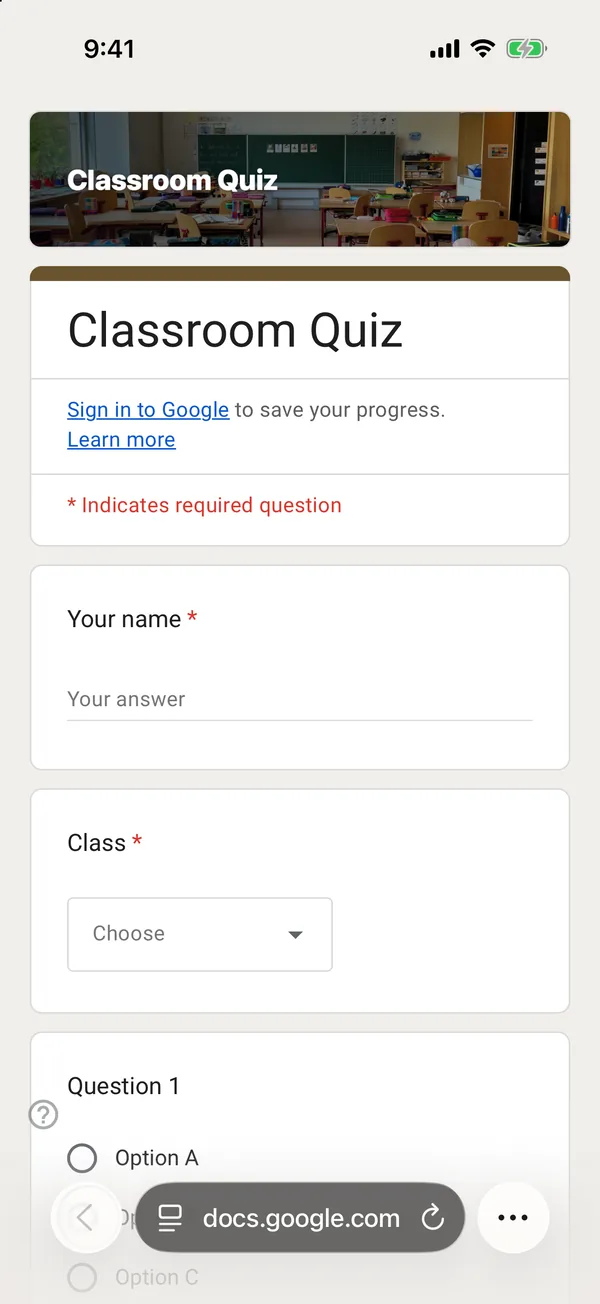
The copy goes into your own Google Drive, ready to edit. You need to be signed in to Google.
Describe it in the app and these questions are created in your own Google Drive. Change anything you like before you send it.
Other templates
Customer Satisfaction Survey
Nine questions built around what someone did and what they would change, rather than a score you cannot act on.
Event Feedback Form
Eight questions, short enough to be answered in the last five minutes of an event rather than ignored in an email on Monday.
Event Registration Form
Nine questions covering a headcount, dietary and access requirements, and nothing that would cost you a sign-up.
Order Form
Nine questions that turn twenty direct messages into twenty spreadsheet rows, with a quantity field per product.