
Event Registration Form
A workshop host who needs a headcount, dietary requirements and nothing else
Nine questions covering a headcount, dietary and access requirements, and nothing that would cost you a sign-up.
9 questions: 4 short answers, 2 multiple choice questions, 1 dropdown, 1 paragraph, 1 checkbox question.
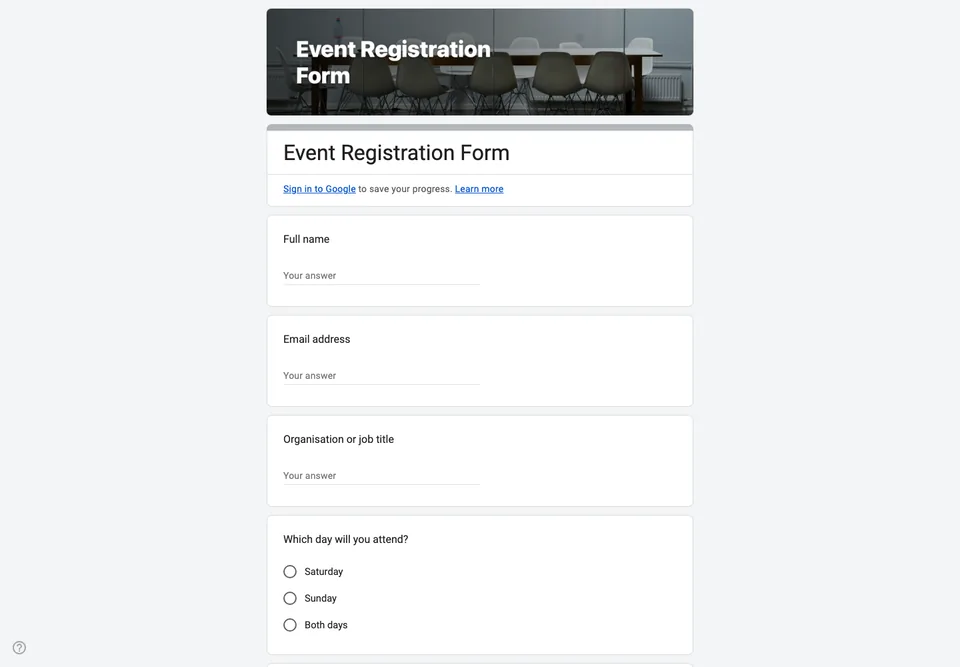
A registration form has one job: give you an accurate headcount and the handful of facts you need to run the day. Every question beyond that costs you sign-ups. This one keeps nine, and four of them exist purely because caterers, venues and accessibility require them.
Why these questions
Dietary requirements are a short text field rather than a checkbox list, because checkbox lists never contain the allergy the one person in the room actually has. Accessibility is asked in the same open way and for the same reason.
The question about which session someone plans to attend is optional and non-binding, and it is worth including even though people change their minds: it tells you which room to put in the big hall.
The limit Google Forms puts on this
Google Forms cannot take a payment and cannot cap the number of responses on its own, so a free registration is straightforward and a paid or limited one is not. For paid events, collect the registration here and send an invoice or a payment link afterwards. For limited capacity, watch the linked spreadsheet and close the form yourself when you hit the number.
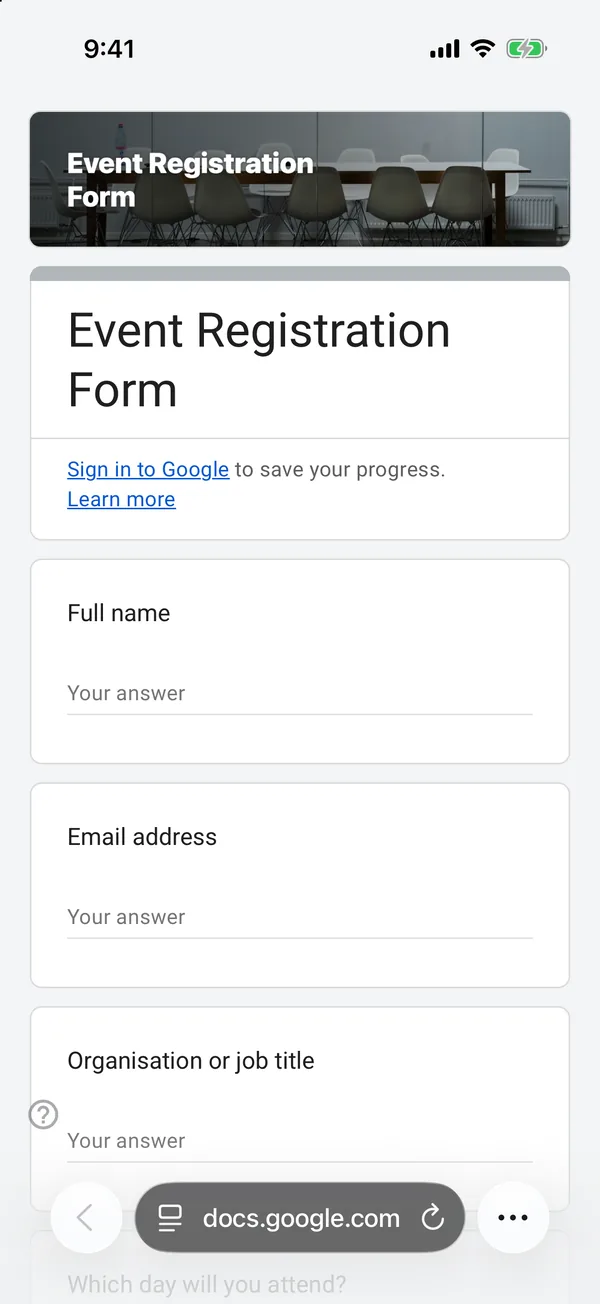
The copy goes into your own Google Drive, ready to edit. You need to be signed in to Google.
Describe it in the app and these questions are created in your own Google Drive. Change anything you like before you send it.
Other templates
Customer Satisfaction Survey
Nine questions built around what someone did and what they would change, rather than a score you cannot act on.
Event Feedback Form
Eight questions, short enough to be answered in the last five minutes of an event rather than ignored in an email on Monday.
Classroom Quiz
Ten questions for an end-of-lesson recap, with the steps to make Google Forms mark eight of them for you.
Order Form
Nine questions that turn twenty direct messages into twenty spreadsheet rows, with a quantity field per product.