
Customer Satisfaction Survey
A café owner who wants to know why the Tuesday regulars stopped coming
Nine questions built around what someone did and what they would change, rather than a score you cannot act on.
9 questions: 3 multiple choice questions, 1 linear scale, 1 grid, 1 checkbox question, 1 paragraph, 1 date field, 1 short answer.
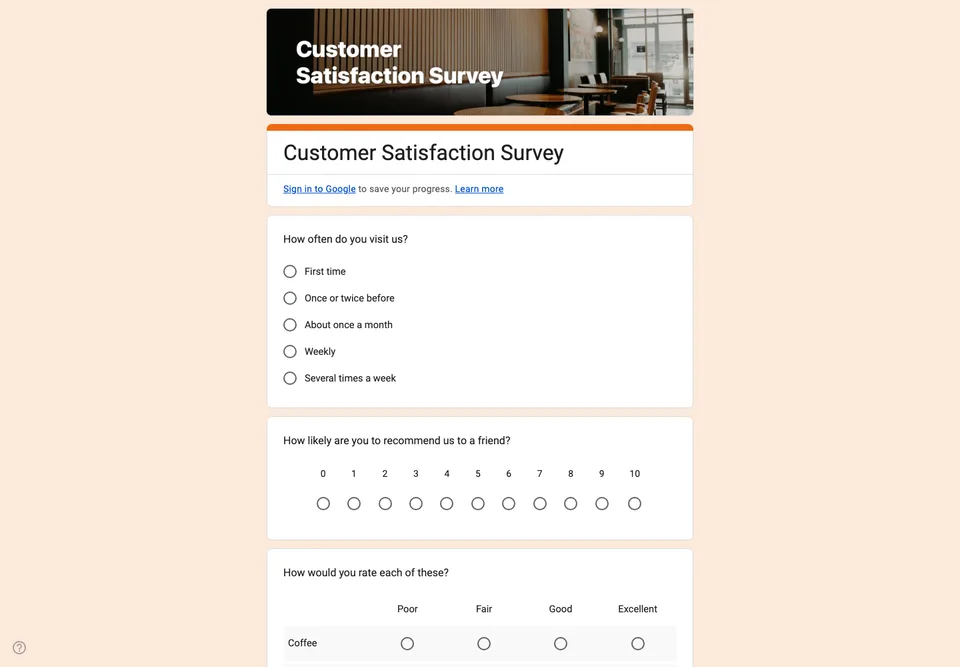
Many satisfaction surveys fail for the same reason: they ask people how satisfied they are, get an average of 4.1 out of 5, and change nothing. A useful survey asks what someone actually did and what they would change, because those two answers can be acted on and a score cannot.
This one is built around that. It opens with how often the person comes in, which lets you separate a regular’s complaint from a first-timer’s. It asks the recommendation question on the standard nought-to-ten scale, so your result is comparable to anyone else’s. Then it asks what they came in for and how long they waited, which is where the real answer usually hides. The open question comes near the end, once the specific ones have jogged the memory.
What to change before you send it
The wait-time bands assume a counter service. If you take bookings, replace that question with one about the booking itself. The grid rows are the four things you most want rated; swap them for whatever your business actually competes on, and keep it to four, because a grid with eight rows on a phone is where people abandon a form.
Leave the email question last and optional. Asking for it first changes what people are willing to say.
When to send it
Within a day of the visit, while the detail is still there. A QR code on the receipt or the table works better than an email two weeks later, which is answered mostly by people who were either delighted or furious.
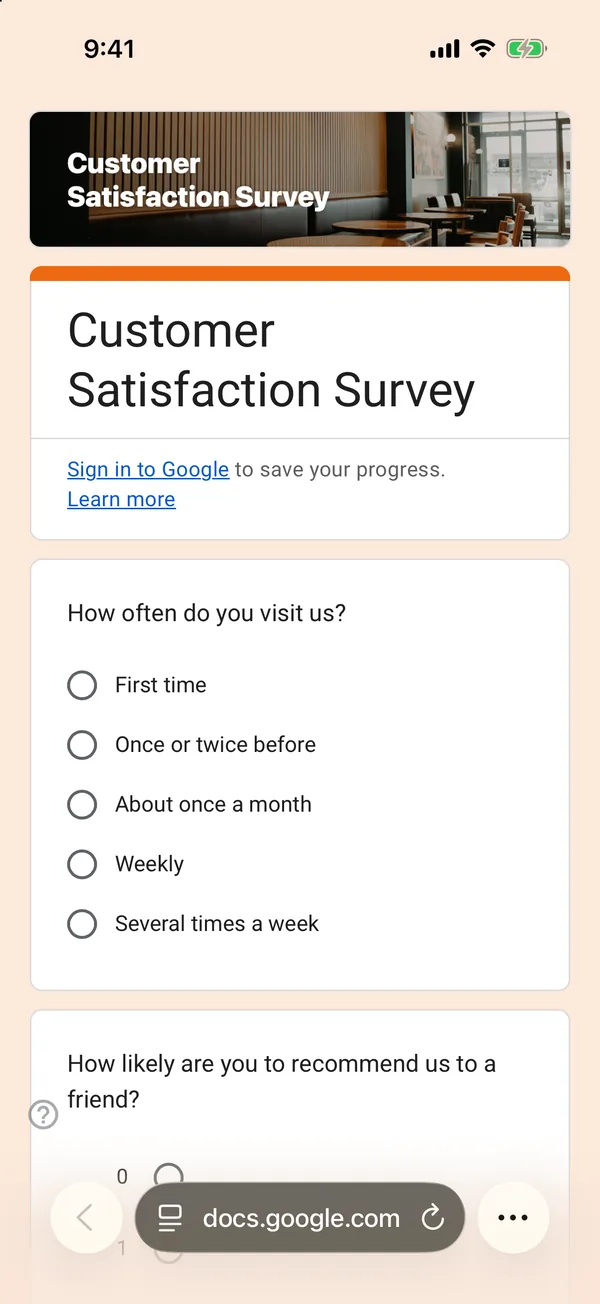
The copy goes into your own Google Drive, ready to edit. You need to be signed in to Google.
Describe it in the app and these questions are created in your own Google Drive. Change anything you like before you send it.
Other templates
Event Feedback Form
Eight questions, short enough to be answered in the last five minutes of an event rather than ignored in an email on Monday.
Event Registration Form
Nine questions covering a headcount, dietary and access requirements, and nothing that would cost you a sign-up.
Classroom Quiz
Ten questions for an end-of-lesson recap, with the steps to make Google Forms mark eight of them for you.
Order Form
Nine questions that turn twenty direct messages into twenty spreadsheet rows, with a quantity field per product.