
Order Form
A baker taking Christmas orders across the counter and in Instagram messages
Nine questions that turn twenty direct messages into twenty spreadsheet rows, with a quantity field per product.
9 questions: 3 short answers, 3 dropdowns, 1 date field, 1 time field, 1 paragraph.
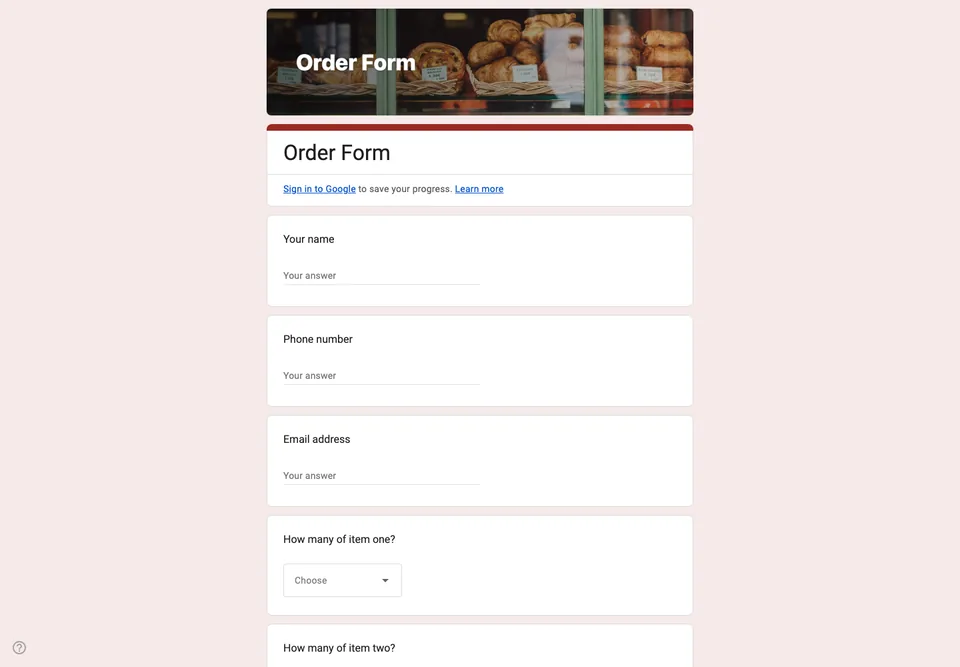
Taking orders in direct messages works until the week it does not, which is usually the busiest week of the year. A form turns twenty conversations into twenty rows in a spreadsheet, with the collection date next to each one.
Why the quantities are separate questions
It is tempting to use one checkbox list of products and a single quantity field. Then someone orders three of one thing and one of another, and you are back to messaging them. A dropdown per product is more clicks for the customer and far fewer for you.
The collection date is a date field rather than free text because “next Friday” written on a Thursday is genuinely ambiguous, and you will be reading these at six in the morning.
The part Google Forms cannot do
It cannot take payment, and it cannot calculate a total. The form collects the order; you send the invoice or the payment link afterwards, or take payment on collection. If that does not suit your business, this is the point at which a real shop system starts to earn its fee, and it is more honest to say so than to pretend a form is a checkout.
It also cannot stop you taking more orders than you can bake. Watch the linked spreadsheet and close the form yourself.
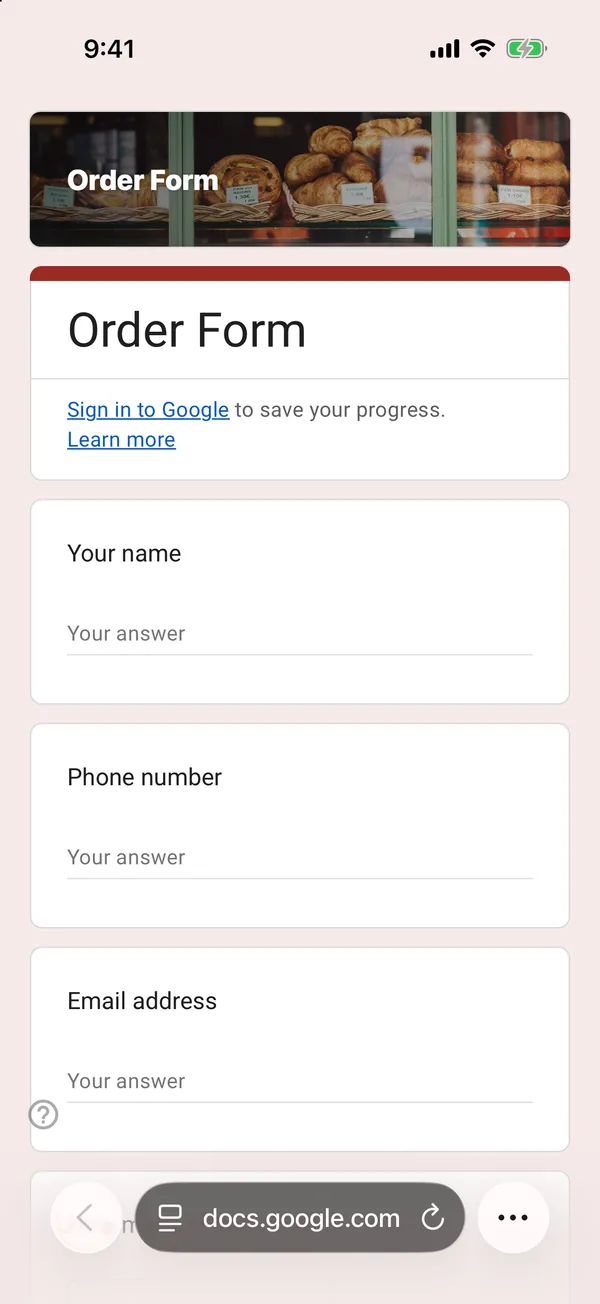
The copy goes into your own Google Drive, ready to edit. You need to be signed in to Google.
Describe it in the app and these questions are created in your own Google Drive. Change anything you like before you send it.
Other templates
Customer Satisfaction Survey
Nine questions built around what someone did and what they would change, rather than a score you cannot act on.
Event Feedback Form
Eight questions, short enough to be answered in the last five minutes of an event rather than ignored in an email on Monday.
Event Registration Form
Nine questions covering a headcount, dietary and access requirements, and nothing that would cost you a sign-up.
Classroom Quiz
Ten questions for an end-of-lesson recap, with the steps to make Google Forms mark eight of them for you.