
Party Invite Form
A parent organising a joint birthday party for two eight-year-olds and their classmates
Six questions that confirm who is coming, who is collecting them, and which allergies the cake has to avoid.
6 questions: 2 short answers, 2 multiple choice questions, 1 checkbox question, 1 paragraph.
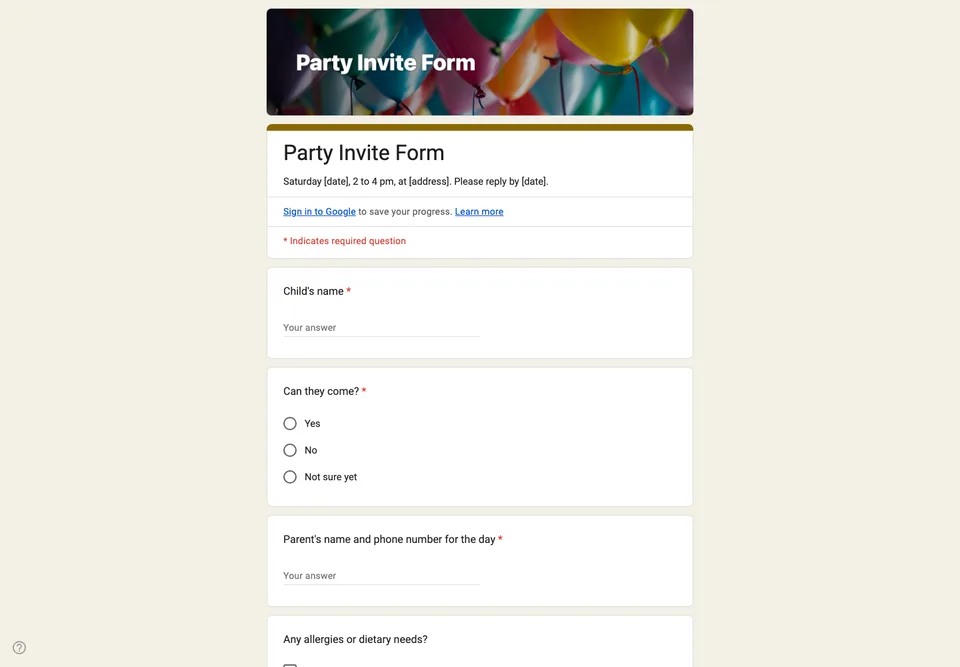
A children’s party invitation has two audiences: the child who wants to come, and the parent who has to know where, when, until when, and who to call. The form is written for the parent.
Details in the description
The address, the start and end time, and what to bring go in the form description, so they are on the screen the moment the link is opened. Parents forward invitations; the details should travel with the link, not stay in the first message.
The questions that matter on the day
Attendance, the child’s name, a phone number for the parent collecting them, and allergies. The phone number is the one you will need at six o’clock when someone has not been picked up. Allergies are checkboxes with a free line, because “nuts” and “tree nuts but not peanuts” are not the same message to whoever buys the cake.
Keep it small
Six questions. Anything you would like to know but will not act on, leave out. Do not ask parents to sign in: no “Limit to 1 response” and no file upload. Close the form two days before the party, when you order the food.
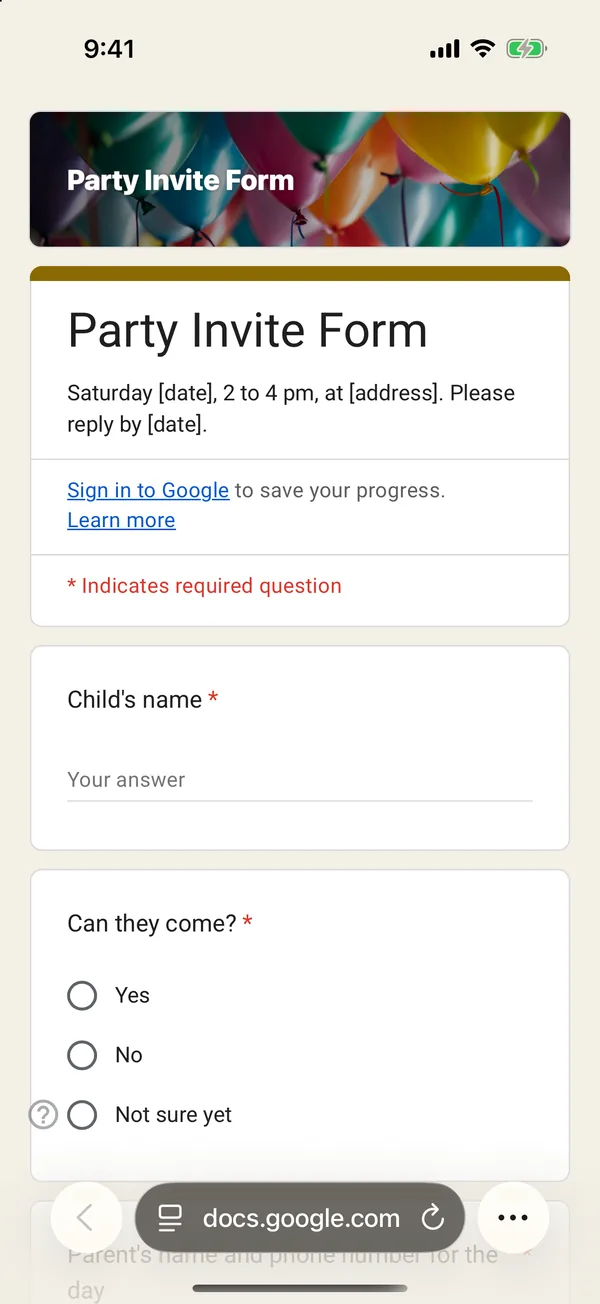
The copy goes into your own Google Drive, ready to edit. You need to be signed in to Google.
Describe it in the app and these questions are created in your own Google Drive. Change anything you like before you send it.
Other templates
Customer Satisfaction Survey
Nine questions built around what someone did and what they would change, rather than a score you cannot act on.
Event Feedback Form
Eight questions, short enough to be answered in the last five minutes of an event rather than ignored in an email on Monday.
Event Registration Form
Nine questions covering a headcount, dietary and access requirements, and nothing that would cost you a sign-up.
Classroom Quiz
Ten questions for an end-of-lesson recap, with the steps to make Google Forms mark eight of them for you.
Order Form
Nine questions that turn twenty direct messages into twenty spreadsheet rows, with a quantity field per product.
Job Application Form
Eleven questions that put every candidate in one spreadsheet, with a CV link instead of a file upload, so nobody has to sign in to apply.