
Work Request Form
A facilities manager in a small school who gets repair requests on scraps of paper
Seven questions that turn 'the tap is broken' into a request with a place, a priority and a photo link.
7 questions: 3 short answers, 2 paragraphs, 1 dropdown, 1 multiple choice question.
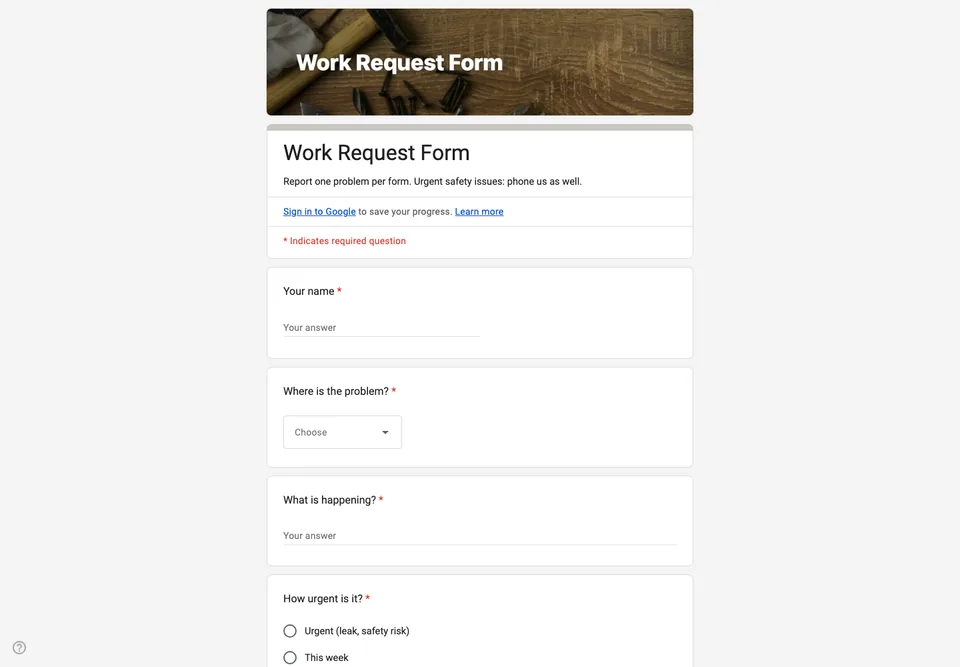
Maintenance requests arrive in corridors, in passing, and on the backs of envelopes. The ones that get done are the ones the right person happened to remember. A form puts every request in one list, with the place and the urgency written down by the person who saw the problem.
Where first, then what
The location is a dropdown of the building’s areas, edited once to match yours, because “upstairs toilet” means three different rooms to three different people. The description comes after, as a paragraph, and the question asks what happens rather than what is broken: “the tap drips all night” is more useful than “tap”.
Urgency with examples
Three levels, each with an example in its label: urgent (a leak, a safety risk), this week, and when you can. Without examples, everything is urgent to the person reporting it.
Photos without the sign-in
A photo saves a trip, but a file upload question would make everyone sign in to Google before they can report a dripping tap. The form asks for a link to a photo instead, or simply for “photo sent by message: yes or no”. Add a status column to the linked spreadsheet and it becomes the job list.
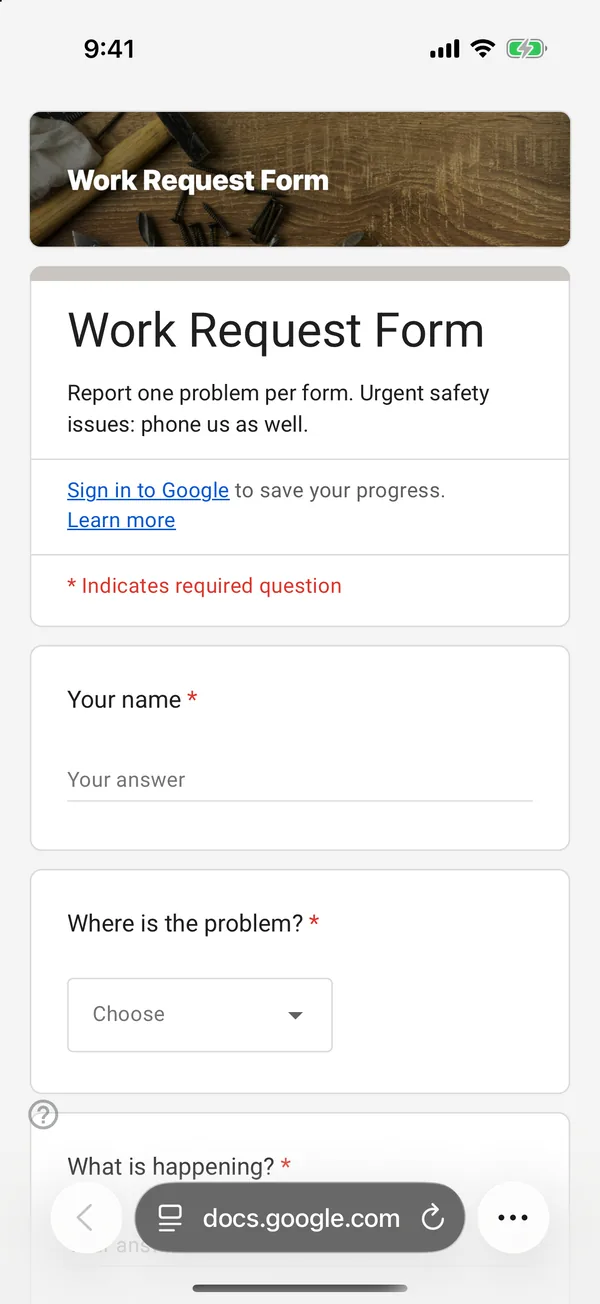
The copy goes into your own Google Drive, ready to edit. You need to be signed in to Google.
Describe it in the app and these questions are created in your own Google Drive. Change anything you like before you send it.
Other templates
Customer Satisfaction Survey
Nine questions built around what someone did and what they would change, rather than a score you cannot act on.
Event Feedback Form
Eight questions, short enough to be answered in the last five minutes of an event rather than ignored in an email on Monday.
Event Registration Form
Nine questions covering a headcount, dietary and access requirements, and nothing that would cost you a sign-up.
Classroom Quiz
Ten questions for an end-of-lesson recap, with the steps to make Google Forms mark eight of them for you.
Order Form
Nine questions that turn twenty direct messages into twenty spreadsheet rows, with a quantity field per product.
Job Application Form
Eleven questions that put every candidate in one spreadsheet, with a CV link instead of a file upload, so nobody has to sign in to apply.