
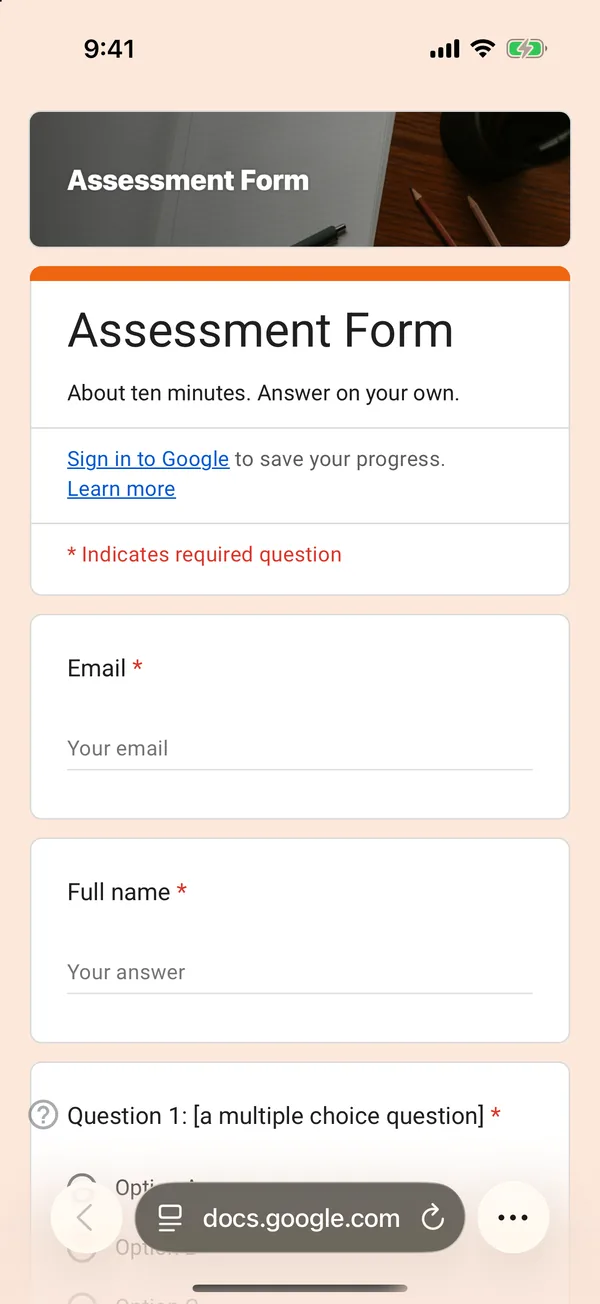
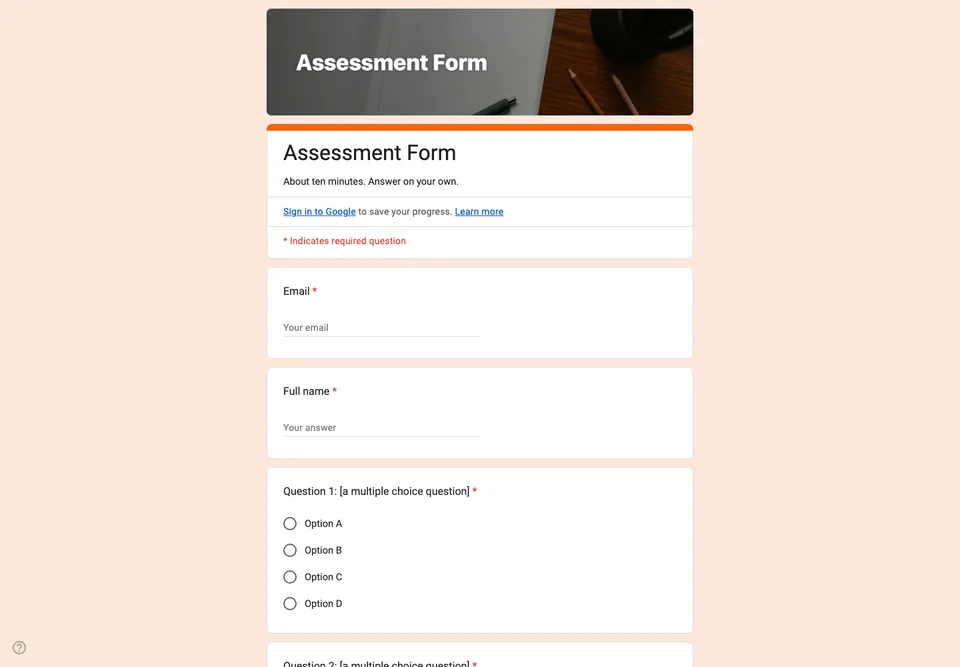
An assessment is not a quiz for fun and not a survey: it tells you what someone can do after a course. That means questions with right answers, a score, and a record you can keep. Google Forms does the marking once the answer key is set.
Questions with one defensible answer
Multiple choice and true or false questions, each with one answer you could defend if a trainee questioned it. Write the wrong options from the real mistakes people make, not from obviously silly answers; a question everyone gets right measures nothing.
Marked automatically, one question by hand
The form is a quiz, with points on every closed question. The last question asks the trainee to explain something in their own words; Google Forms cannot mark it, and that is deliberate, because it is the one that shows understanding. The grading guide covers marking it.
Settings for a fair assessment
Collect email addresses, so each score belongs to someone, and release grades after manual review rather than immediately. Shuffle the question order if people sit it in the same room. Do not show the correct answers until everyone has finished.