

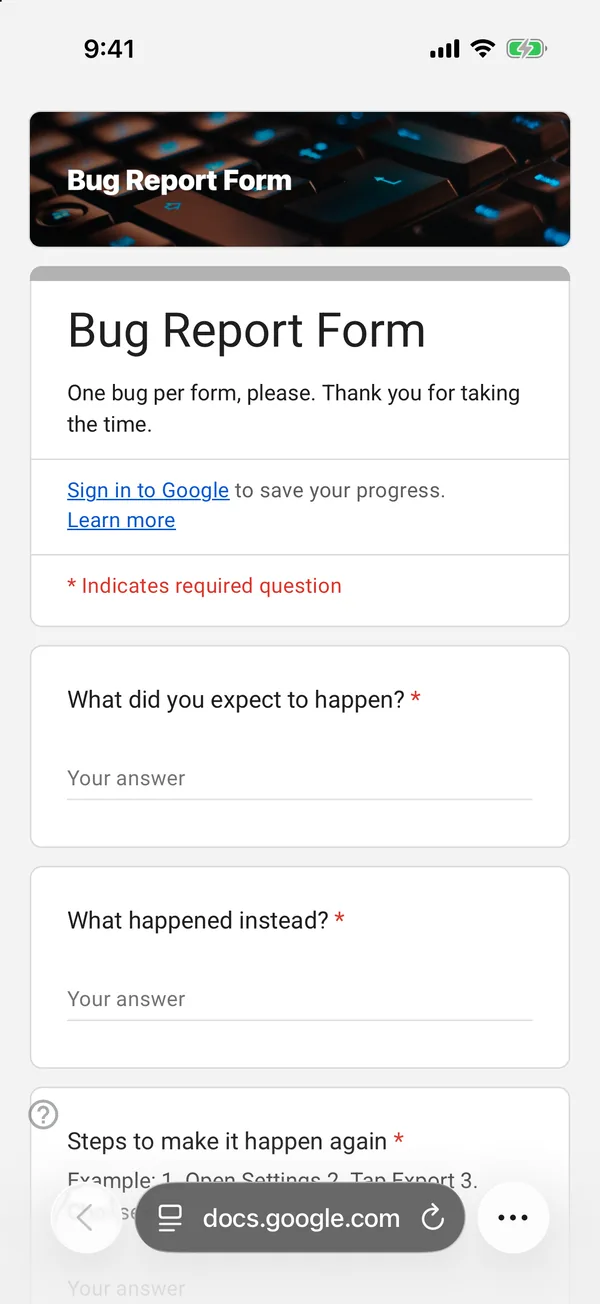
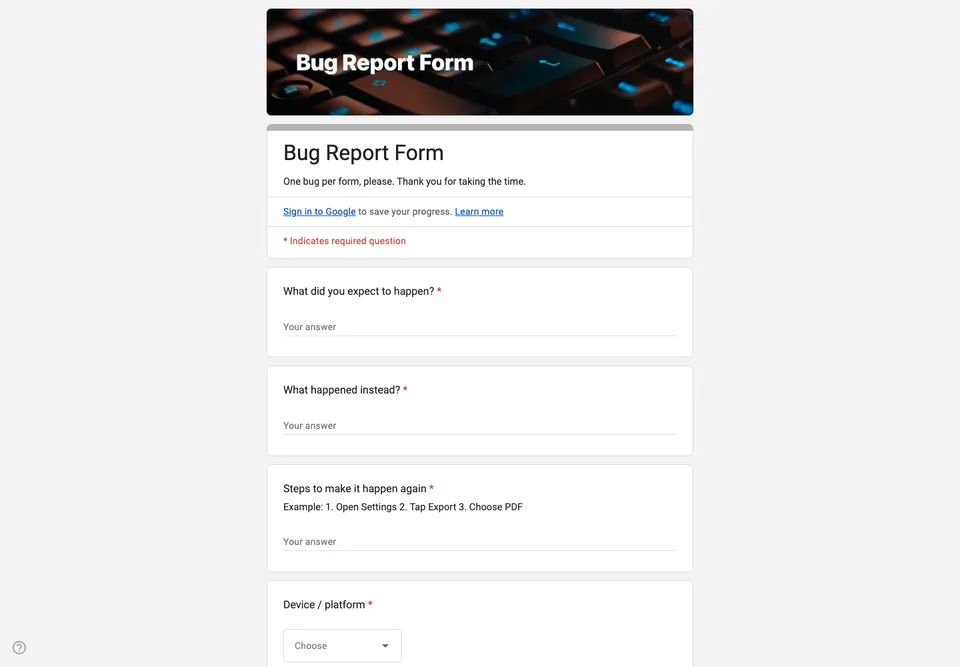
“It doesn’t work” is the most common bug report and the least useful. The form’s job is to ask, politely and in order, for the four things a developer needs: what happened, what should have happened, how to make it happen again, and on what.
Expected and actual, separately
Two short questions, “What did you expect to happen?” and “What happened instead?”, do most of the work. Writing them separately makes people notice the difference themselves, and half the time it turns out not to be a bug at all.
Steps, numbered
The steps question has an example in its help text (“1. Open Settings 2. Tap Export 3. ...”). People copy the format they are shown. Without it, you get a paragraph that starts after the interesting part.
Device and version as choices
Platform as a dropdown and version as a short answer, with a note on where to find it. Then how often it happens: always, sometimes, once. A bug that happened once is filed differently from one that happens every time.
Screenshots without the sign-in
A file upload question would make every reporter sign in to Google. Ask for a link to a screenshot instead, or tell them which email address to send it to. Add a status column to the linked sheet and it becomes your bug list.