
Contact Information Form
A sports club secretary updating the members list before the new season
Six questions to collect up-to-date contact details, with the consent line that makes the list usable afterwards.
6 questions: 3 short answers, 1 multiple choice question, 1 paragraph, 1 checkbox question.
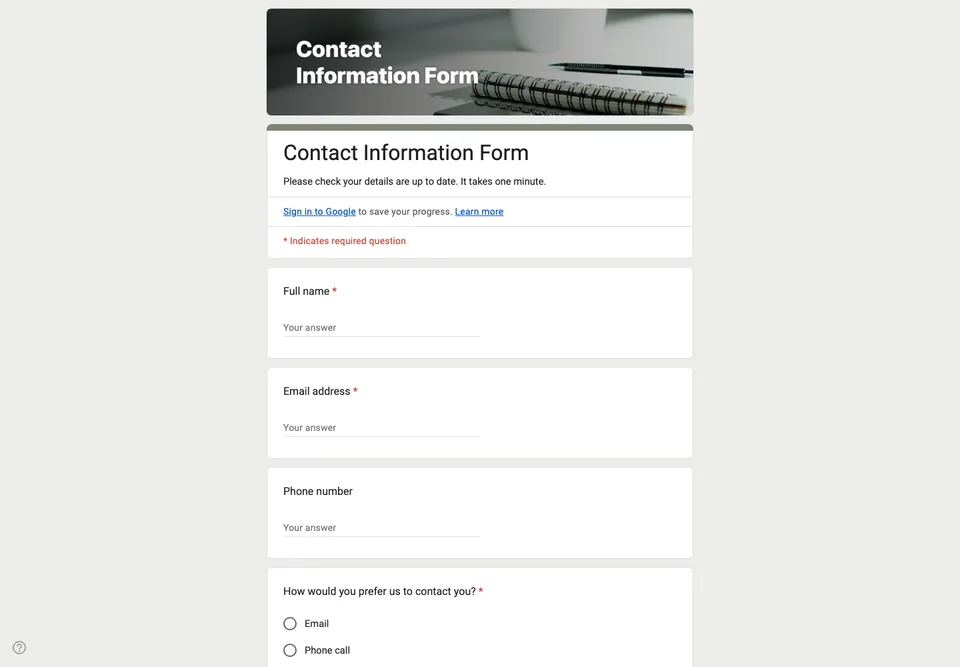
A contact list goes out of date the week after it is made. A form is the cheapest way to refresh it: one link in the club’s group chat, and every member updates their own line instead of the secretary retyping forty changes from messages.
Ask only what you will use
Name, email, phone and preferred way to be contacted. That is enough for most clubs, classes and small businesses. The postal address is left out on purpose: it is the field people hesitate over, and if you do not send post, it is personal data you hold for nothing. Add it back only if you mail things.
“How would you prefer us to contact you?” is the question that saves you later. Some people never read email; some never answer the phone. Knowing which is which before the first cancelled training session is worth one extra tap.
The consent line
The last question asks people to agree that their details are used to contact them about the club. It is a checkbox with one option, and it is required. If you ever need to show why you have someone’s number, that row in the spreadsheet, with its timestamp, is your answer.
Keeping it current
Leave the form open all year and pin the link where members will find it. Turn on “Allow response editing” in the settings, so someone who changes their number can update their own answer instead of sending a second one.
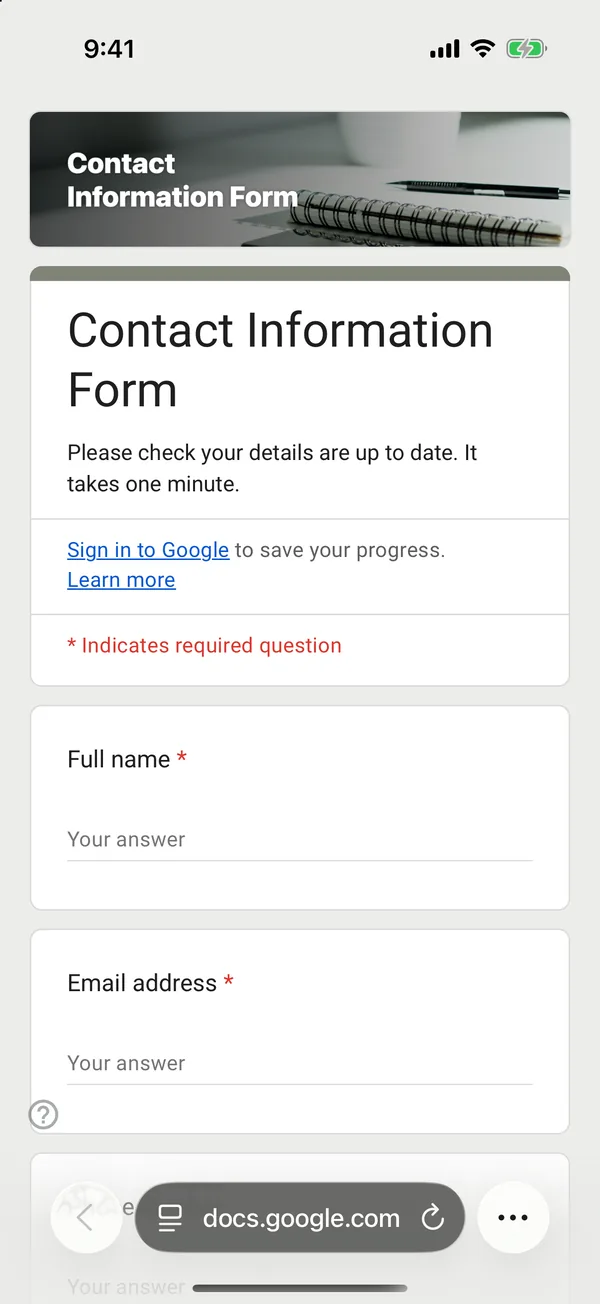
The copy goes into your own Google Drive, ready to edit. You need to be signed in to Google.
Describe it in the app and these questions are created in your own Google Drive. Change anything you like before you send it.
Other templates
Customer Satisfaction Survey
Nine questions built around what someone did and what they would change, rather than a score you cannot act on.
Event Feedback Form
Eight questions, short enough to be answered in the last five minutes of an event rather than ignored in an email on Monday.
Event Registration Form
Nine questions covering a headcount, dietary and access requirements, and nothing that would cost you a sign-up.
Classroom Quiz
Ten questions for an end-of-lesson recap, with the steps to make Google Forms mark eight of them for you.
Order Form
Nine questions that turn twenty direct messages into twenty spreadsheet rows, with a quantity field per product.
Job Application Form
Eleven questions that put every candidate in one spreadsheet, with a CV link instead of a file upload, so nobody has to sign in to apply.