
Course Evaluation Form
A lecturer who wants honest feedback on a ten-week evening course
Nine questions that students finish: a few ratings, two open questions that produce usable answers, and no name unless they choose to give one.
9 questions: 5 linear scales, 2 short answers, 2 paragraphs.
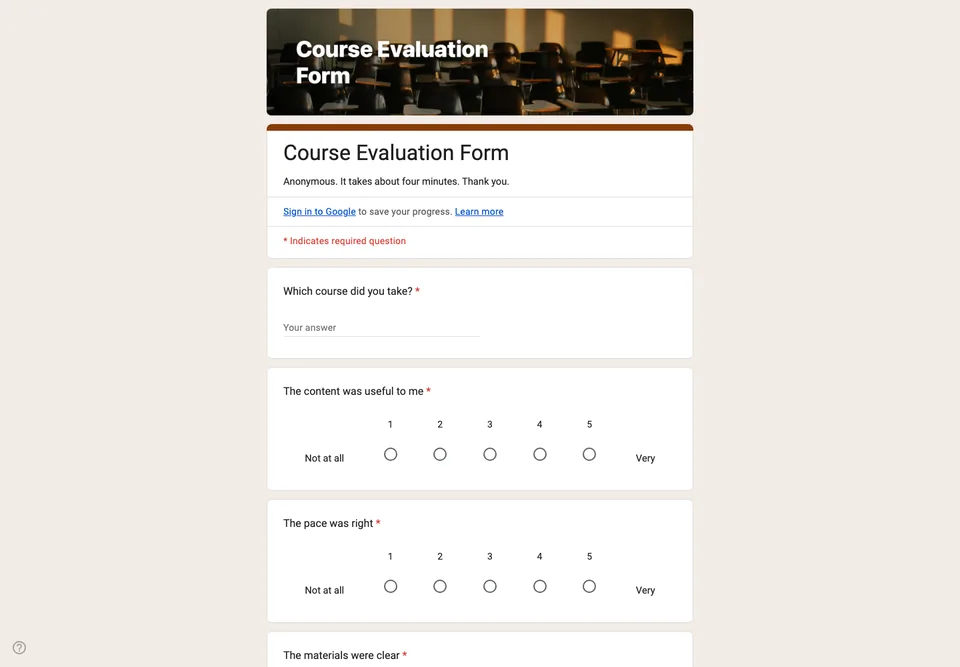
Course evaluations fail in two ways: nobody fills them in, or everybody ticks the middle of every scale and writes “good” in the box. Both come from the same mistake, which is asking too much and asking it vaguely.
Anonymous unless they choose otherwise
The form does not collect email addresses and does not ask for a name. Students write more honestly when nothing ties the answer to them, and a course run by the person reading the feedback is exactly where that matters. The last question offers an email for anyone who wants a reply; most will leave it empty, which is the point.
Five ratings, then two questions that matter
The scales are one to five, labelled at both ends, and there are only five of them: content, pace, materials, the teaching, and the course overall. Then two open questions: what should stay exactly as it is, and what one thing you would change. “One thing” gets a concrete answer; “any comments?” gets a sentence about the room temperature.
When to send it
Give it out during the last session, with ten minutes set aside and the QR code on the screen, not by email a week later. The response rate is the difference between hearing from the class and hearing from the three people who loved it or hated it. Do not limit it to one response per person: that makes students sign in to Google, and even with Google’s promise that their identity stays anonymous, a sign-in screen is the moment many decide not to be candid.
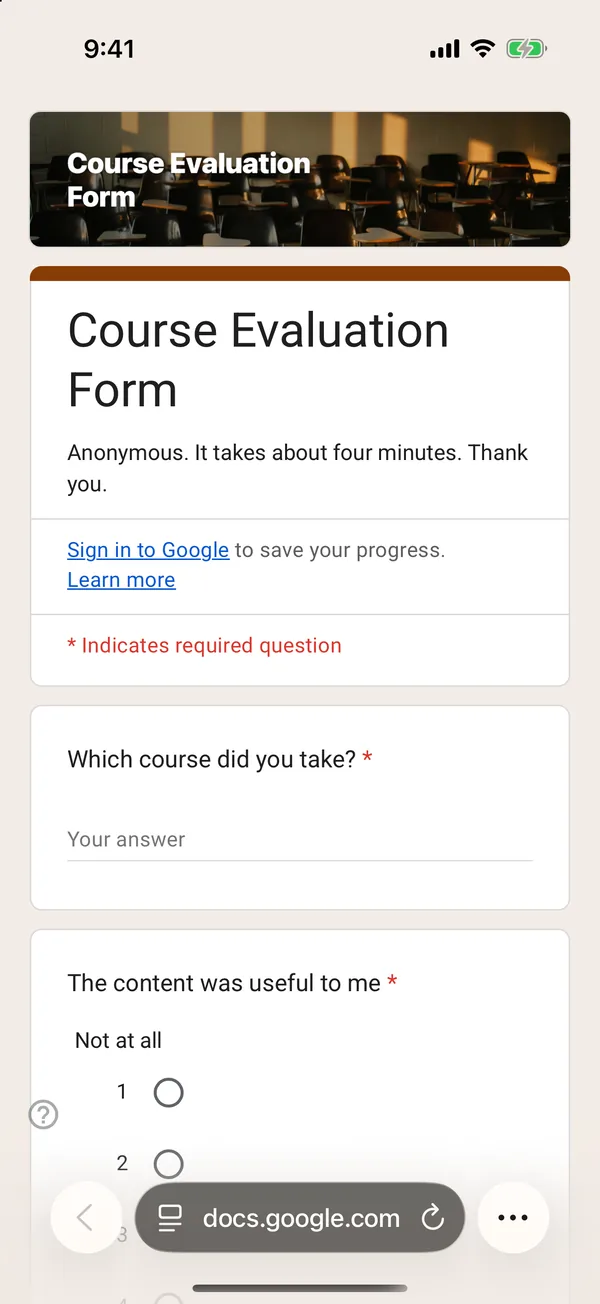
The copy goes into your own Google Drive, ready to edit. You need to be signed in to Google.
Describe it in the app and these questions are created in your own Google Drive. Change anything you like before you send it.
Other templates
Customer Satisfaction Survey
Nine questions built around what someone did and what they would change, rather than a score you cannot act on.
Event Feedback Form
Eight questions, short enough to be answered in the last five minutes of an event rather than ignored in an email on Monday.
Event Registration Form
Nine questions covering a headcount, dietary and access requirements, and nothing that would cost you a sign-up.
Classroom Quiz
Ten questions for an end-of-lesson recap, with the steps to make Google Forms mark eight of them for you.
Order Form
Nine questions that turn twenty direct messages into twenty spreadsheet rows, with a quantity field per product.
Job Application Form
Eleven questions that put every candidate in one spreadsheet, with a CV link instead of a file upload, so nobody has to sign in to apply.