

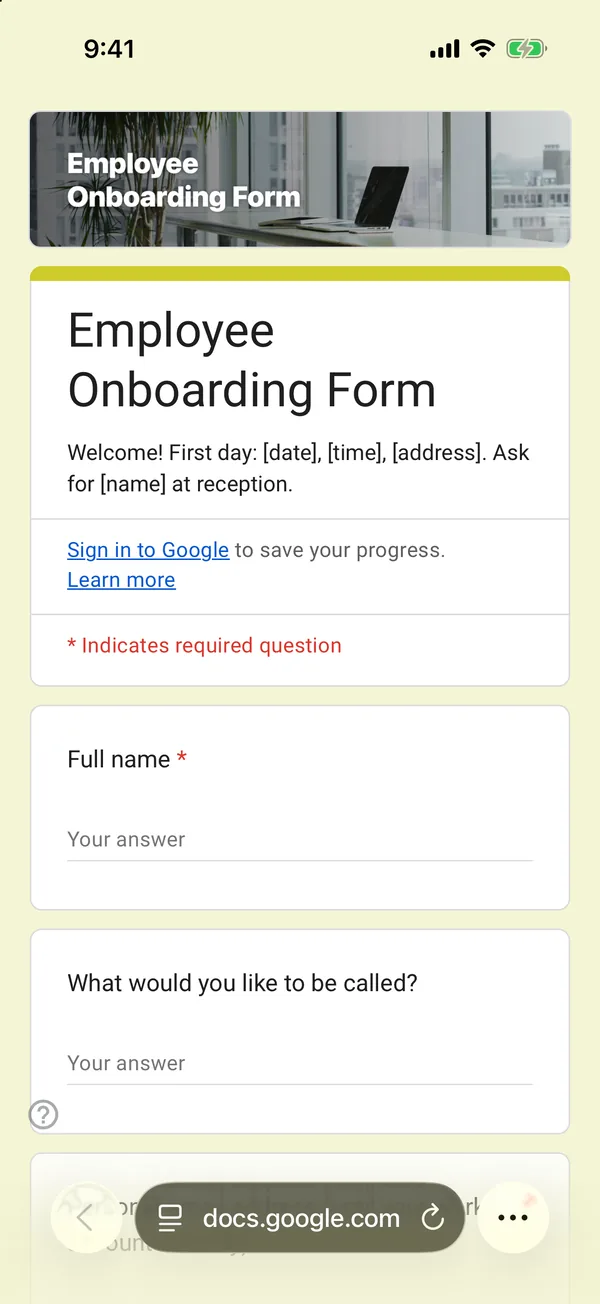
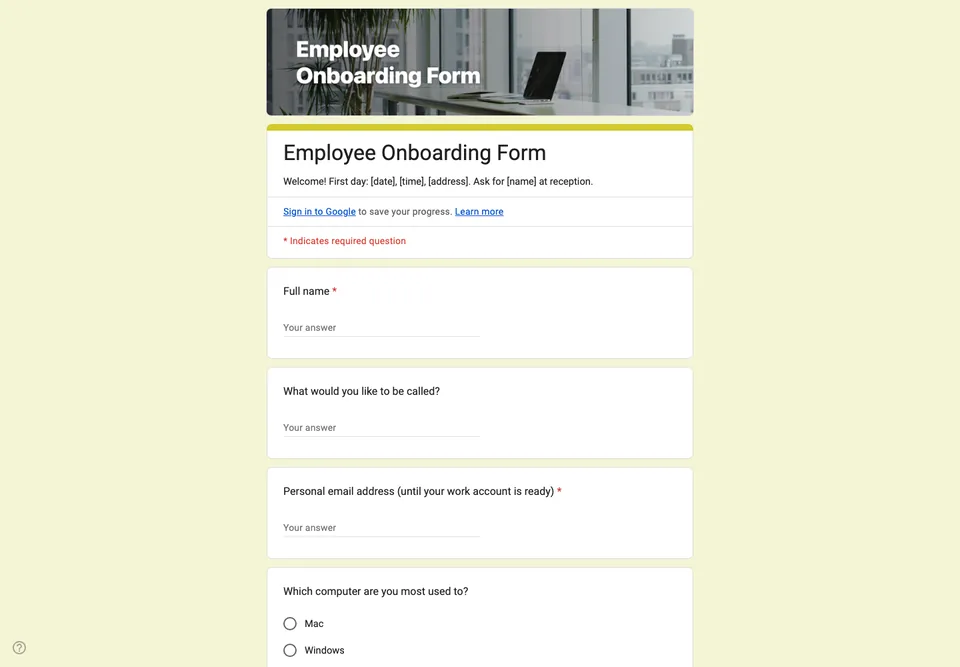
A good first day is decided the week before: a laptop that works, a login that exists, someone who knows the new person is vegetarian before the team lunch. This form collects that, and only that.
What it deliberately does not ask
No bank account, no tax number, no passport or ID number. Those details are exactly what a fraudster wants, and a form link forwarded by mistake, or a spreadsheet shared too widely, puts them in the wrong place. Collect them through your payroll provider or in person. Every HR template that asks for them in a Google Form is teaching a bad habit.
The practical questions
Preferred name (often not the legal one), the T-shirt or uniform size if you have one, the equipment they are used to, dietary needs for the welcome lunch, and access needs, asked openly: “Is there anything that would make your first weeks easier?” That question gets answers people would not volunteer in an interview.
Emergency contact
Name, relationship and phone number. Store the linked sheet where only HR can open it, and delete the rows of people who leave.
Send the link a week before the start date, with the first-day details (time, address, who to ask for) in the form description.