
Exit Ticket
A maths teacher checking, in the last five minutes, who understood today's lesson
Four questions answered in under two minutes at the end of a lesson, so tomorrow starts with the students who need it.
4 questions: 3 short answers, 1 linear scale.
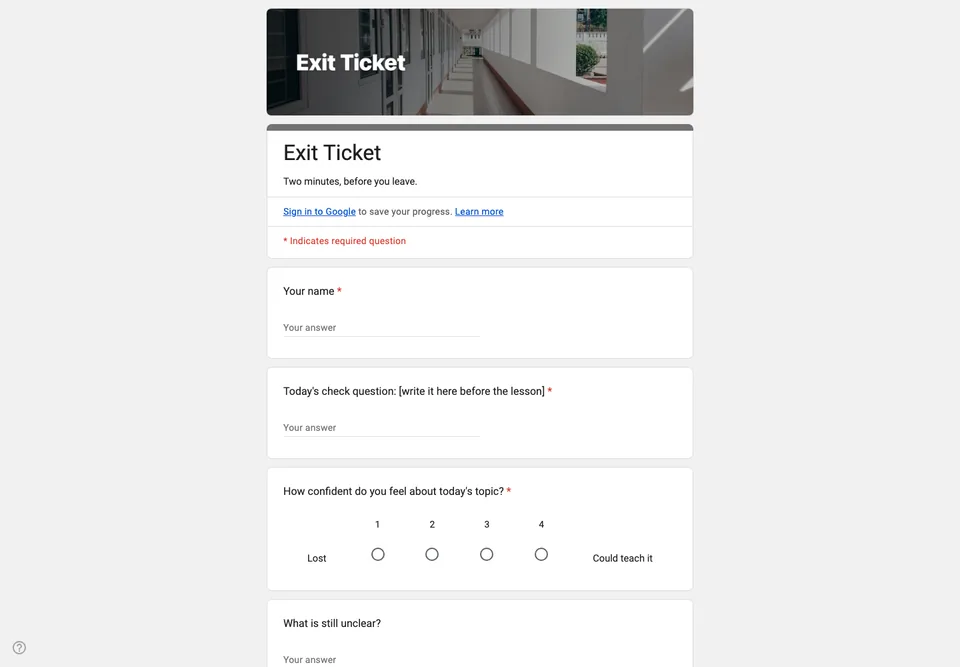
An exit ticket is the shortest form a teacher writes and the one read fastest. Four questions, two minutes, answered on the way out, and read before tomorrow’s lesson is planned. Anything longer and it stops being an exit ticket.
One question about today, not five
The form has a single check question about the lesson, written fresh each time. Change its text before each lesson; the rest stays. One well-chosen question tells you more than a mini-test, and it can be read for thirty students in the time it takes to drink a coffee.
Confidence, and the one thing that is unclear
“How confident do you feel about today’s topic?” on a scale of one to four, with no middle to hide in. Then “What is still unclear?” as a short answer. The pattern you look for is a student who rates themselves four and gets the check question wrong; that conversation is worth having first.
Running it every lesson
Put the QR code on the board for the last five minutes. Keep the same form and clear the responses between lessons, or make a copy per class so each group has its own sheet. Names are asked for, not email addresses, so students do not have to sign in. If you want the check question marked automatically, turn on quiz mode and set its answer; the grading guide shows how that works.
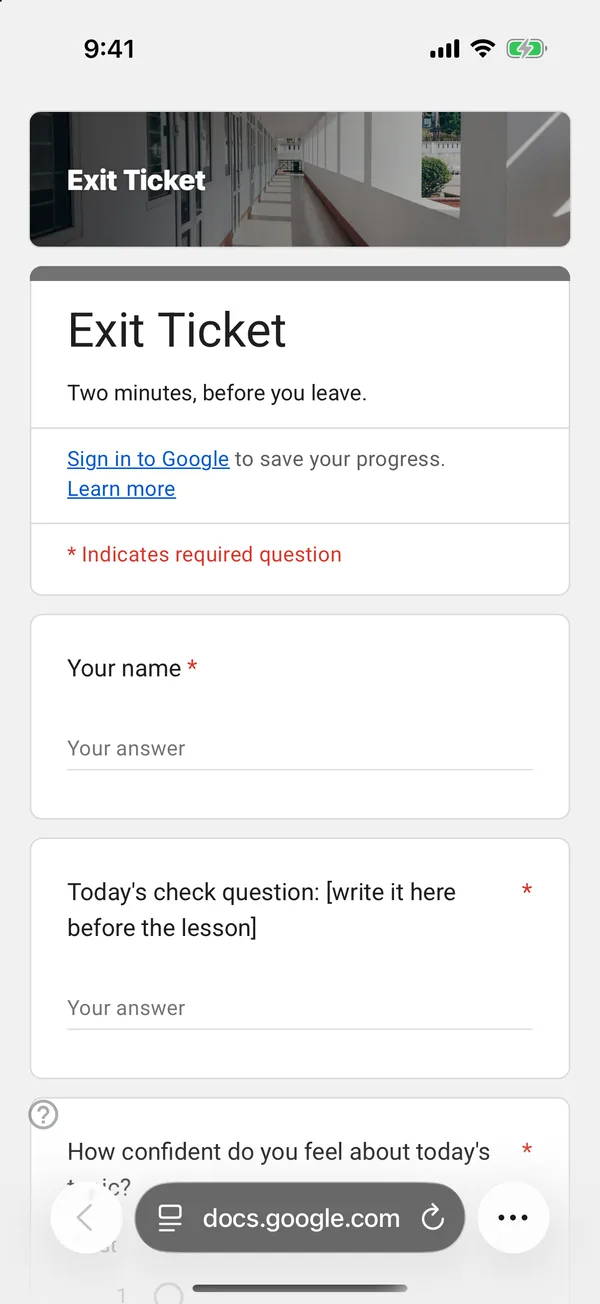
The copy goes into your own Google Drive, ready to edit. You need to be signed in to Google.
Describe it in the app and these questions are created in your own Google Drive. Change anything you like before you send it.
Other templates
Customer Satisfaction Survey
Nine questions built around what someone did and what they would change, rather than a score you cannot act on.
Event Feedback Form
Eight questions, short enough to be answered in the last five minutes of an event rather than ignored in an email on Monday.
Event Registration Form
Nine questions covering a headcount, dietary and access requirements, and nothing that would cost you a sign-up.
Classroom Quiz
Ten questions for an end-of-lesson recap, with the steps to make Google Forms mark eight of them for you.
Order Form
Nine questions that turn twenty direct messages into twenty spreadsheet rows, with a quantity field per product.
Job Application Form
Eleven questions that put every candidate in one spreadsheet, with a CV link instead of a file upload, so nobody has to sign in to apply.