

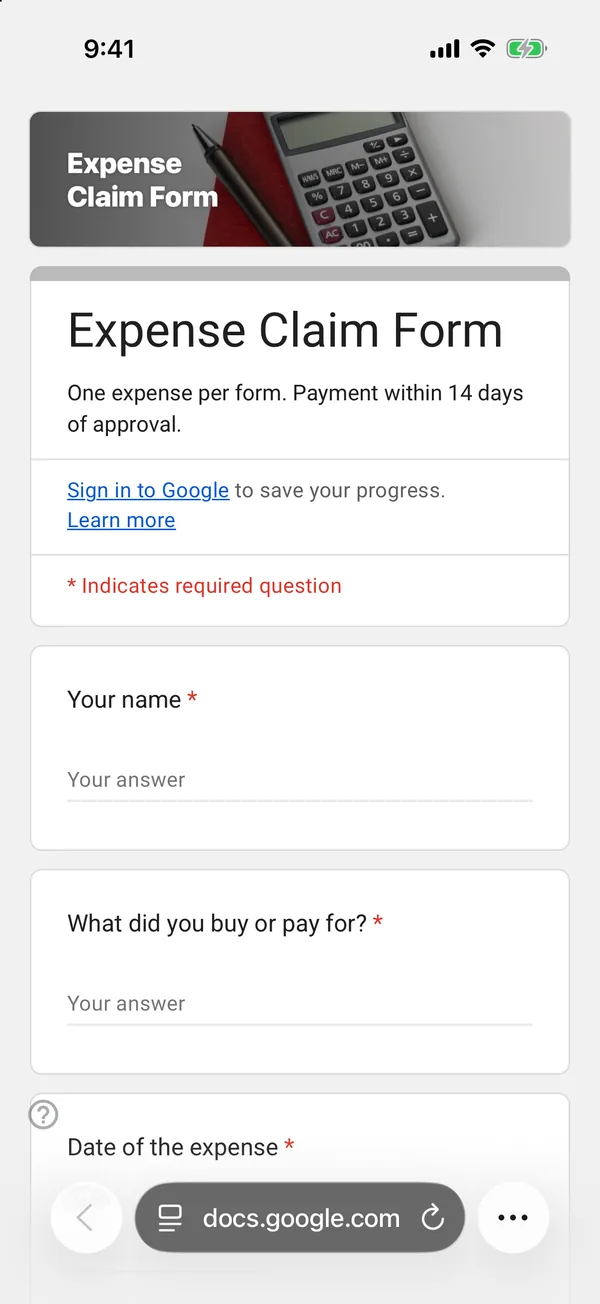
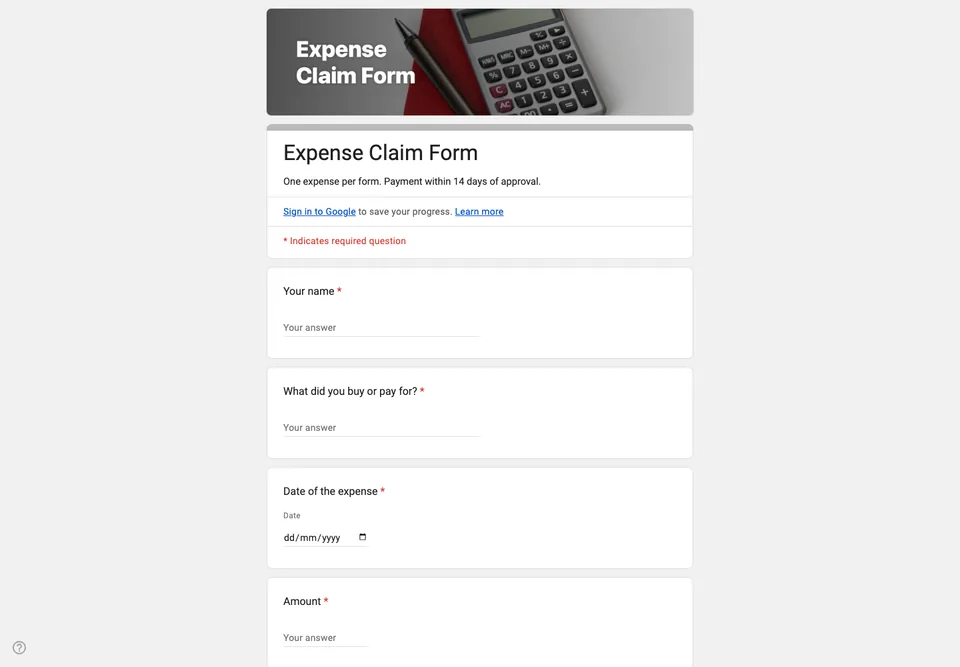
Expense claims arrive as a pile of receipts and a message saying “I spent about forty on the event”. The treasurer then reconstructs what was bought, when and why. A form gets the same information in the same order every time.
One expense per claim
The form is for a single expense. Several items on one receipt are one expense; three receipts are three forms. It sounds slower, but every row in the sheet is then one thing to check and one amount to pay, and nothing gets paid twice.
Amount and date as real fields
The amount is a short answer with a number validation, and the date is a date question. The category is a dropdown matching your budget lines, so the sheet can be totalled per category at the end of the year.
Receipts and bank details
The receipt is asked for as a link (a photo in Drive or Dropbox) or a reference to an email you were sent, because a file upload question would make claimants sign in to Google. If your volunteers all have accounts in your organisation, an upload question is fine.
Bank details are not in the form. Ask for them once, through a safer channel, and keep them out of a spreadsheet that several people can open. Add “Approved” and “Paid” columns to the sheet; a claim is closed when both are ticked.