
Find a Time Form
A volunteer organiser picking a date for the next meeting of twenty busy people
Four questions to find the date that suits most people, without forty replies in a group chat.
4 questions: 2 short answers, 1 checkbox question, 1 multiple choice question.
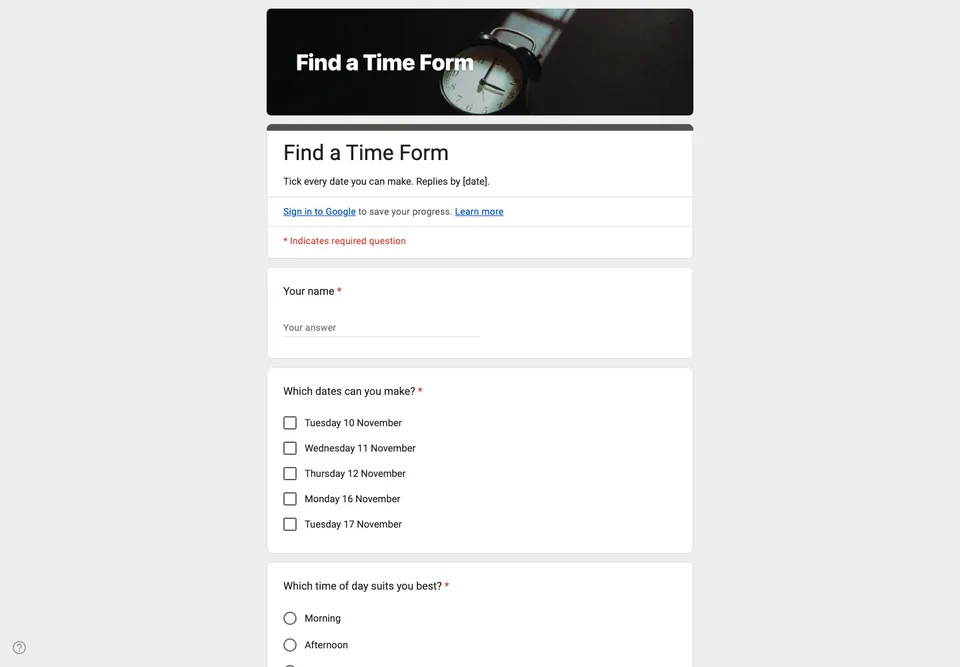
Finding a date in a group chat takes three days and ends with the loudest person’s preference. A form asks everyone the same question at once, and the summary chart answers it for you.
Checkboxes, not one choice
Each proposed date is a checkbox, and people tick every date they can do. Asking for a single favourite date hides the one that almost everyone could manage. In the Responses tab, the bar chart for that question shows the date with the most ticks; that is your meeting.
Write the dates with the day of the week (“Tuesday 10 November”), because people check their week, not the calendar number. Offer four to six dates. Fewer and nobody fits; more and the chart is flat.
Time of day as a separate question
Morning, afternoon or evening comes second. If you combine dates and times, you multiply the options and halve the clarity. Decide the date first, then the time.
Closing it
Give a reply-by date in the description and close the form then. Google Forms will not pick the date or send the invitation; read the chart, choose, and tell everyone in one message. The responses guide shows where that chart is on a phone.
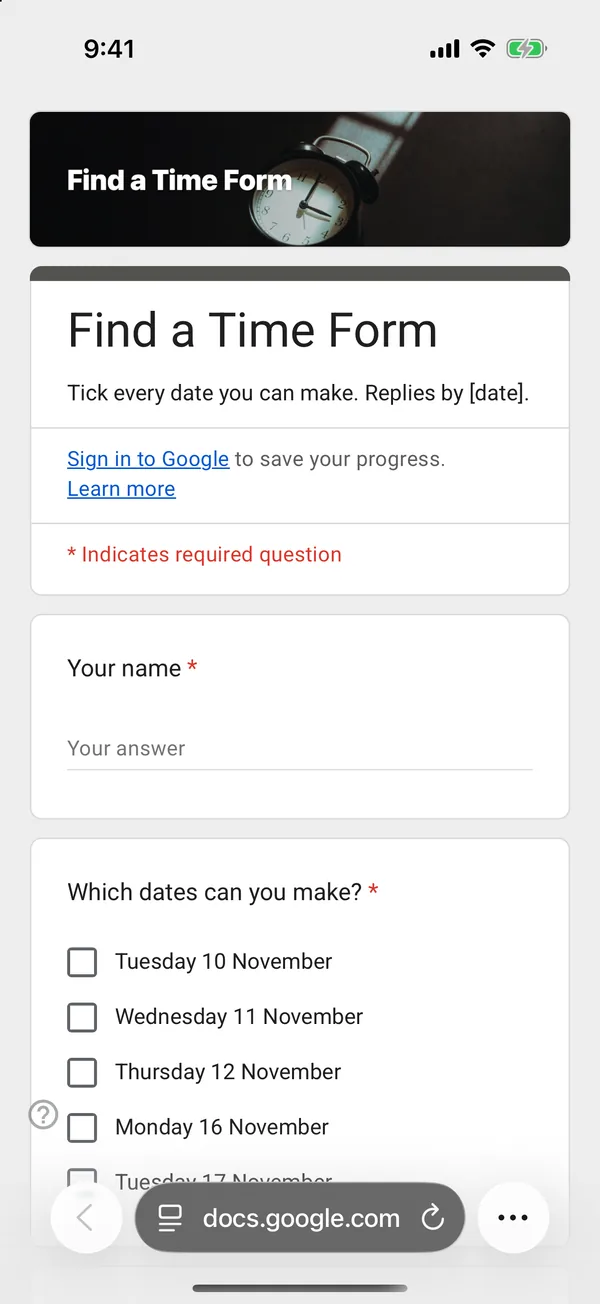
The copy goes into your own Google Drive, ready to edit. You need to be signed in to Google.
Describe it in the app and these questions are created in your own Google Drive. Change anything you like before you send it.
Other templates
Customer Satisfaction Survey
Nine questions built around what someone did and what they would change, rather than a score you cannot act on.
Event Feedback Form
Eight questions, short enough to be answered in the last five minutes of an event rather than ignored in an email on Monday.
Event Registration Form
Nine questions covering a headcount, dietary and access requirements, and nothing that would cost you a sign-up.
Classroom Quiz
Ten questions for an end-of-lesson recap, with the steps to make Google Forms mark eight of them for you.
Order Form
Nine questions that turn twenty direct messages into twenty spreadsheet rows, with a quantity field per product.
Job Application Form
Eleven questions that put every candidate in one spreadsheet, with a CV link instead of a file upload, so nobody has to sign in to apply.