

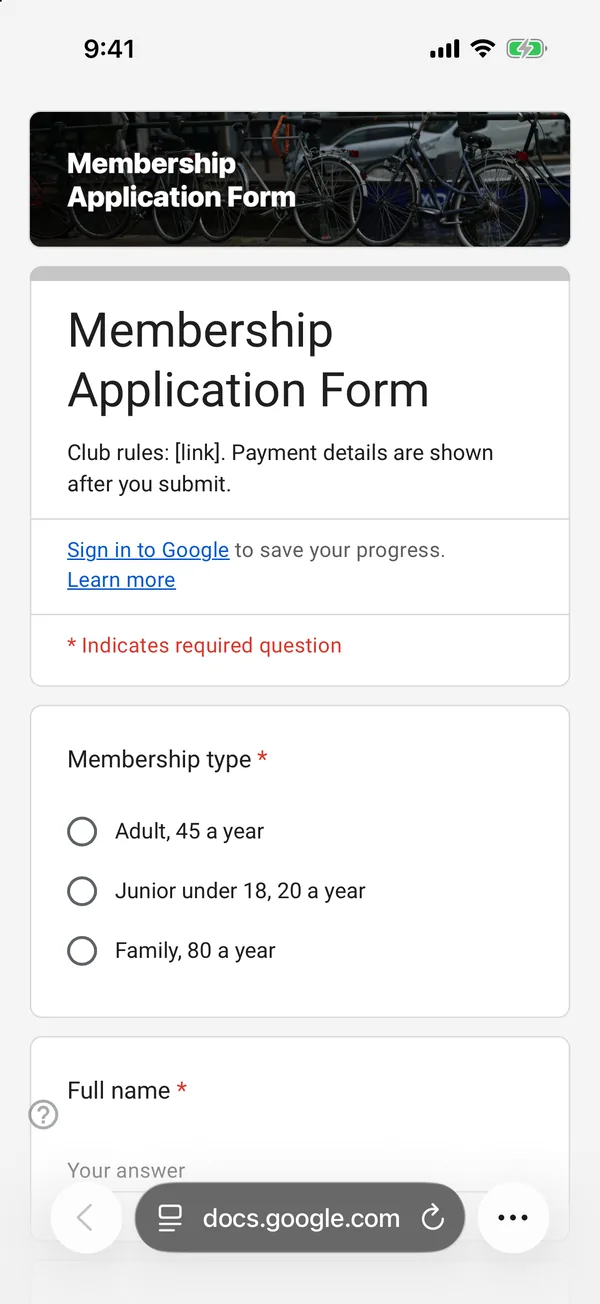
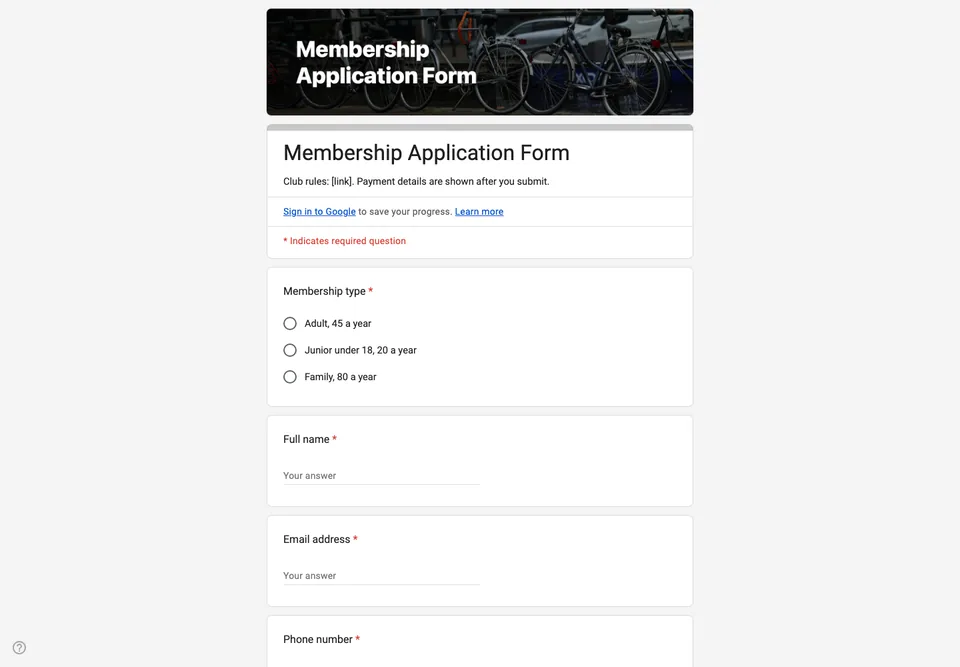
Joining a club should take one form and one payment. In many clubs it takes a paper form, a photo of the paper form, a bank transfer with the wrong reference and three emails. This form handles the first part properly and says clearly how to do the second.
Membership type first
The first choice is the type of membership, with the price in each option (“Adult, 45 a year”, “Junior under 18, 20 a year”). People pick the right one when they can see what it costs, and you can sort the sheet by type when the subscriptions are due.
Emergency contact and the rules
A club that runs rides, matches or trips needs someone to call. The emergency contact question is required. The rules are linked in the description, and the last question asks the applicant to confirm they have read and accept them; it is the row you point to when someone disputes a decision.
Payment is not in the form
Google Forms cannot take money. Put the payment method and the reference to use in the confirmation message, which you set in the form’s settings, so people see it right after they submit. Add a “Paid” column to the linked sheet and tick it when the money arrives. A member is a row with that column ticked.
Turn on “Allow response editing” so members can correct their own details later instead of sending a second application.