

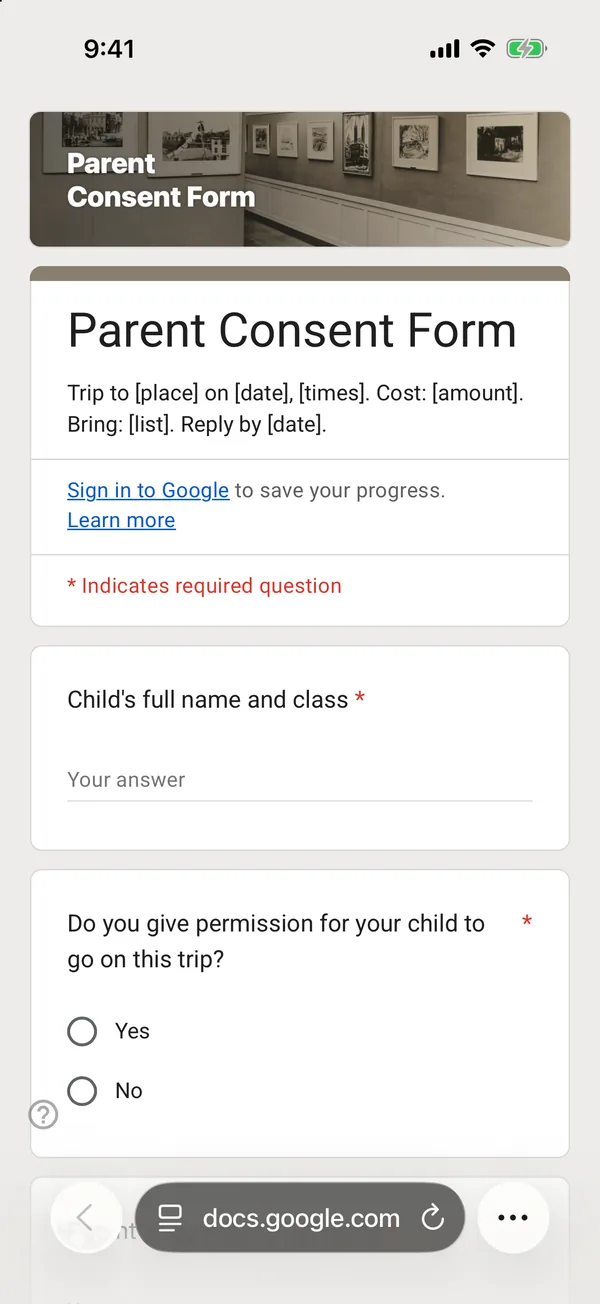
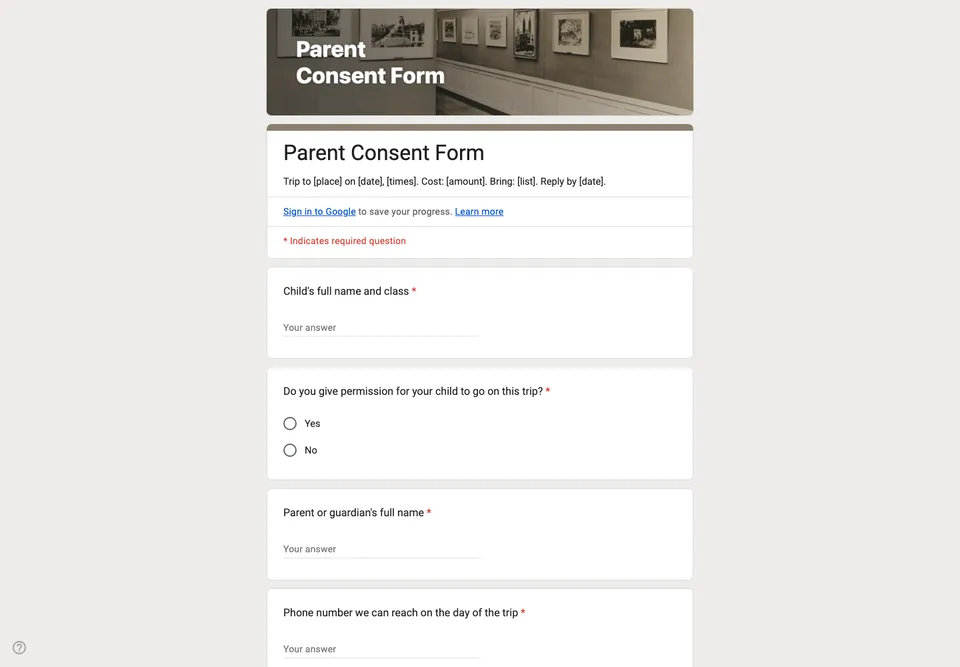
Paper permission slips come back crumpled, unsigned, or not at all, and the teacher spends the morning of the trip phoning parents. A form gives you a live list of who has said yes, and the details you need on the day in one place.
Trip details where parents decide
The date, times, destination, cost and what to bring go in the form description, so parents read them at the moment they agree. Consent is the second question, with a plain yes or no, after the child’s name.
Medical needs for the day, not a health history
Ask what the staff need to know for this trip: allergies, medication the child must carry, anything that affects travel or activities. A full medical history does not belong in a trip form and should already be on the school’s own records.
Is a form enough?
Many schools accept online consent; some require a signed paper slip or use their own system. Check your school’s policy before replacing paper. A typed name and a tick box are a clear record of who agreed and when, which is more than a lost slip, but your school decides what counts.
Ask for a phone number for the day of the trip, not just “a contact number”: the one that will be answered at 3 pm when the coach is late. Close the form the day before you give the final numbers to the venue.