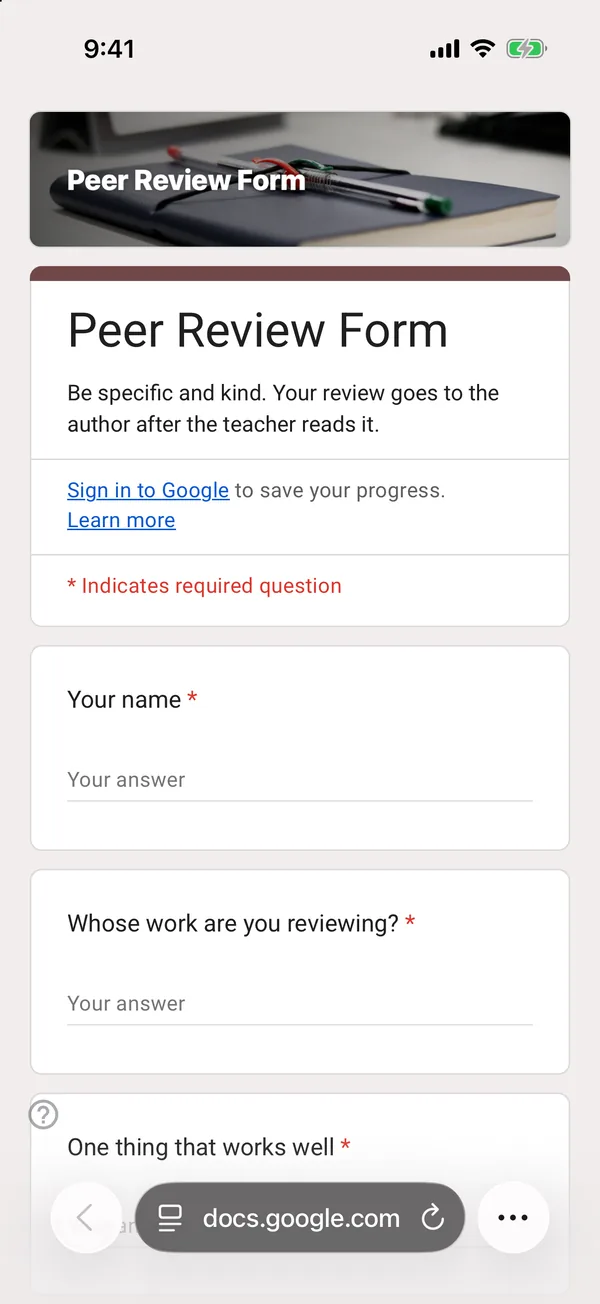
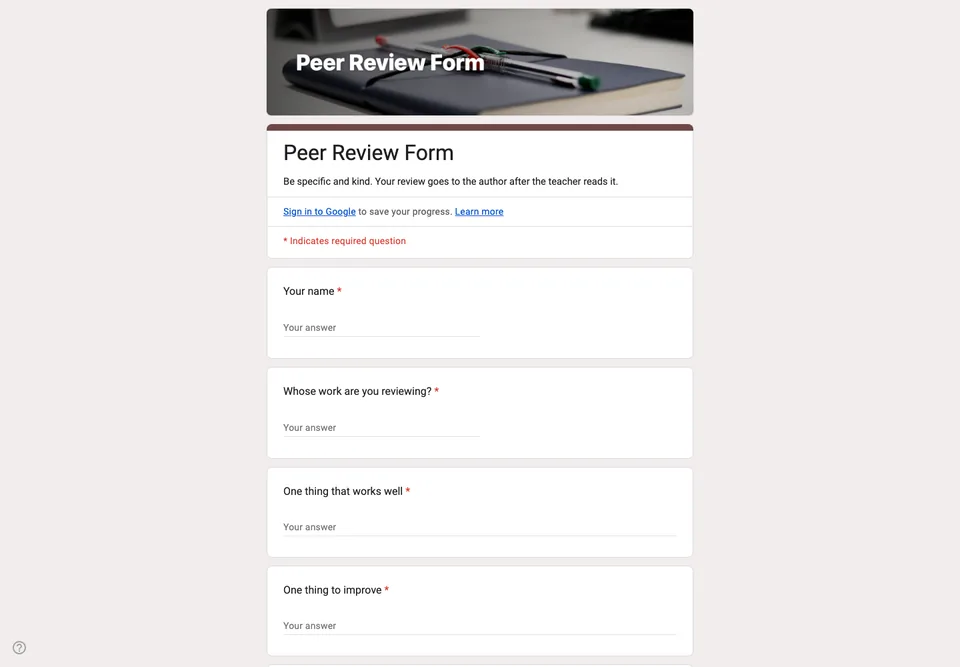
Students reviewing each other’s work tend to write “good job” and give full marks. The form’s job is to make kindness and usefulness compatible: one thing that works, one thing to change, and a quote from the work to show they read it.
One strength, one improvement
Two required paragraph questions, in that order. Asking for one of each is easier than “give feedback”, and the improvement is less hurtful when it follows something genuinely good. Writing them separately also stops the classic “good, but” sentence that says neither.
Evidence from the work
“Quote or point to the part of the work you mean.” It is the question that turns opinion into feedback, and the one teachers check first when marking the reviews themselves.
Ratings on criteria, without a middle
Three criteria on a scale of 1 to 4 (argument, evidence, clarity), with no middle point to retreat to. Name the criteria the same way as your marking scheme, so students learn the language you mark with.
Ask for the reviewer’s name and the author’s name, so you can pass feedback on and see who reviewed whom. Students do not need to sign in. Make a copy of the form per assignment, so each review round has its own sheet.