

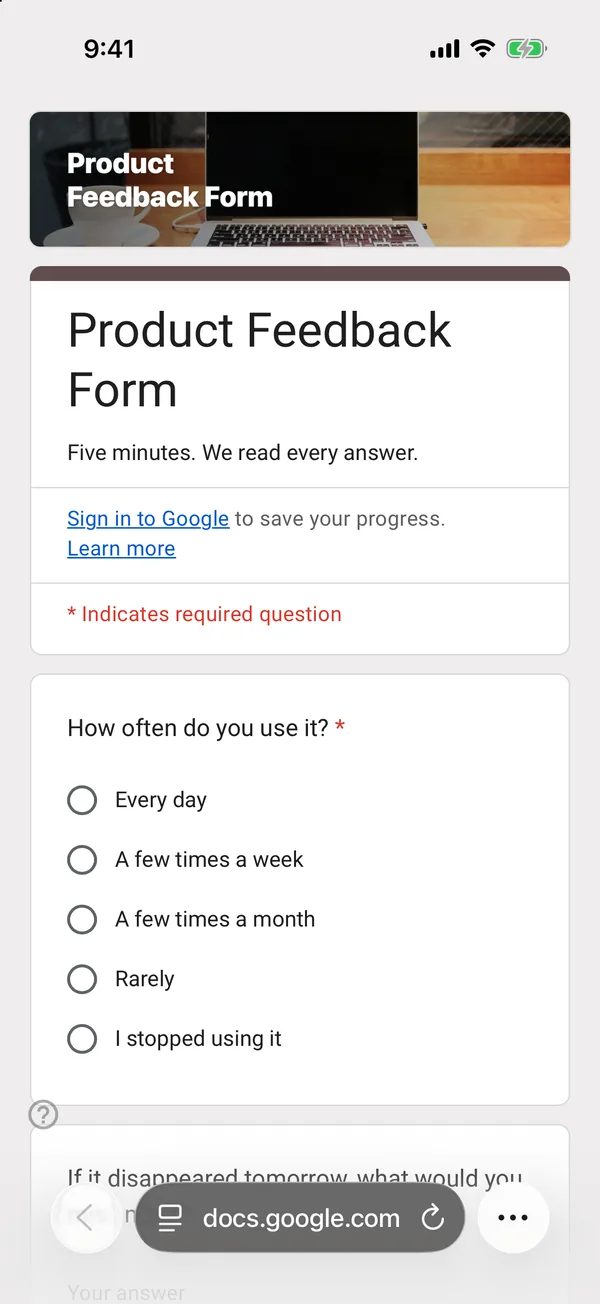
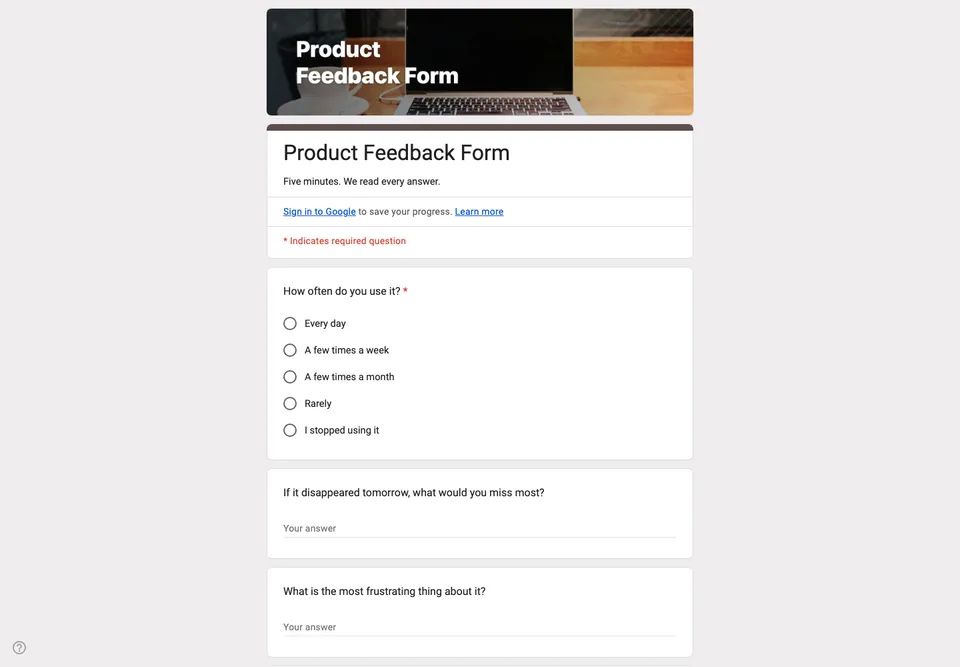
Most product feedback forms ask people to rate features from one to five, and the result is a column of fours that decides nothing. This one asks the questions a small team actually has to answer: who uses it, what they would miss, what gets in their way.
Usage before opinions
The first question is how often they use the product. A complaint from a daily user and a complaint from someone who tried it once are different kinds of information; this column lets you filter them apart in the sheet.
The two open questions
“If the product disappeared tomorrow, what would you miss most?” tells you what to protect. “What is the most frustrating thing about it?” tells you what to fix. Each asks for one thing, which is why the answers are short enough to read and specific enough to act on.
One rating, not ten
A single overall satisfaction scale is enough to follow over time. The last question asks whether you may contact them for a short call; five conversations with the people who say yes will teach you more than the rest of the form.
Send it to active users, not to everyone on your list, and read the answers within a week while you still remember what changed that month.