
RSVP Form
A couple sending one link to 80 wedding guests instead of chasing replies by text
Seven questions that answer the only three things you need to know: who is coming, how many, and what they cannot eat.
7 questions: 2 short answers, 2 paragraphs, 1 multiple choice question, 1 dropdown, 1 checkbox question.
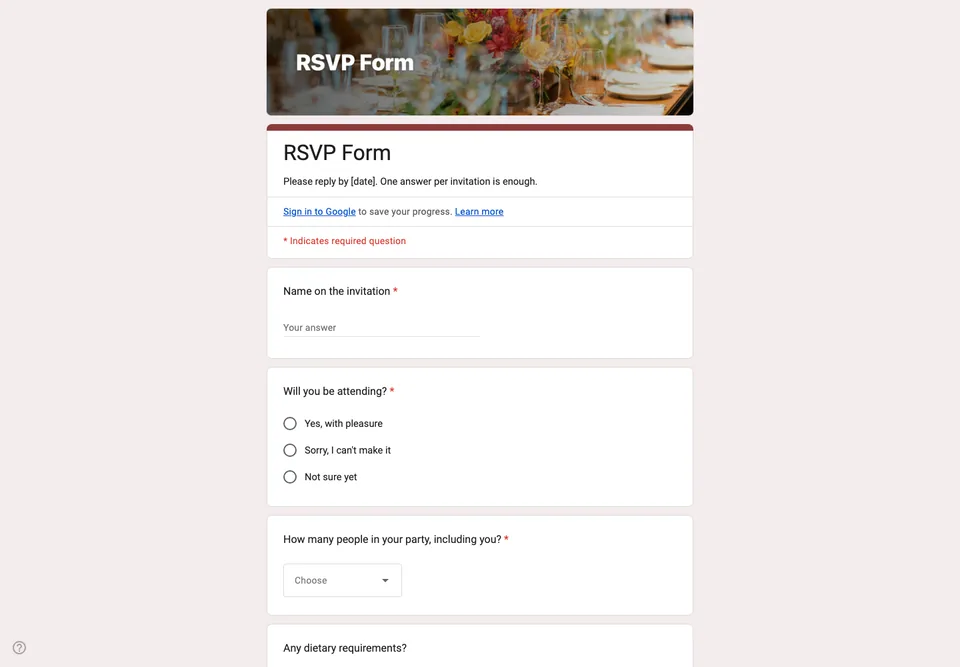
An RSVP has one job: give you a number you can hand to the caterer. Most RSVP forms make that harder by asking the wrong thing first, usually a name, and leaving the head count for a free-text box where “me + kids” has to be turned into a number by hand.
One answer per household, not per person
The form asks for the name on the invitation and then for the number in the party, as a dropdown from 1 to 6. You get one row per invitation in the spreadsheet and a column you can add up. A form that asks every guest to answer separately produces duplicates the day someone replies for their partner and the partner replies too.
“Will you be attending?” comes before everything else, with three answers: yes, no, and not sure yet. The third one matters. Without it, the undecided do not answer at all, and silence is the one reply you cannot plan around.
Dietary needs as checkboxes, with a free line
Vegetarian, vegan, gluten-free and nut allergy cover most kitchens; the “Anything else we should know?” box catches the rest. Checkboxes give the caterer a count per diet; a single text box gives them forty sentences to read.
Settings and timing
Put the reply-by date in the form description, not only on the invitation, because the form is what people have open when they decide. Close the form the day after that date, so late answers come to you directly and you can say yes or no in person. Do not switch on “Limit to 1 response”: it would make every guest sign in to Google, and your grandmother will not.
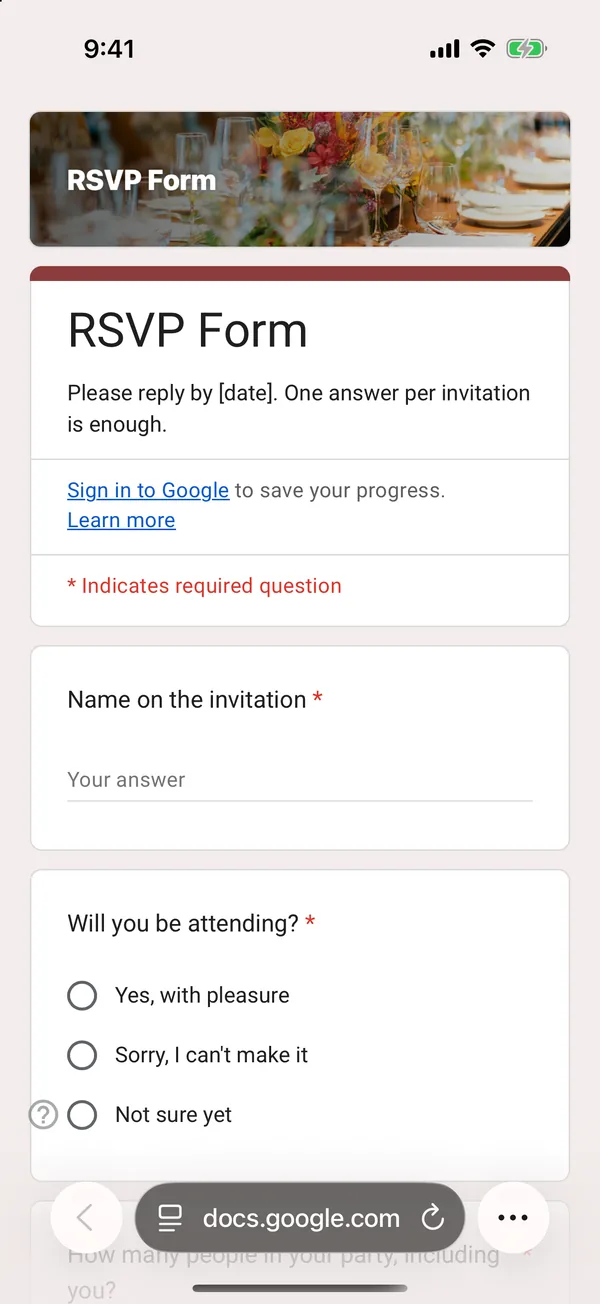
The copy goes into your own Google Drive, ready to edit. You need to be signed in to Google.
Describe it in the app and these questions are created in your own Google Drive. Change anything you like before you send it.
Other templates
Customer Satisfaction Survey
Nine questions built around what someone did and what they would change, rather than a score you cannot act on.
Event Feedback Form
Eight questions, short enough to be answered in the last five minutes of an event rather than ignored in an email on Monday.
Event Registration Form
Nine questions covering a headcount, dietary and access requirements, and nothing that would cost you a sign-up.
Classroom Quiz
Ten questions for an end-of-lesson recap, with the steps to make Google Forms mark eight of them for you.
Order Form
Nine questions that turn twenty direct messages into twenty spreadsheet rows, with a quantity field per product.
Job Application Form
Eleven questions that put every candidate in one spreadsheet, with a CV link instead of a file upload, so nobody has to sign in to apply.