
T-Shirt Sign Up Form
A charity run organiser ordering team t-shirts for sixty volunteers
Six questions that give you the exact count per size and colour to send to the printer, with no guessing.
6 questions: 3 short answers, 2 dropdowns, 1 multiple choice question.
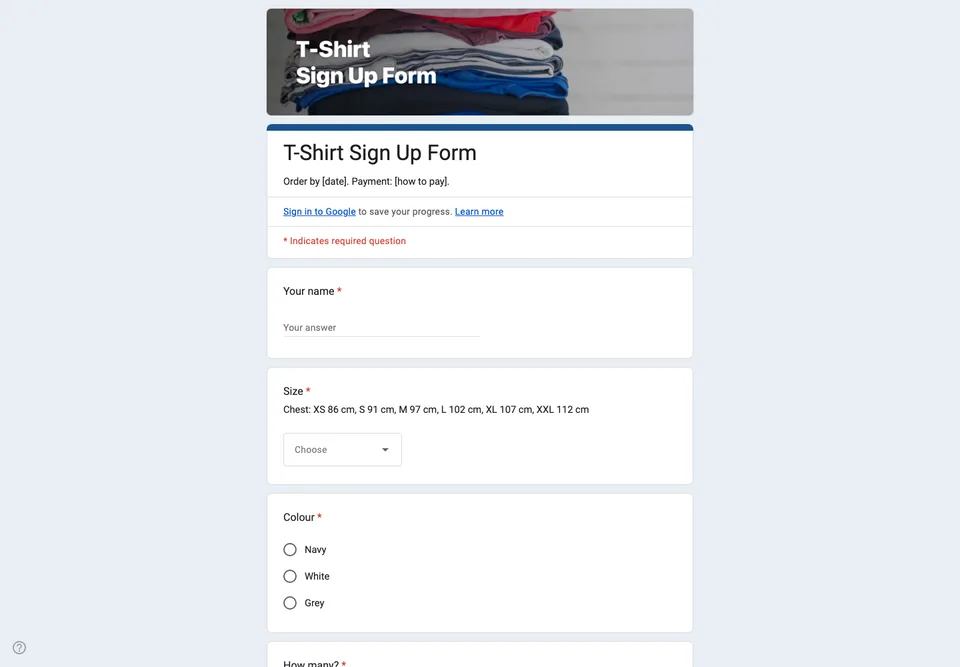
A t-shirt order goes wrong in one predictable way: the sizes. People guess, the printer needs exact numbers per size, and someone always ends up in an XL they will sleep in. The form is built around getting the size right once.
Size as a dropdown, with the guide in the form
Sizes XS to XXL in a dropdown, and the size chart (chest measurement per size) written in the question’s description, or added as an image. A dropdown gives the printer a count per size straight from the summary chart; a text box gives you “medium-ish”.
Quantity and name
“How many?” is a dropdown from 1 to 4, because someone always orders for their partner. If the shirts are printed with names, the name to print is its own question, with a note that it will be printed exactly as typed.
What the form cannot do
It cannot take payment. Say how and when people pay in the description, and add a “Paid” column to the linked spreadsheet. Close the form on the printer’s deadline; the summary chart for the size question is then the order you send.
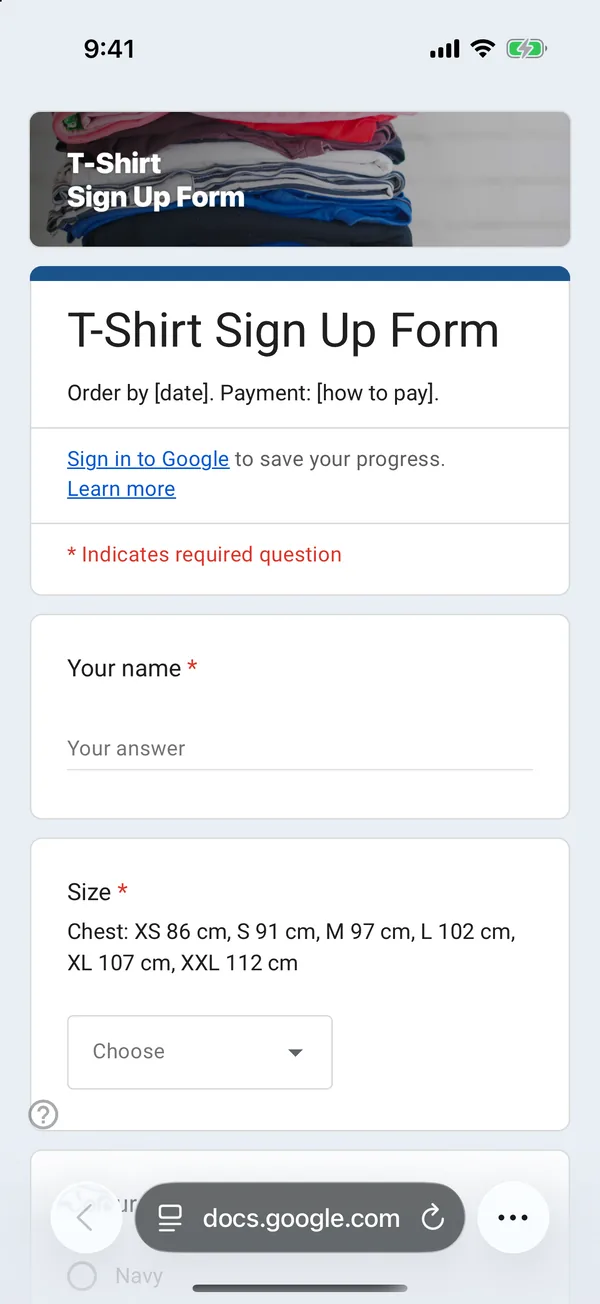
The copy goes into your own Google Drive, ready to edit. You need to be signed in to Google.
Describe it in the app and these questions are created in your own Google Drive. Change anything you like before you send it.
Other templates
Customer Satisfaction Survey
Nine questions built around what someone did and what they would change, rather than a score you cannot act on.
Event Feedback Form
Eight questions, short enough to be answered in the last five minutes of an event rather than ignored in an email on Monday.
Event Registration Form
Nine questions covering a headcount, dietary and access requirements, and nothing that would cost you a sign-up.
Classroom Quiz
Ten questions for an end-of-lesson recap, with the steps to make Google Forms mark eight of them for you.
Order Form
Nine questions that turn twenty direct messages into twenty spreadsheet rows, with a quantity field per product.
Job Application Form
Eleven questions that put every candidate in one spreadsheet, with a CV link instead of a file upload, so nobody has to sign in to apply.