
Time Off Request Form
A restaurant manager with twelve staff and a holiday calendar kept in their head
Seven questions that turn holiday requests into dated rows you can approve in order, instead of messages you forget.
7 questions: 2 short answers, 2 date fields, 2 multiple choice questions, 1 paragraph.
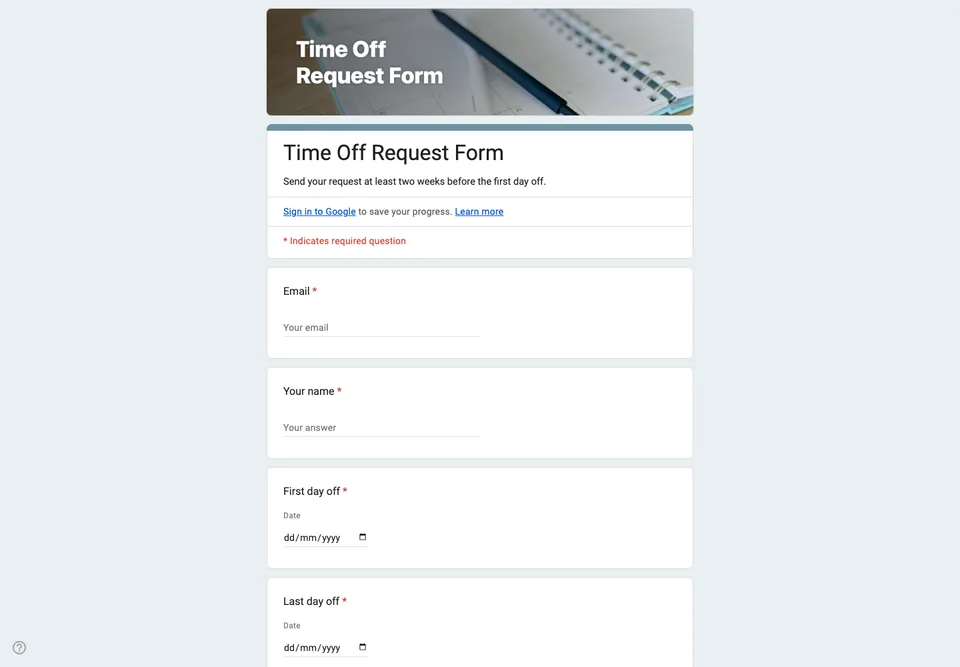
In a small team, holiday requests arrive as a sentence in passing, and they are approved the same way. Then two people are off the same weekend, and both are sure they asked first. A form gives every request a timestamp and the dates in a format you can sort.
Dates as dates
The first and last day off are date questions, not text. “The week after Easter” means a different week to everyone; a date field means one thing, and the linked spreadsheet can sort the requests so you see clashes at a glance. The number of working days is asked separately, because only the person asking knows which of those days they were rostered.
Cover before approval
“Have you arranged cover?” with yes, no and partly. It does not replace your decision, but it moves the first conversation from “who will do your shifts” to “is this swap fine”, which is the shorter one.
Settings
Collect email addresses, so you can reply to each request, and keep the form open all year. Google Forms will not approve or refuse anything, and it will not warn you about overlapping dates; that part is you, reading the spreadsheet sorted by start date. Add a column there for your decision, and the sheet becomes the holiday record.
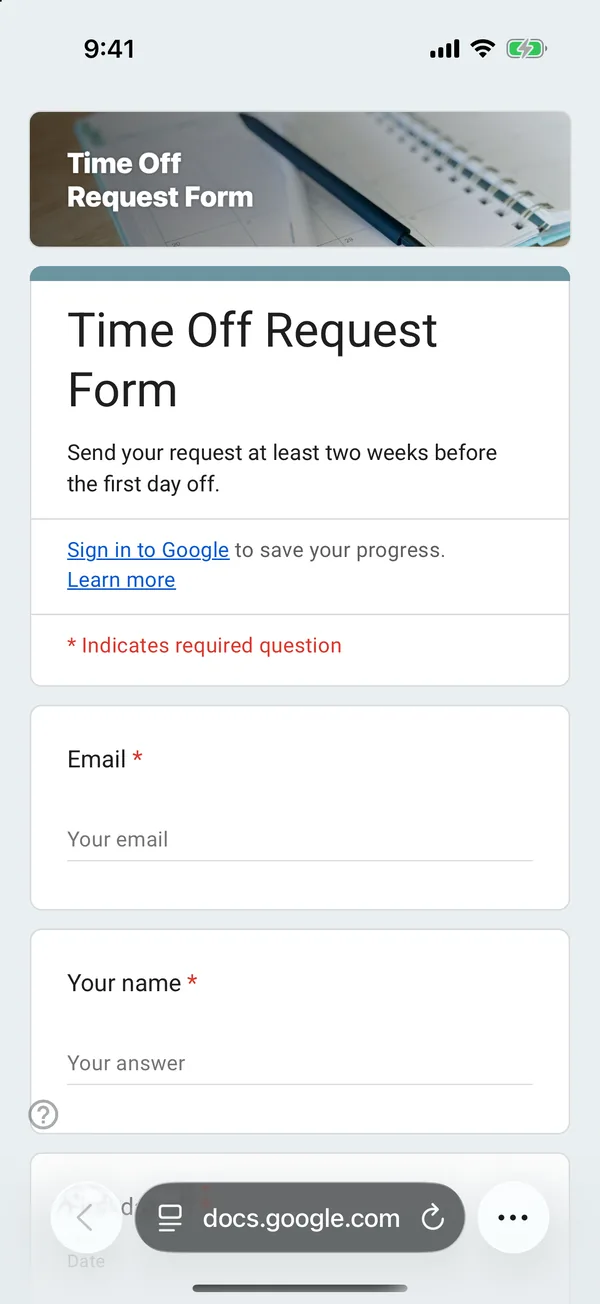
The copy goes into your own Google Drive, ready to edit. You need to be signed in to Google.
Describe it in the app and these questions are created in your own Google Drive. Change anything you like before you send it.
Other templates
Customer Satisfaction Survey
Nine questions built around what someone did and what they would change, rather than a score you cannot act on.
Event Feedback Form
Eight questions, short enough to be answered in the last five minutes of an event rather than ignored in an email on Monday.
Event Registration Form
Nine questions covering a headcount, dietary and access requirements, and nothing that would cost you a sign-up.
Classroom Quiz
Ten questions for an end-of-lesson recap, with the steps to make Google Forms mark eight of them for you.
Order Form
Nine questions that turn twenty direct messages into twenty spreadsheet rows, with a quantity field per product.
Job Application Form
Eleven questions that put every candidate in one spreadsheet, with a CV link instead of a file upload, so nobody has to sign in to apply.