
A photocopied worksheet comes back crumpled, late, or not at all, and you mark thirty of them by hand. As a form, the same questions arrive in one spreadsheet, time-stamped, and the short answers can be read down a column.
One text, linked at the top
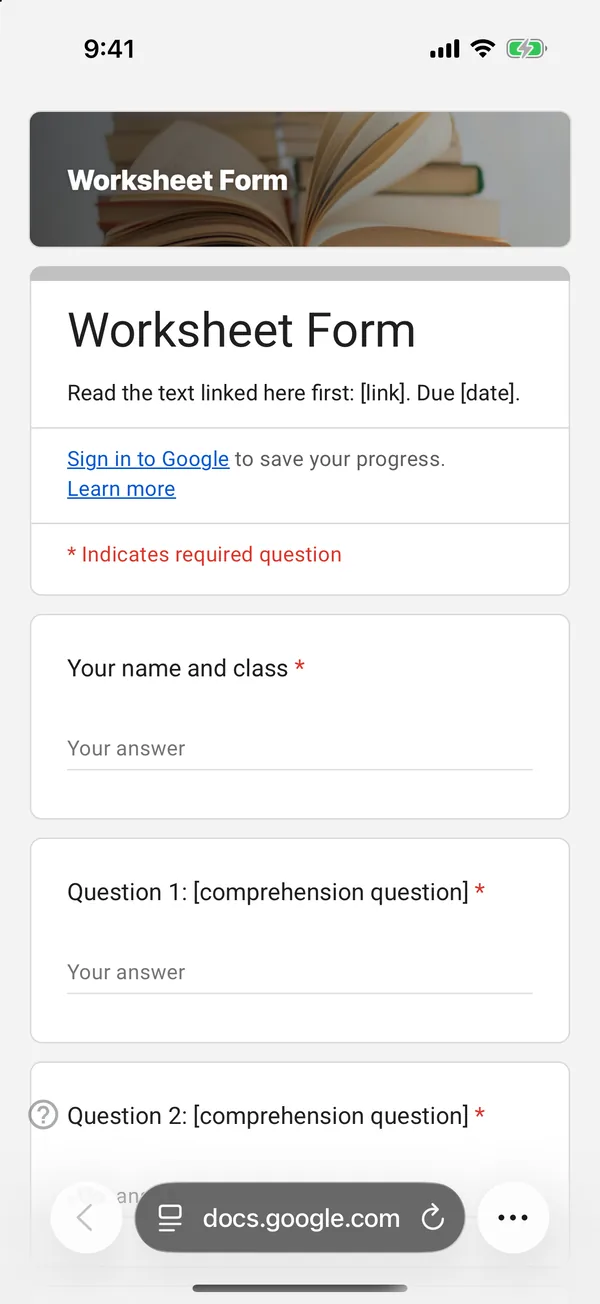
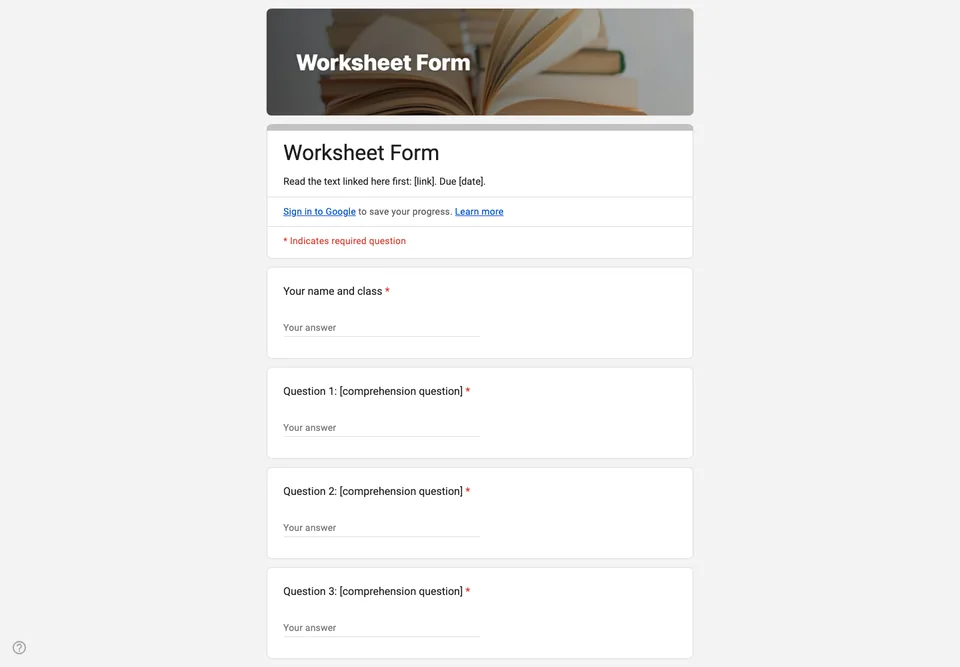
The worksheet is built around a single reading: a link to the text, the video or the page in the textbook goes in the form description. Every question then refers to it. A worksheet that sends students to five sources is a research task, not a worksheet.
Short answers first, one long one last
Four short comprehension questions that check the reading was done, then one paragraph that asks for an opinion or an explanation. You can read the short answers down a column in two minutes; the paragraph is where you spend your time.
Marking
If some answers are exact (a date, a name), turn on quiz mode and set those answers; Google Forms marks them, and you mark the paragraph. Students do not need to sign in: their name is asked for in the first question. Set the deadline in the description and close the form when it passes.