

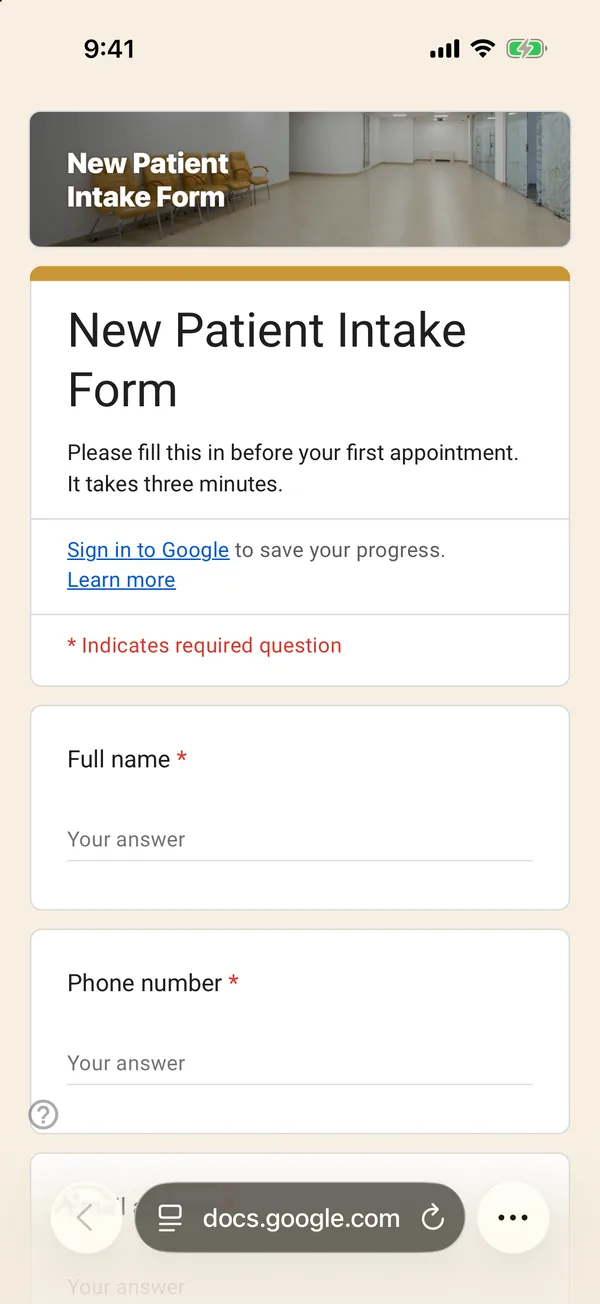
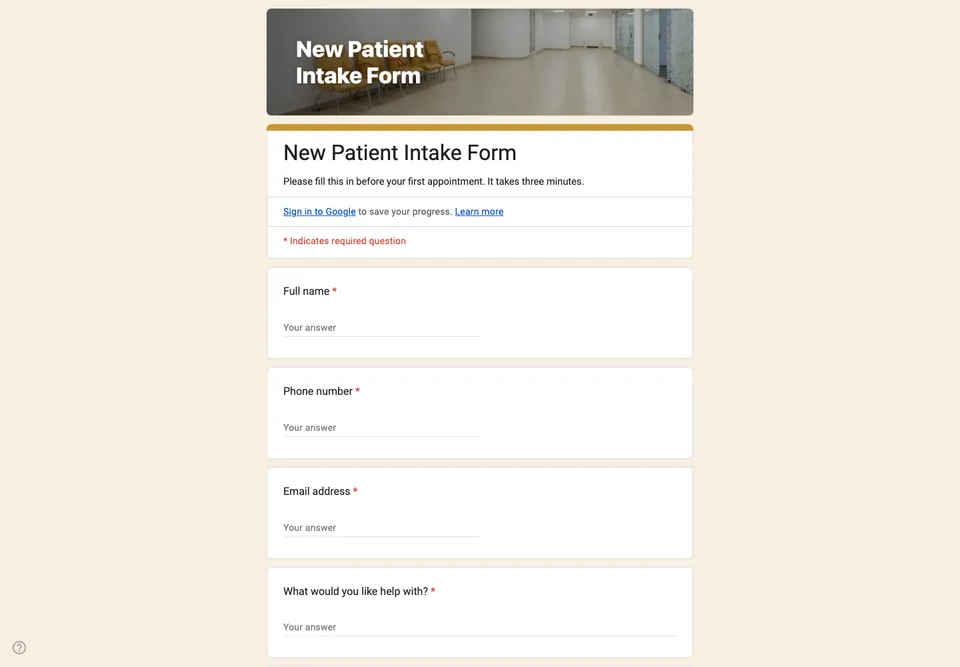
An intake form for a clinic is where Google Forms is most tempting and most risky. Tempting, because a link sent before the first visit saves ten minutes of clipboard in the waiting room. Risky, because health information is the most sensitive data most small practices will ever hold.
What this form collects, and what it leaves out
It asks what you need to book and prepare a first appointment: name, contact details, the reason for the visit in the patient’s words, how long the problem has lasted, and whether they have seen anyone about it. It does not ask for a full medical history, medications, diagnoses or insurance numbers. Those belong in your clinical record system, not in a spreadsheet in a personal Google Drive.
Whether you may use Google Forms for health data at all depends on where you work and on your account. A free Google account is not set up for regulated health records; organisations that need that use a business account with the right agreements in place, or a dedicated medical system. Check before you collect anything more than this form does.
Consent, in plain words
The last question asks the patient to agree that their answers are used to arrange and prepare their appointment, and are deleted if they do not book. Keep that promise, and limit who can open the linked sheet.
Settings
Do not add a file upload question for referral letters: it forces patients to sign in to Google and puts their documents in your Drive. Ask them to bring the letter instead.